What you need
| Game versions (tagged) | 1.21, 1.20.0 - 1.20.1, 1.20.10, 1.20.12, 1.20.30, 1.20.40, 1.20.50, 1.20.60, 1.20.70, 1.20.80, 1.19.80 (tagged by the uploader) |
|---|---|
| Experimental toggles | Needed: Other |
| Edits player.json | Not stated |
| Files | lfWIND_ANGLE.mcpack |
| Platforms | Android, iOS, Windows (consoles: through a Realm or a world that already has it) |
| Difficulty | Intermediate |
| How you get the wings | Creative only |
| Wing kind | Angel, Magic |
- The uploader tagged game versions 1.19.80 through 1.21; note that tagged versions indicate what the uploader selected and are not a guarantee of full compatibility.
- Your version of Minecraft requires support for the /camera command for this add-on to work properly.
- You need to turn on all experimental toggles in your world settings before playing.
- The description does not state whether player.json is modified, so test carefully if combining this pack with other player-altering add-ons.

How to install
Turn on the experimental toggle Other before you first enter the world (Edit world → Game → Experiments). Experiments cannot be turned off again for that world and they disable achievements, so use a copy of your world.
Android
- Locate the downloaded lfWIND_ANGLE.mcpack file using a file manager and tap it to open with Minecraft.
- Create a new world or edit an existing one, then go to Settings -> Game -> Experiments and enable all experimental toggles before entering the world (note that experimental toggles disable achievements and cannot be turned off later).
- Activate both the behavior pack and resource pack in the world settings.
iPhone and iPad
- Open the Files app, tap on the lfWIND_ANGLE.mcpack file, and select Minecraft to import it.
- In your world settings under Game -> Experiments, turn on all experimental toggles prior to loading the world for the first time (this disables achievements permanently for that world).
- Apply both the behavior and resource packs to your world.
Windows
- Double-click the lfWIND_ANGLE.mcpack file so Minecraft for Windows imports it automatically.
- Open your world settings, navigate to Game -> Experiments, and switch on all experimental toggles before starting the world (achievements will be disabled and toggles cannot be reversed).
- Enable both the behavior pack and resource pack under the Add-Ons section.
Xbox, PlayStation and Switch
- Xbox, PlayStation, and Nintendo Switch do not support importing .mcpack files directly from a browser or file manager.
- To use this add-on on a console, join a Realm, server, or multiplayer world hosted by a device that already has the pack installed and all experiments enabled.
Step-by-step help: How to install Bedrock add-ons.
How to get the wings
- The item cannot be crafted in survival mode.
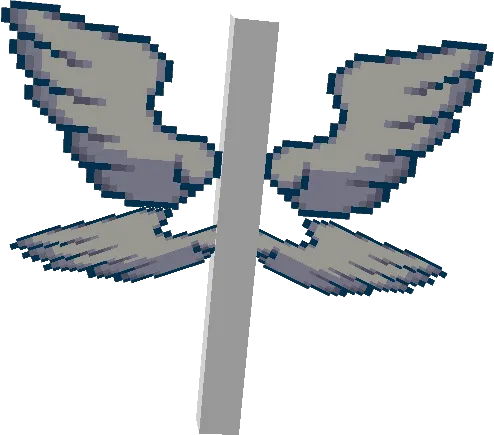
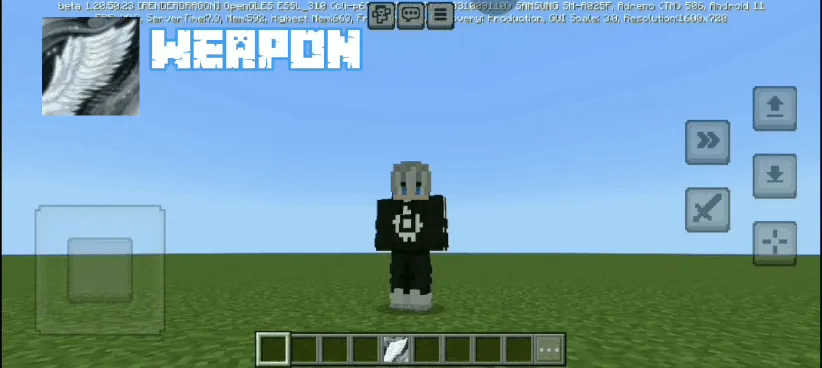
- Open your creative inventory and look in the armor section for an item named 'wind angle'.
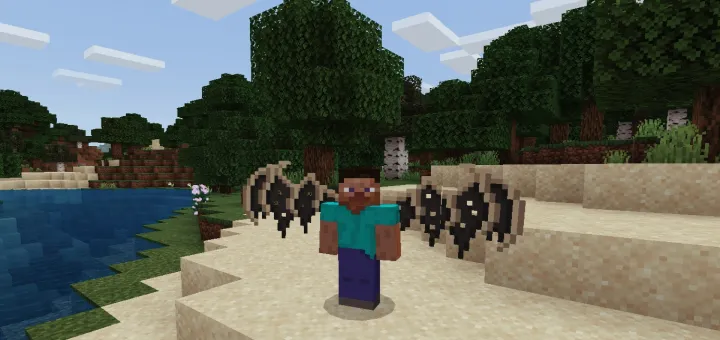
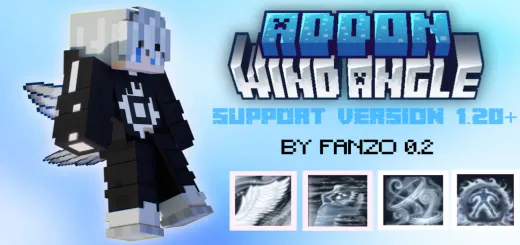
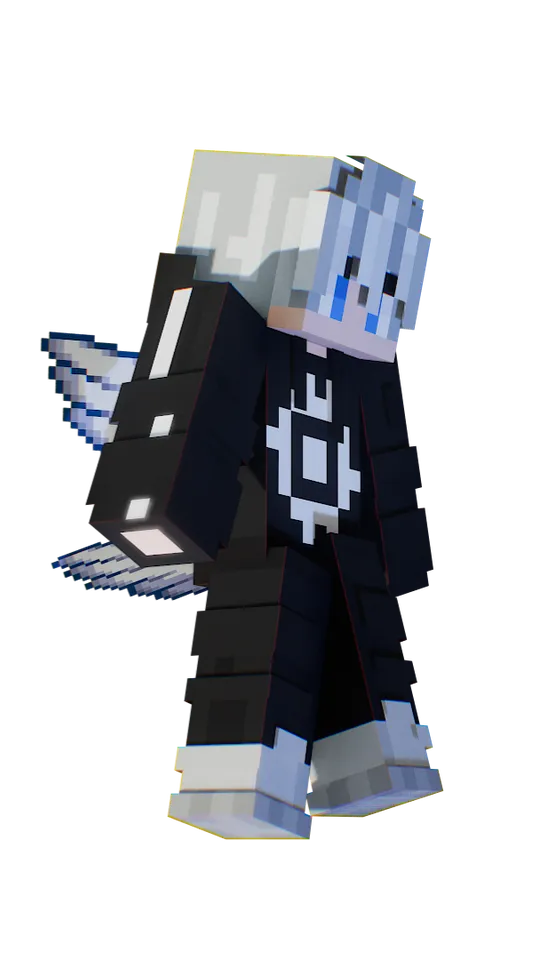
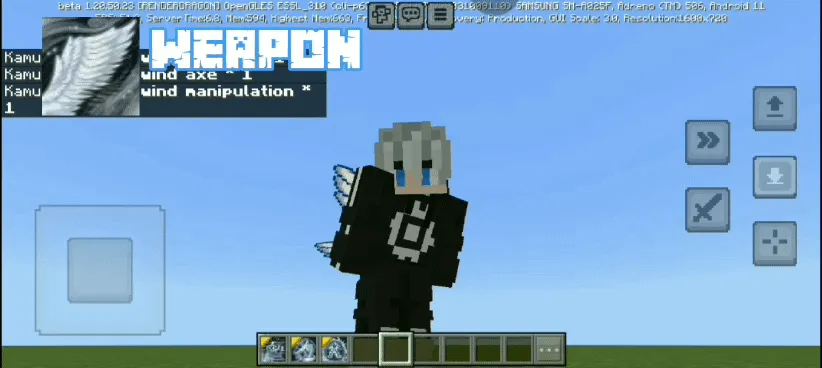
- Use the 'wind angle' item to transform into an angel with wings and gain access to the three wind skills.
Controls
- Use the 'wind angle' item to enter the winged angel form.
- Skill 1 (Wind Impulse): Pushes a target in front of you back by about 5 blocks and deals increased damage.
- Skill 2 (Wind Axe): Lifts targets within a 15+ block radius up into the air by about 5 blocks.
- Skill 3 (Wind Manipulation): Emits a blue light that launches nearby mobs high into the sky before letting them fall.
- Sneak and jump at the same time to exit the transformation and return to your original mode.
Tips
- Make sure a target is directly in front of you before activating Skill 1, as the push effect only works on targets ahead of your character.
- Use Skill 2 and Skill 3 for crowd control when surrounded, since Skill 2 affects a 15+ block radius and Skill 3 launches multiple nearby mobs.
- Verify that the /camera command works in your game version before troubleshooting skill animations.
Compatibility
- Works on Minecraft Bedrock 1.19+ and 1.20+ (and tagged up to 1.21), provided the client includes the /camera command.
- Because all experimental toggles are required, worlds using this pack may break after major game updates.
- Potential conflicts with other add-ons are unknown as player.json modification is not specified in the source details.
Questions and answers
Can I craft the Wind Angle item in survival mode?
No. The description states that the item cannot be crafted. You need to retrieve it from the armor section of the inventory.
How do I turn back into my normal form after equipping the wings?
Perform a sneak and a jump at the same time to return to your original mode.
Which experimental settings are needed?
The installation notes instruct you to turn on all experiments in the world settings before playing.
Why does the add-on require the /camera command?
The creator specifies that the /camera command needs to be available in your version of Minecraft for the add-on's features and skills to function.