What you need
| Game versions (tagged) | 1.16.201 (tagged by the uploader) |
|---|---|
| Experimental toggles | Not stated |
| Edits player.json | Not stated |
| Files | BEHAVIOR PACK, RESOURCE PACK |
| Platforms | Android, iOS, Windows (consoles: through a Realm or a world that already has it) |
| Difficulty | Beginner |
| How you get the wings | Loot chests |
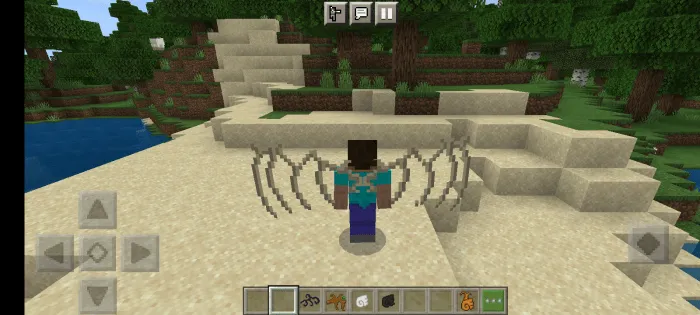
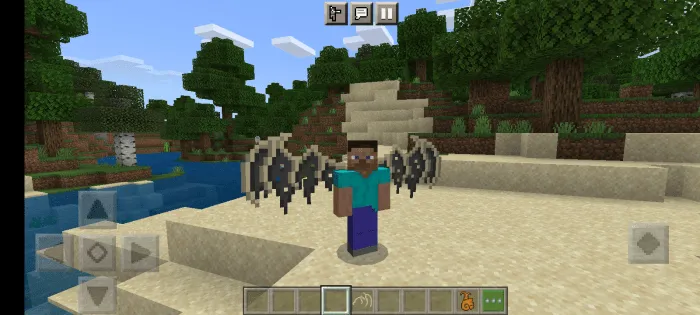
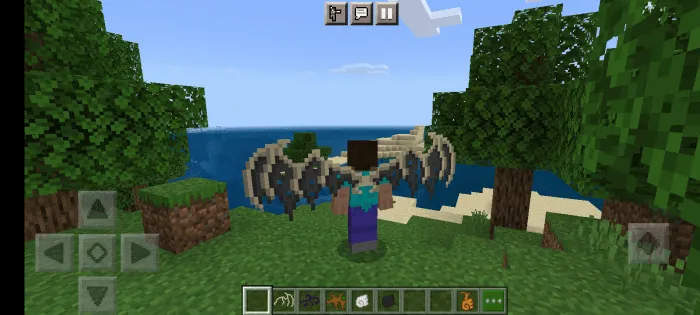
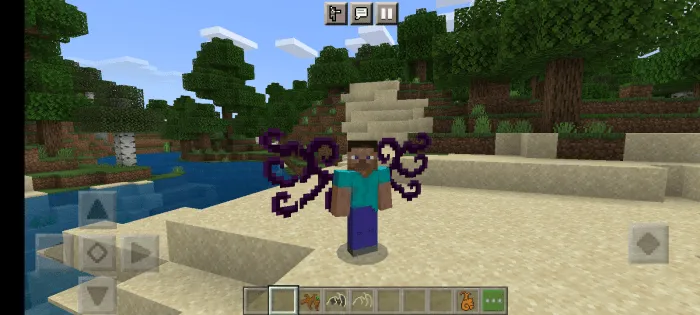
| Wing kind | Angel, Demon & bat, Magic |
- The uploader tagged this pack for game version 1.16.201; this is the reported version and not a guarantee of compatibility with newer updates.
- Both the Behavior Pack and Resource Pack must be applied to your world.
- The description does not state whether experimental toggles are required, nor does it specify if player.json is modified.
How to install
Android
- Download the behavior and resource pack files.
- Open the .mcaddon or .mcpack files with Minecraft (or import them via your file manager).
- Open your world settings and activate both the Behavior Pack and the Resource Pack.
iPhone and iPad
- Download the pack files to your device.
- Open the Files app and tap each file so Minecraft imports it automatically.
- Edit your world settings to activate both the Behavior Pack and the Resource Pack.
Windows
- Double-click the downloaded .mcaddon or .mcpack files so Minecraft for Windows imports them.
- Go to your world settings and enable both the Behavior Pack and the Resource Pack before loading the world.
Xbox, PlayStation and Switch
- Xbox, PlayStation, and Nintendo Switch cannot import external pack files directly.
- To use this add-on on a console, join a Realm, server, or multiplayer world hosted by a mobile or PC player who already has both packs active.
Step-by-step help: How to install Bedrock add-ons.
How to get the wings
- In survival mode, search loot chests inside naturally generated structures such as Strongholds, Desert Pyramids, and Jungle Temples.
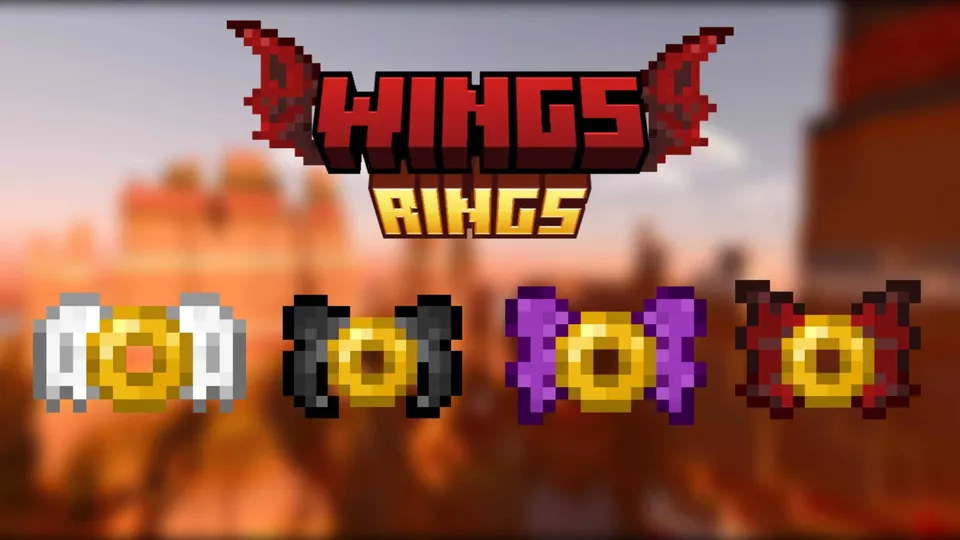
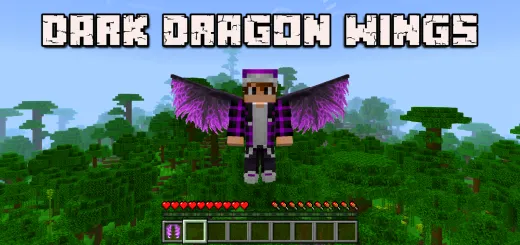
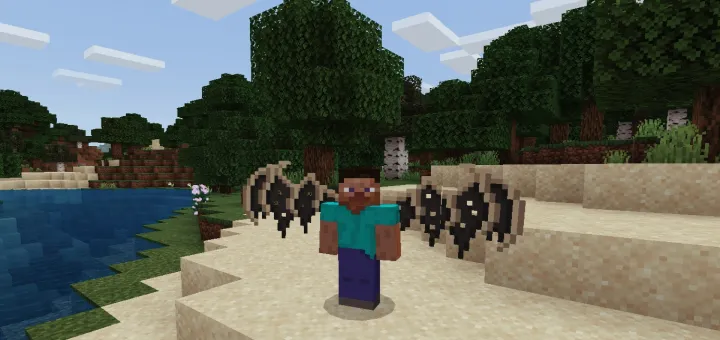
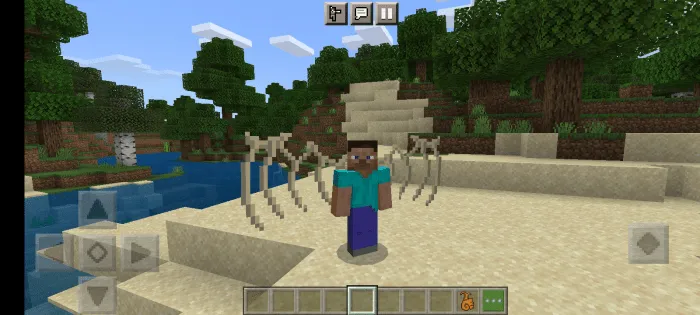
- Available wings include: Bone Wings, Vampire Wings, Wicked Wings, Sage Wings, Small Angel Wings, and Small Fallen Angel Wings.
- The description does not list crafting recipes or how to get the Wing Remover item; if you cannot find it in survival chests, check the creative inventory search and type 'wing' to locate the items.
Controls
- To equip wings: Hold the wing item in your hand, then tap and hold the screen on Android/iOS or right-click on PC.
- To start flying: Jump while your wings are equipped.
- To steer: Move forward while looking up to ascend, or move forward while looking down to descend.
- To unequip wings: Hold the Wing Remover item and drink it to safely take off your current wings.
Tips
- Always keep moving forward while adjusting your camera pitch, as changing vertical direction requires forward movement.
- Carry a Wing Remover with you so you can take off your wings whenever you want to switch styles or return to normal movement.
Compatibility
- This add-on was built around version 1.16.201 and includes both a behavior pack and a resource pack.
- Because it alters player flight mechanics and animations, it may conflict with other add-ons that modify player behavior or add custom elytra mechanics.
Questions and answers
What types of wings are included in this add-on?
There are six types: Bone Wings, Vampire Wings, Wicked Wings, Sage Wings, Small Angel Wings, and Small Fallen Angel Wings.
How do I get the wings in survival mode?
You can find them inside loot chests in generated structures like Strongholds, Jungle Temples, and Desert Pyramids.
How do I put the wings on?
Hold the wing item in your main hand, then right-click on PC or tap and hold the screen on mobile devices.
How do I take my wings off?
Hold the Wing Remover item and drink it to safely unequip your active wings.
How do I control my altitude while flying?
Jump to initiate flight, then hold forward and look up to fly higher or look down to descend.