What you need
| Game versions (tagged) | 1.21, 1.21.20, 1.21.30, 1.21.41, 1.21.50, 1.20.60, 1.20.70 (tagged by the uploader) |
|---|---|
| Experimental toggles | Not needed |
| Edits player.json | Yes (conflicts with other add-ons that edit the player) |
| Files | Equippable_Wings_v2.6.0.mcaddon |
| Platforms | Android, iOS, Windows (consoles: through a Realm or a world that already has it) |
| Difficulty | Beginner |
| How you get the wings | Loot chests, Mob drops, Trading |
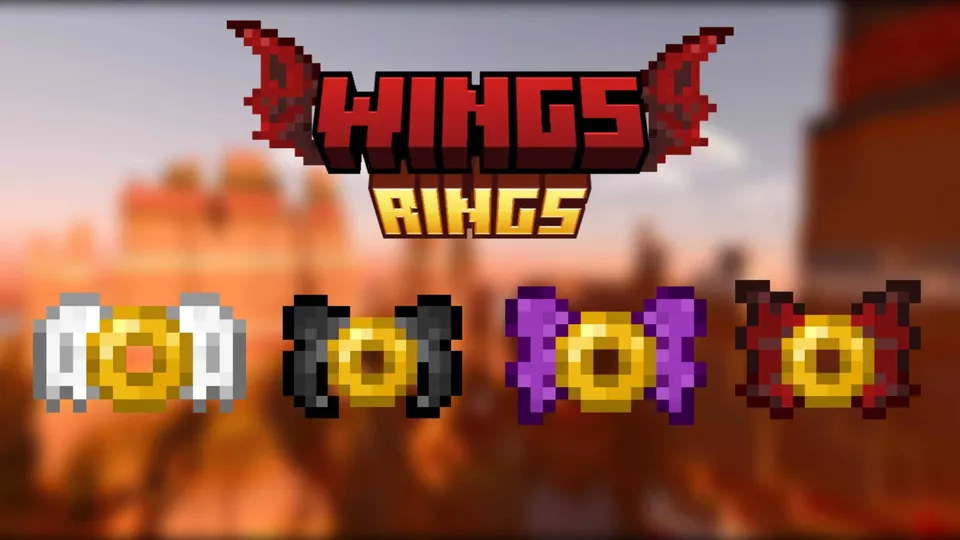
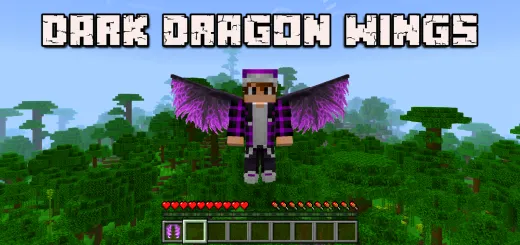
| Wing kind | Demon & bat, Fairy & butterfly |
- Tagged for Minecraft Bedrock versions 1.20.60, 1.20.70, 1.21, 1.21.20, 1.21.30, 1.21.41, and 1.21.50 (these are uploader-tagged versions, not a guarantee of compatibility with every minor patch).
- No experimental toggles are required according to the installation notes.
- This add-on modifies player.json, which means it will conflict with other add-ons that also alter default player behavior.


How to install
Android
- Locate the downloaded Equippable_Wings_v2.6.0.mcaddon file using your file manager.
- Tap the file and choose to open it with Minecraft.
- Wait for the game to import the pack.
- Open your world settings, activate both the behavior pack and resource pack, and load the world.
iPhone and iPad
- Open the Files app and find the Equippable_Wings_v2.6.0.mcaddon file.
- Tap the file so that Minecraft launches and imports it automatically.
- Edit your target world settings and enable both the behavior pack and resource pack before playing.
Windows
- Double-click the Equippable_Wings_v2.6.0.mcaddon file to launch Minecraft for Windows and start the import.
- Once imported, go to your world settings and activate both the behavior pack and resource pack under the Add-Ons tabs.
Xbox, PlayStation and Switch
- Xbox, PlayStation, and Nintendo Switch cannot directly import .mcaddon files from a browser or file manager.
- To use this add-on on a console, join a Realm, server, or multiplayer world hosted by a PC or mobile player who has already installed and activated the packs.
Step-by-step help: How to install Bedrock add-ons.
How to get the wings
- Trade with witches using potions to obtain wings.
- Find wings through loot drops mentioned in the changelog (exact chests or mobs are not specified in the description).
- Open the Creative mode inventory search and type 'wing' to pull the items directly.
- You can obtain and use wings before defeating the Ender Dragon, though flight duration will be capped until the dragon is slain.
Controls
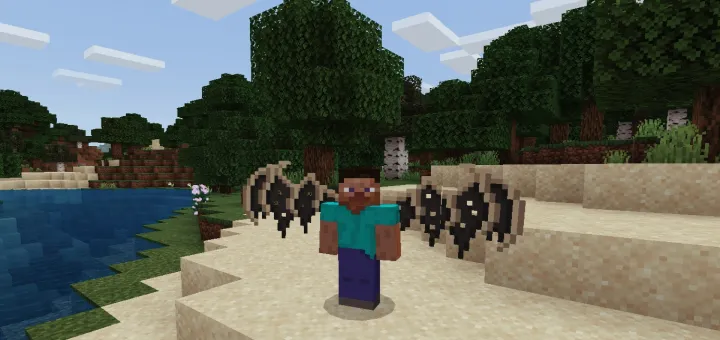
- To equip your wings, either use (interact with) the wing item while holding it, or place it into the upper far-left slot of your inventory.
- Wings can be worn at the same time as standard armor.
- Before the Ender Dragon is defeated, you can fly for a maximum of 16 seconds before becoming exhausted.
- Be careful when diving at high speeds, as hitting the ground fast causes a ground impact.
Tips
- All five fairy wing styles are fully dyeable, allowing you to change their colors to match your character.
- Watch your flight timer if you have not beaten the Ender Dragon yet so you do not run out of the 16-second flight limit high in the air.
- Pull up before landing from a steep dive to avoid high-speed ground impact.
Compatibility
- Because this pack edits player.json, avoid pairing it with other add-ons that modify player animations, physics, or player behaviors.
- If using alongside other packs, place this add-on at the top of your Behavior and Resource pack load orders to ensure the equip slot and flight mechanics work properly.
Questions and answers
Do I need to turn on any experimental toggles?
No. The installation notes state that no experimental settings are needed to play.
Can I wear chestplates while using these wings?
Yes. The wings are equipped via a dedicated inventory slot or by using the item, allowing you to wear full armor at the same time.
Why do my wings stop working after 16 seconds?
If you have not defeated the Ender Dragon in your world yet, wings become exhausted after 16 seconds of flight.
How do I get wings in Survival mode?
You can obtain them via loot drops or by trading with witches using potions. Exact recipe or trade tables are not detailed in the description.
Can I customize the color of the wings?
Yes, the five fairy wing variants included in the add-on are fully dyeable.