What you need
| Loader | 26.3.x | 26.2.x | 26.1.x | 1.21.x |
|---|---|---|---|---|
| Fabric | 26.3 | 26.2 | 26.1 - 26.1.2 | 1.21.4 - 1.21.11 |
| Project kind | Mod |
|---|---|
| Minecraft versions | See the version table above |
| Loaders | Fabric |
| Required libraries |
|
| Install on | Client only (your game; servers do not need it) |
| Difficulty | Beginner |
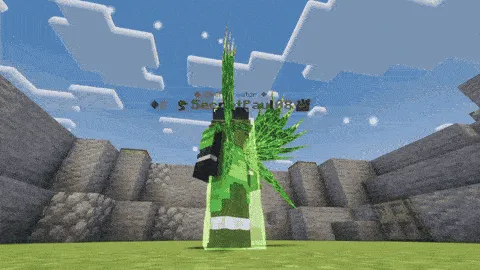
| How you get the wings | Set in config |
| Wing kind | Dragon, Magic |
- Requires Fabric Loader 0.17.3 or newer.
- Required library listed in project data: Fabric API (though the author notes that the needed Fabric API parts are built into the mod jar).
- Java 21 is required for Minecraft 1.21.4 through 1.21.11.
- Java 25 is required for Minecraft 26.1 through 26.3.
- Automatically detects and works alongside Sodium, Iris, and Entity Culling.
How to install
- Install Fabric Loader (version 0.17.3 or newer) for your chosen Minecraft version (1.21.4 to 1.21.11, or 26.1 to 26.3).
- Download the Viper Cosmetics .jar file that matches your exact Minecraft version.
- Place the mod .jar file into your client mods folder (this is a client-only mod, so do not install it on a server). Include Fabric API in your mods folder if required by your setup, though the description states the needed parts are built in.
- Launch Minecraft with your Fabric profile.
- Join a world or server and press K in-game to open the mod menu and verify the installation.
Step-by-step help: How to install Fabric · How to install Fabric API · How to install Java mods · How to fix mods not loading.
How to get the wings
- These wings are purely visual cosmetics and are not obtained through crafting recipes or survival item drops.
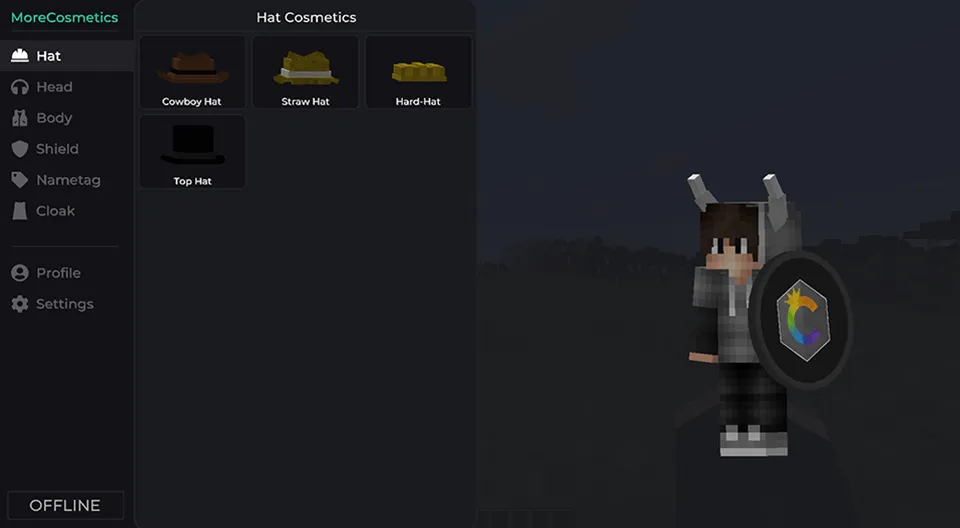
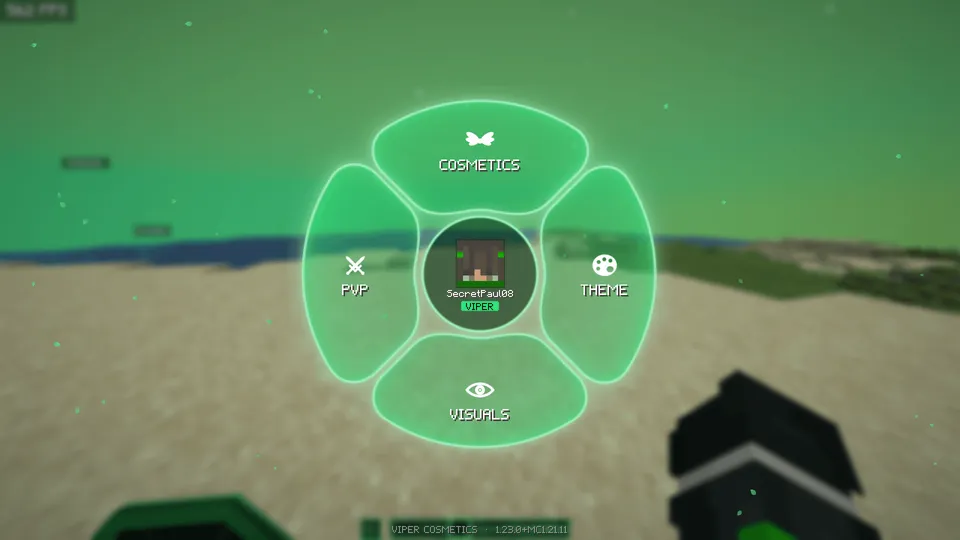
- Press K while in-game to open the Viper Cosmetics menu.
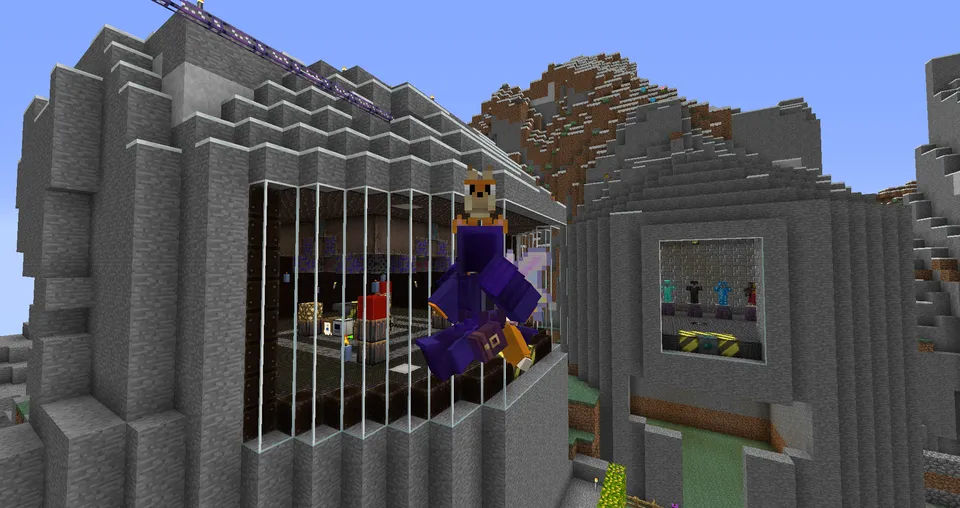
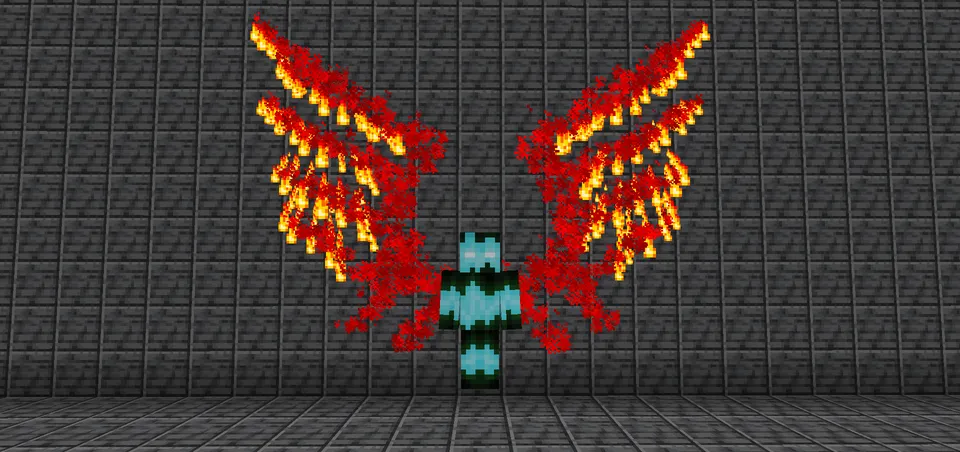
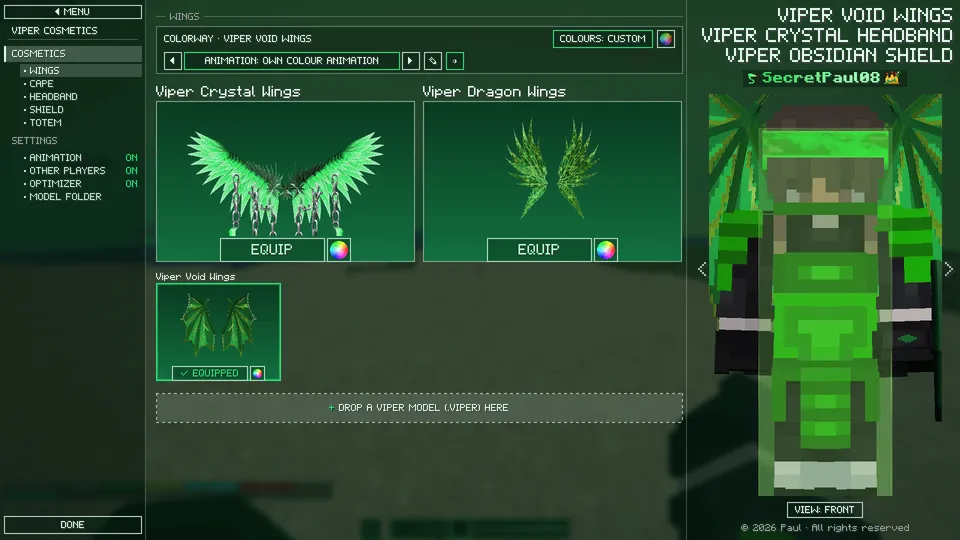
- Select from the available wing styles: Viper, Dragon, Crystal, Void, and Fang Wings.
- Use the in-game color wheel and animation settings to customize your wing colors.
Controls
- Press K in-game to open the Viper Cosmetics menu.
- Press Shift + right-click on another player to view their player card.
Config
- Color wheel and light animations for customizing every cosmetic.
- Party color modes: choose 'Me first' to keep your own colors on the left, or 'Team order' to make the entire party match.
- Quality levels (Low, Medium, High) and an FPS booster toggle.
- Privacy and online sync controls: sync starts only after you agree, and selecting 'Only for me' stops online syncing immediately.
- Streamer mode, plus options to block players or hide photos and pack authors.
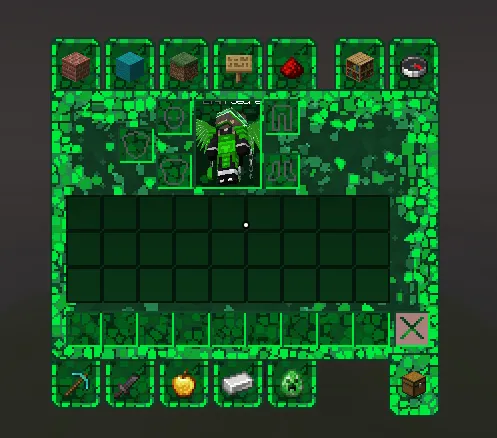
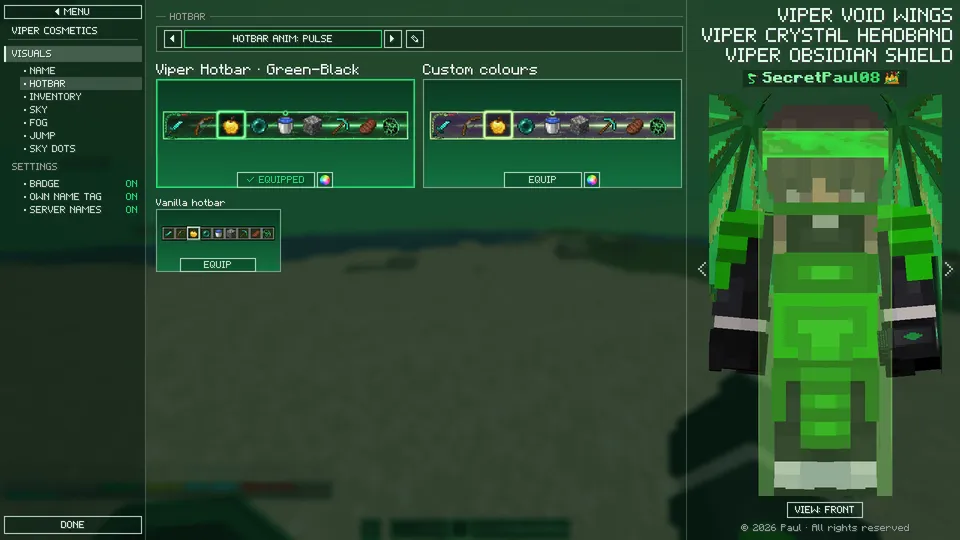
- Visual customization for 10 menu themes, sky, fog, hearts, crosshair, hotbar, and inventory designs.
Tips
- Dragon Wings automatically flap while you are flying and fold in while you are walking.
- Join a Viper Party with up to 8 players (even across different servers) to split your wings, headband, halo, and aura into the colors of every party member.
- Your cosmetics react to your environment (such as rain, frost, underwater, the Nether, the End, and jukeboxes) and develop visual aging like patina, scratches, or frost over time.
- Each player gets a unique cosmetic pattern (ranging from Common to Mythic) calculated from their account.
- If a visual effect fails, the built-in crash protection turns that effect off instead of crashing your game.
Compatibility
- Works with Minecraft versions 1.21.4, 1.21.5, 1.21.6, 1.21.7, 1.21.8, 1.21.9, 1.21.10, 1.21.11, 26.1, 26.1.1, 26.1.2, 26.2, and 26.3 on Fabric.
- Client-side only; it gives no gameplay advantage and does not reveal health or armor info about other players, making it fair-play friendly.
- Compatible with Sodium, Iris, and Entity Culling, which are detected automatically.
Questions and answers
How do I equip and customize wings in Viper Cosmetics?
Once you are in-game, press the K key to open the cosmetics menu. From there you can pick Viper, Dragon, Crystal, Void, or Fang Wings and adjust their colors with the color wheel.
Does Viper Cosmetics need to be installed on the server?
No. It is a client-only mod. You only install it in your own client mods folder, and other players who also use Viper Cosmetics will be able to see your cosmetics if you enable online sync.
Do I need to download Fabric API separately?
Project data lists Fabric API under required libraries, while the mod description states that the necessary Fabric API parts are built directly into the mod file. Make sure you have at least Fabric Loader 0.17.3 or newer.
Which Minecraft versions are supported?
The mod supports Fabric on Minecraft 1.21.4 through 1.21.11, as well as 26.1, 26.1.1, 26.1.2, 26.2, and 26.3, using a separate file for each version.
Is this mod compatible with Sodium and Iris?
Yes. The mod automatically detects and works with Sodium, Iris, and Entity Culling.