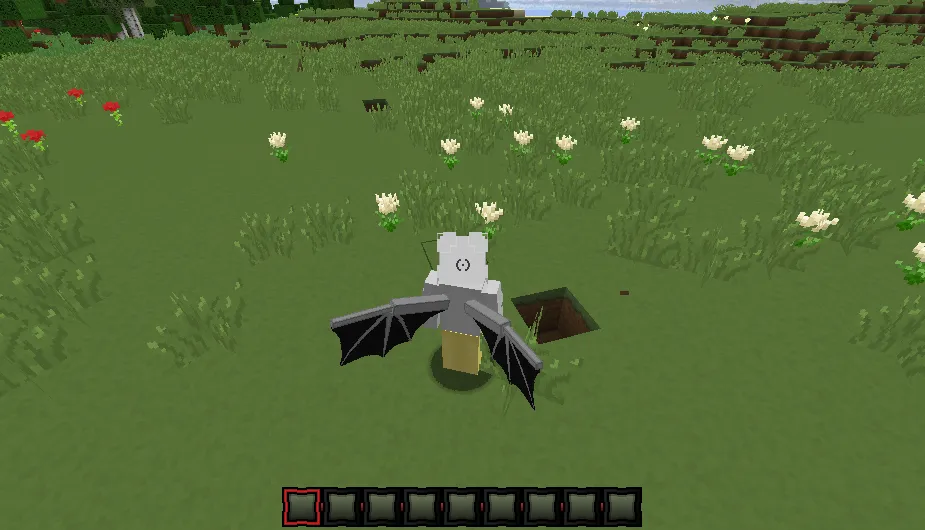
What you need
| Loader | 26.3.x | 26.2.x | 26.1.x | 1.21.x | 1.20.x | 1.19.x | 1.18.x | 1.17.x | 1.16.x | 1.15.x | 1.14.x | 1.13.x | 1.12.x | 1.11.x | 1.10.x | 1.9.x | 1.8.x | 1.7.x | 1.6.x | 1.5.x | 1.4.x | 1.3.x | 1.2.x |
|---|---|---|---|---|---|---|---|---|---|---|---|---|---|---|---|---|---|---|---|---|---|---|---|
| Fabric | 26.3 | 26.2 | 26.1 - 26.1.2 | 1.21 - 1.21.1, 1.21.4 - 1.21.8, 1.21.10 - 1.21.11 | 1.20 - 1.20.6 | 1.19 - 1.19.4 | 1.18 - 1.18.2 | 1.17 - 1.17.1 | 1.16 - 1.16.5 | 1.15 - 1.15.2 | 1.14 - 1.14.4 | – | – | – | – | – | 1.8.9 | – | – | – | – | – | – |
| Forge | – | – | – | – | 1.20 - 1.20.1 | 1.19 - 1.19.4 | 1.18 - 1.18.2 | 1.17 - 1.17.1 | 1.16 - 1.16.5 | 1.15 - 1.15.2 | 1.14 - 1.14.4 | – | 1.12.2 | 1.11.2 | 1.10.2 | 1.9.4 | 1.8.9 | 1.7.10 | 1.6.4 | 1.5.2 | 1.4.2, 1.4.7 | 1.3.2 | 1.2.5 |
| NeoForge | 26.3 | 26.2 | 26.1 - 26.1.2 | 1.21 - 1.21.1, 1.21.4 - 1.21.8, 1.21.10 - 1.21.11 | 1.20.1 - 1.20.2 | 1.19.4 | – | – | – | – | – | – | – | – | – | – | – | – | – | – | – | – | – |
| Quilt | – | 26.2 | 26.1 - 26.1.2 | 1.21 - 1.21.1, 1.21.4 - 1.21.8, 1.21.10 - 1.21.11 | 1.20 - 1.20.6 | 1.19 - 1.19.4 | 1.18 - 1.18.2 | 1.17 - 1.17.1 | 1.16 - 1.16.5 | 1.15 - 1.15.2 | – | – | – | – | – | – | – | – | – | – | – | – | – |
| rift | – | – | – | – | – | – | – | – | – | – | – | 1.13 - 1.13.2 | – | – | – | – | – | – | – | – | – | – | – |
| risugami's modloader | – | – | – | – | – | – | – | – | – | – | – | – | – | – | – | – | – | – | 1.6.4 | 1.5.2 | 1.4.2, 1.4.7 | 1.3.2 | 1.2.5 |
| Project kind | Mod |
|---|---|
| Minecraft versions | See the version table above |
| Loaders | Fabric, Forge, NeoForge, Quilt, rift, risugami's modloader |
| Required libraries |
|
| Install on | Client only (your game; servers do not need it) |
| Difficulty | Intermediate |
| How you get the wings | Not an item |
| Wing kind | Angel, Demon & bat, Dragon, Fairy & butterfly, Bird & feather |
- Java 8 is required for Minecraft 1.16.5 and older.
- Java 16 is required for Minecraft 1.17 and 1.17.1.
- Java 17 is required for Minecraft 1.18 through 1.20.4.
- Java 21 is required for Minecraft 1.20.5 through 1.21.11.
- Java 25 is required for Minecraft 26.1 and newer.
- MixinBootstrap is listed as a required library.
- This is a client-only mod and only needs to be installed on your client.
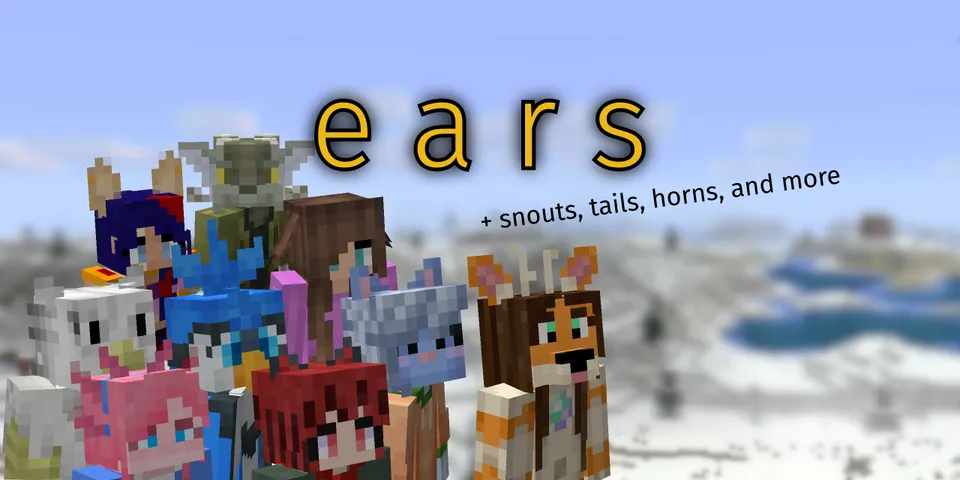
How to install
- Choose a supported mod loader for your Minecraft version: Fabric, Forge, NeoForge, Quilt, Rift (for 1.13 to 1.13.2), or Risugami's ModLoader (for 1.2.5 to 1.6.4).
- Install the chosen mod loader on your Minecraft client.
- Download the Ears .jar file matching your exact Minecraft version and mod loader.
- Download the required MixinBootstrap library if needed for your setup.
- Place the Ears .jar and any required library .jar into your client's mods folder.
- Launch Minecraft once and verify in-game that your custom skin features render on your player.
Step-by-step help: How to install Fabric · How to install Forge · How to install NeoForge · How to install Quilt · How to install Java mods · How to fix mods not loading.
How to get the wings
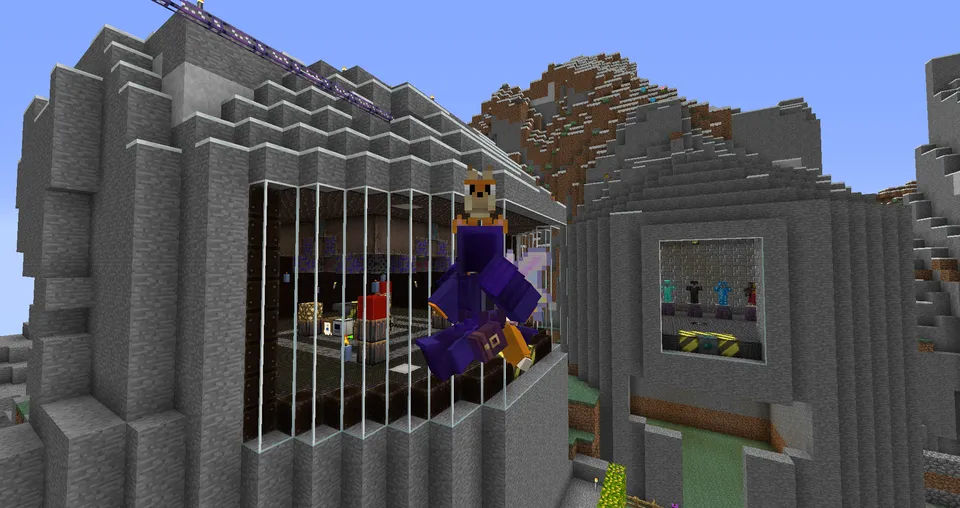
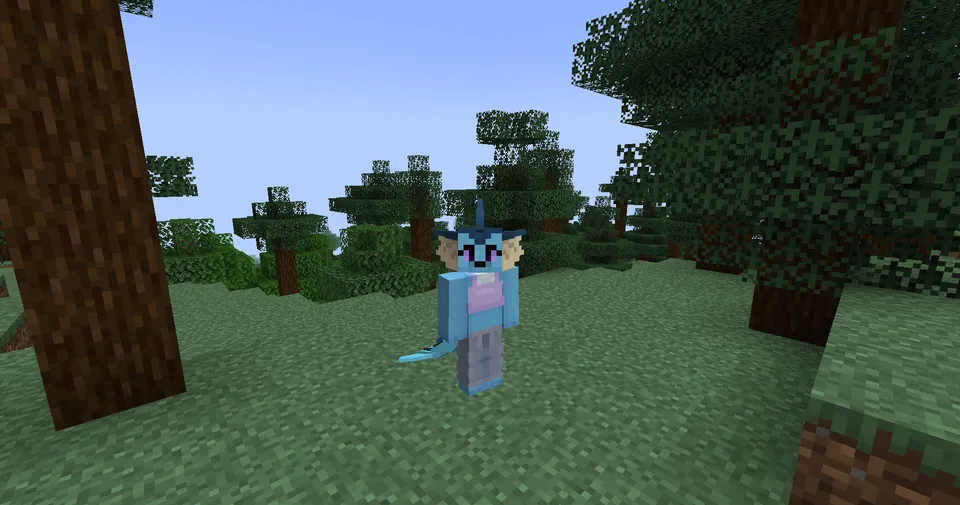
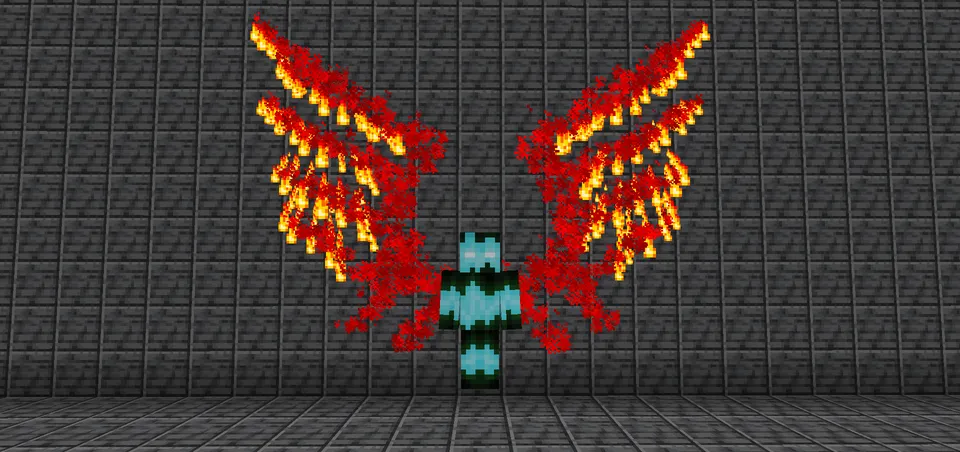
- Wings are purely cosmetic features embedded directly into your player skin rather than in-game items.
- The mod does not include pre-made recolorable templates; you must draw your own wing textures and configuration pixels onto your skin file.
- Upload your customized skin to your normal Minecraft account so Mojang's skin server delivers it in-game.
Config
- All customization and configuration data is stored directly as pixels inside your player skin image.
- The description does not list specific pixel coordinates or an in-game configuration menu.
Tips
- You can use Ears solely as a lightweight 1.9 skin backport on older versions up to 1.7 and 1.8 even if you do not use the extra ears, tails, or wings features.
- Because data is saved in your skin file and delivered by Mojang's skin server, your wings and other parts will work across almost any supported Minecraft version without needing external sync servers.
Compatibility
- Supports a wide range of Minecraft versions from 1.2.5 up to 26.3 across six different mod loaders.
- Backports translucent secondary skin layers to Minecraft 1.7 and 1.8.
Questions and answers
Do I need to install Ears on the server for others to see my wings?
No. Ears is a client-only mod that reads data from Mojang's skin server, so it only goes on the client. Other players who also have Ears installed on their clients will see your skin features.
Are the wings craftable items that give flight?
No. The wings in Ears are cosmetic parts drawn onto your player skin and do not exist as craftable items in-game.
Does Ears come with built-in wing presets to choose from?
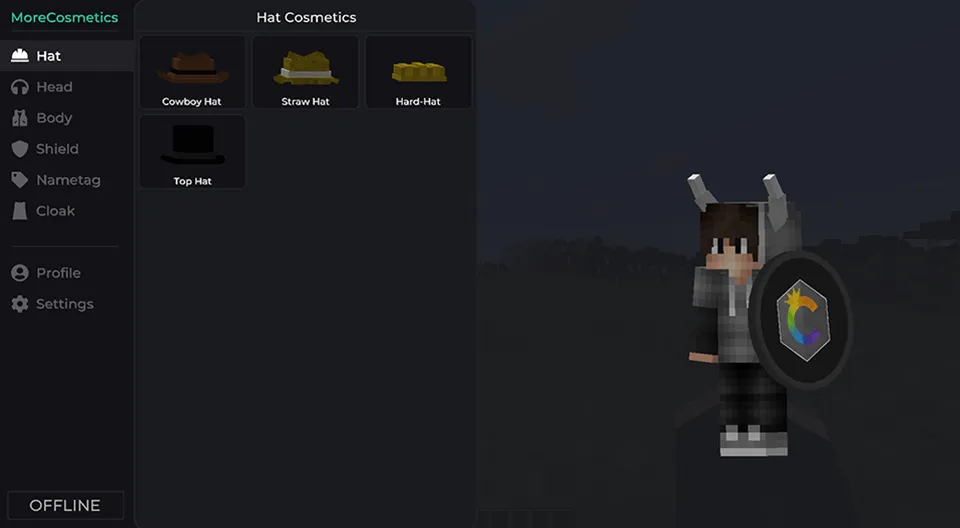
No. Unlike the Tails mod, Ears does not include recolorable prefabs. You must draw your own additions directly onto your skin texture.
Which mod loaders are supported?
Ears supports Fabric, Forge, NeoForge, Quilt, Rift (for 1.13.x), and Risugami's ModLoader (for 1.2.5 to 1.6.4).