What you need
| Loader | 26.3.x | 26.2.x | 26.1.x | 1.21.x | 1.20.x | 1.19.x | 1.18.x | 1.12.x | 1.7.x |
|---|---|---|---|---|---|---|---|---|---|
| Fabric | 26.3 | 26.2 | 26.1 - 26.1.2 | 1.21 - 1.21.1 | – | – | – | – | – |
| Forge | – | – | – | – | 1.20 - 1.20.1 | 1.19.1 - 1.19.2 | 1.18 - 1.18.2 | 1.12.2 | 1.7.10 |
| NeoForge | 26.3 | 26.2 | 26.1 - 26.1.2 | 1.21 - 1.21.1, 1.21.11 | – | – | – | – | – |
| Project kind | Mod |
|---|---|
| Minecraft versions | See the version table above |
| Loaders | Fabric, Forge, NeoForge |
| Required libraries |
|
| Install on | Client only (your game; servers do not need it) |
| Difficulty | Intermediate |
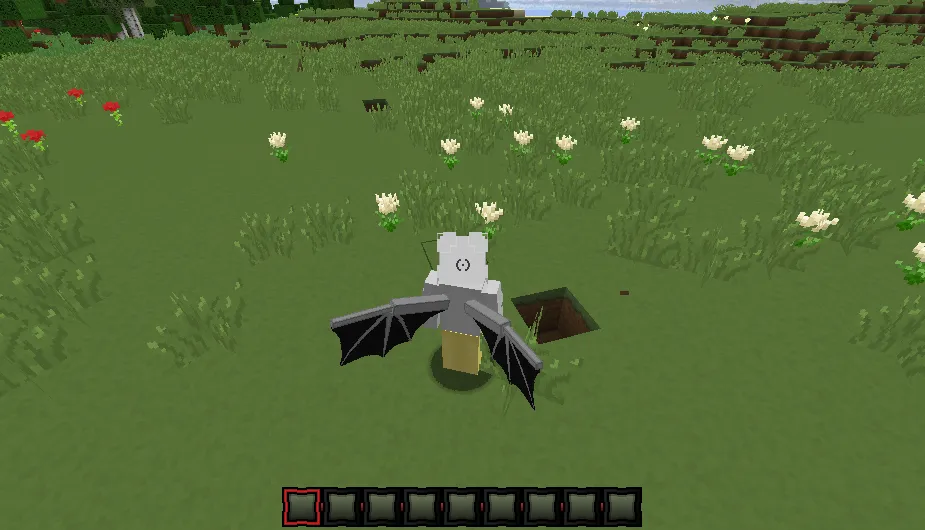
| How you get the wings | Set in config |
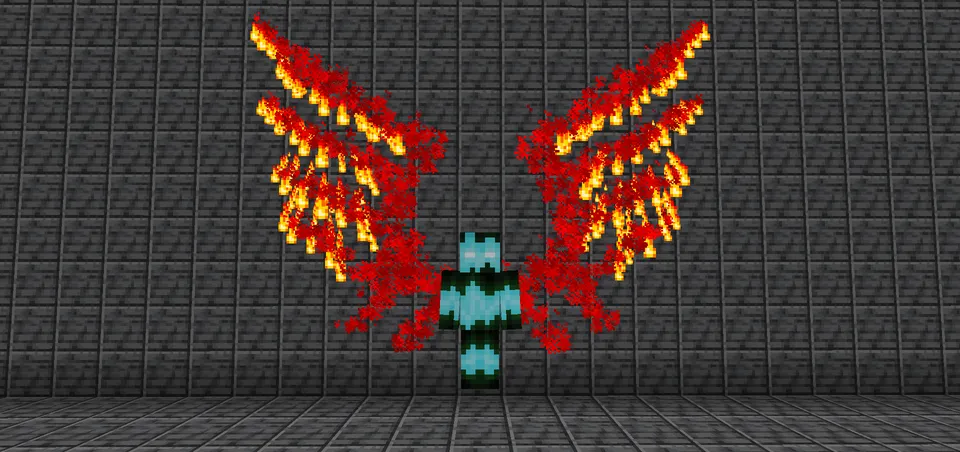
| Wing kind | Angel, Demon & bat, Dragon, Fairy & butterfly, Bird & feather |
- Requires Java 8 for Minecraft 1.7.10 and 1.12.2.
- Requires Java 17 for Minecraft 1.18 through 1.20.1.
- Requires Java 21 for Minecraft 1.21 through 1.21.11.
- Requires Java 25 for Minecraft 26.1 and newer.
- Fabric versions require Fabric API.
- Required dependencies in project data also include MixinBooter and UniMixins (check your specific version requirements, typically for legacy Forge versions like 1.7.10 and 1.12.2).
- To sync customizations in multiplayer, the mod must be installed on both the server (or LAN host) and the clients wishing to see the parts.
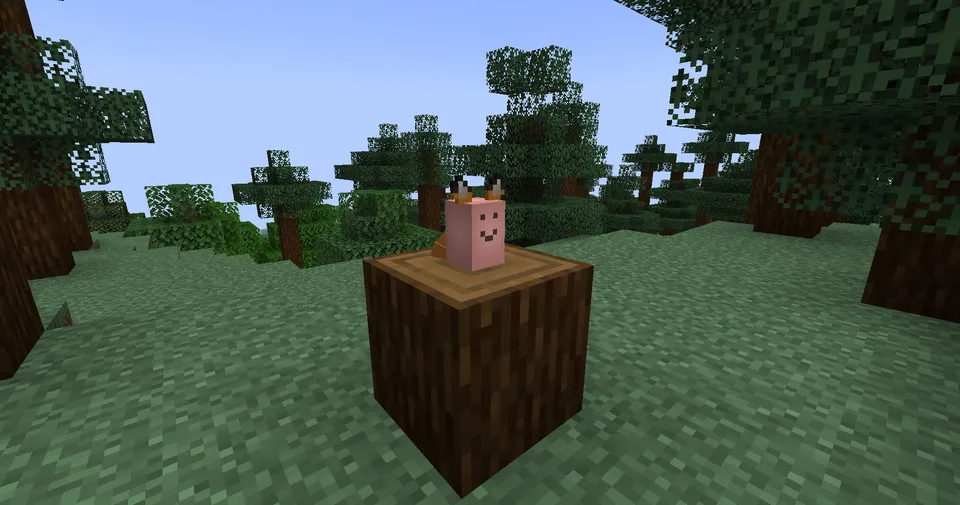
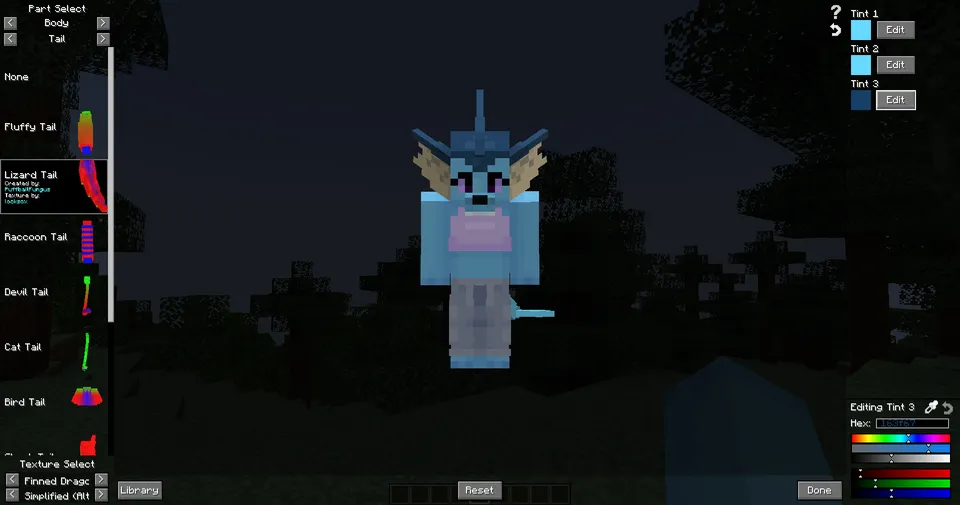
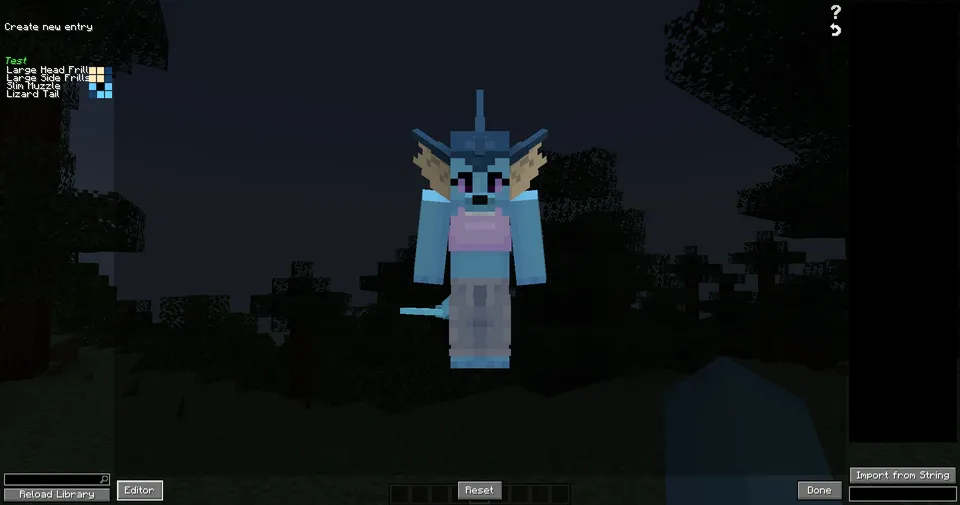
How to install
- Install a supported mod loader for your Minecraft version: Fabric (1.21 - 26.3), Forge (1.7.10 - 1.20.1), or NeoForge (1.21 - 26.3).
- Download the Tails Legacy .jar file matching your Minecraft version and loader.
- Download required library mods: Fabric API (if using Fabric), or MixinBooter / UniMixins (for applicable legacy Forge versions).
- Place the Tails Legacy .jar and required library .jar files into your game directory's mods folder.
- If you want other players on a multiplayer server to see your wings and parts, also place the mod .jar into the server's mods folder.
- Launch Minecraft, load into a world, and open the pause menu to verify the Tails Editor button is present.
Step-by-step help: How to install Fabric · How to install Forge · How to install NeoForge · How to install Fabric API · How to install Java mods · How to fix mods not loading.
How to get the wings
- Wings and other parts are cosmetic and do not require crafting or finding items.
- Open the pause menu while in a game and open the Tails Editor.
- Select the wings category and choose a wing part from the list.
- Adjust the subtype (located above the texture selector) and texture if the chosen wings support them.
- Customize up to three color tints for your wings, then apply the changes to equip them on your character.
Controls
- Access the Tails Editor directly from the in-game pause menu; no specific keybinds are listed in the description.
Config
- Saved outfit presets in the Tails Library are stored in the tailslegacylibrary.json file inside your game directory.
- You can copy and paste tailslegacylibrary.json between different game instances or modpacks to transfer your saved wing and part presets.
- Use the Reload Library button in the editor to load changes made to tailslegacylibrary.json while the game is running (the mod automatically creates a backup file if the contents differ).
- Player data and library config formats from older versions of the original Tails mod are automatically upgraded.
Tips
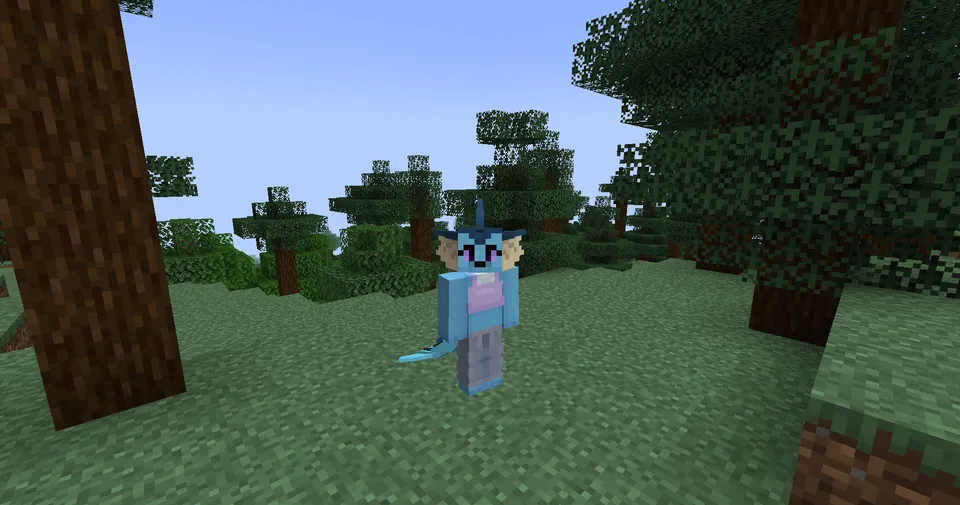
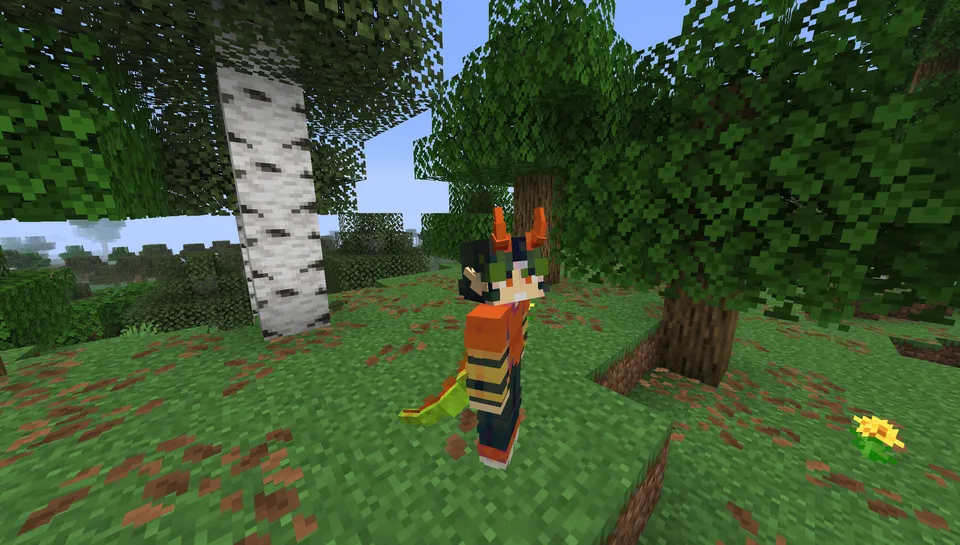
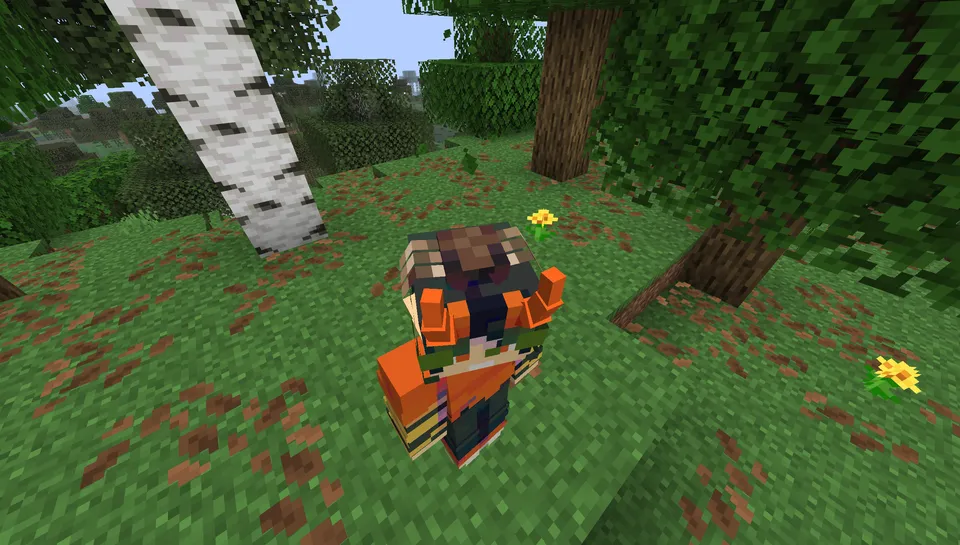
- Save your favorite wing and tail combinations to the Tails Library so you can easily reapply them later or share them with friends.
- Parts, subtypes, textures, attachments, and animations are fully data-driven, allowing for custom part additions.
- Arrows shot into your player can visually render stuck in tails and other parts that opt into that feature.
Compatibility
- The mod is optional on both client and server: clients with the mod can still join vanilla servers, and vanilla clients can join servers that have the mod installed.
- Skin importing and exporting features from the original Tails mod have been removed because they do not work with the new part system and could conflict with the Ears mod.
Questions and answers
How do I equip wings in Tails Legacy?
Open the pause menu in-game and click into the Tails Editor. From there, select the wings category, pick your wing style, adjust its subtype, texture, and three color tints, and apply your changes.
Can other players see my wings on a multiplayer server?
Yes, provided the server (or LAN host) has Tails Legacy installed and the other players also have the mod installed on their clients.
Can I join a vanilla server with Tails Legacy installed?
Yes. The mod is optional on both sides, so you can join vanilla servers with the mod installed, and vanilla players can join a modded server without issues.
How do I transfer my saved wing presets to another modpack?
Copy the tailslegacylibrary.json file from your current game directory into the new instance's game directory. If your game is already open, click the Reload Library button in the editor.
Which mod loaders and Minecraft versions are supported?
Tails Legacy supports Forge (1.7.10, 1.12.2, 1.18 to 1.20.1), Fabric (1.21 to 26.3), and NeoForge (1.21 to 26.3).