What you need
| Loader | 26.3.x | 26.2.x | 26.1.x | 1.21.x | 1.20.x | 1.19.x | 1.18.x | 1.17.x | 1.16.x | 1.8.x |
|---|---|---|---|---|---|---|---|---|---|---|
| Fabric | 26.3 | 26.2 | 26.1 - 26.1.2 | 1.21 - 1.21.11 | 1.20 - 1.20.5 | 1.19 - 1.19.4 | 1.18 - 1.18.2 | 1.17 - 1.17.1 | 1.16.5 | – |
| Forge | – | – | – | – | 1.20.1 - 1.20.4 | 1.19 - 1.19.4 | 1.18 - 1.18.2 | – | 1.16.5 | 1.8.9 |
| Project kind | Mod |
|---|---|
| Minecraft versions | See the version table above |
| Loaders | Fabric, Forge |
| Required libraries | None listed |
| Install on | Client only (your game; servers do not need it) |
| Difficulty | Beginner |
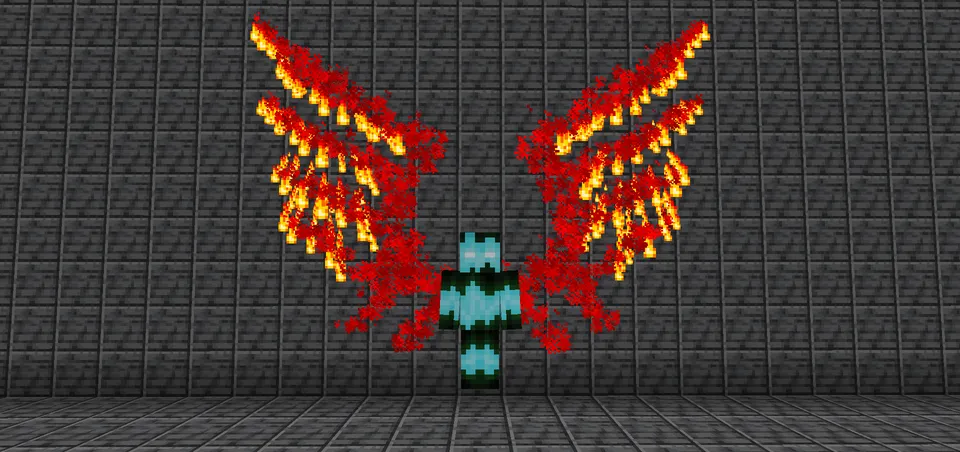
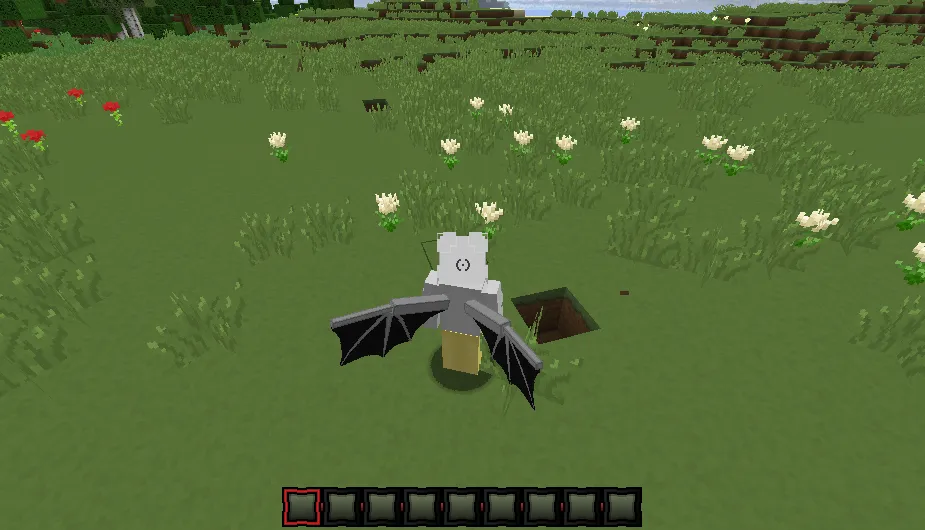
| How you get the wings | Set in config |
- This is a client-only mod; do not install it on a dedicated server.
- No external library mods are listed as required in the project data.
- Java 8 is required for Minecraft 1.8.9 and 1.16.5.
- Java 16 is required for Minecraft 1.17 to 1.17.1.
- Java 17 is required for Minecraft 1.18 to 1.20.4.
- Java 21 is required for Minecraft 1.20.5 to 1.21.11.
- Java 25 is required for Minecraft 26.1 and newer.
How to install
- Install either the Fabric or Forge mod loader for your chosen supported Minecraft version (or use the standalone installer for vanilla clients).
- Download the MoreCosmetics .jar file that matches both your mod loader and Minecraft version.
- Place the downloaded .jar file into your client's 'mods' folder.
- Launch Minecraft using your Fabric or Forge profile.
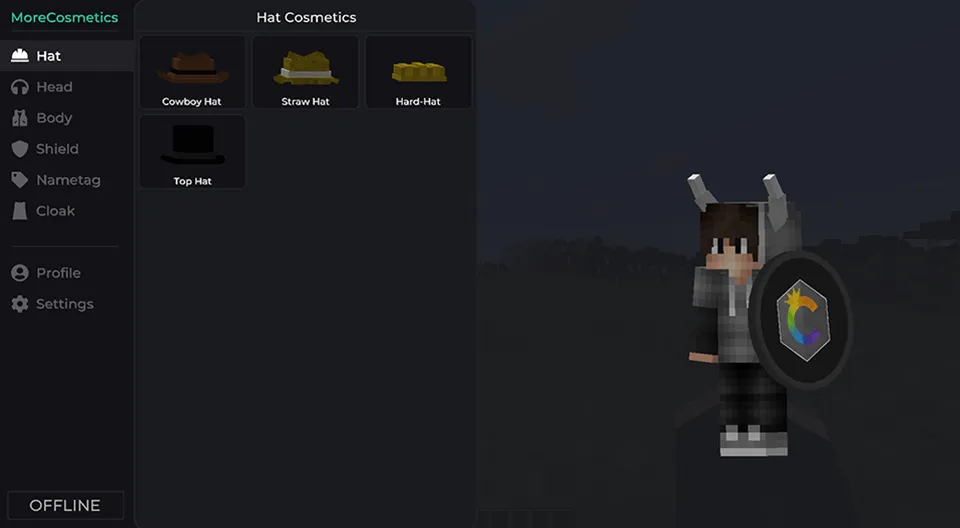
- Press M or open the Skin Customization menu in-game to confirm the MoreCosmetics interface loads properly.
Step-by-step help: How to install Fabric · How to install Forge · How to install Java mods · How to fix mods not loading.
How to get the wings
- Cosmetic wings do not require crafting or finding items in the world.
- Press the M key or go to the Skin Customization menu in your game settings to open the MoreCosmetics UI.
- Browse the integrated library or upload custom models to select and equip your wings.
Controls
- Press M to open the MoreCosmetics user interface.
- You can rebind the menu hotkey in your standard Minecraft controls settings.
Config
- Adjust cosmetic color settings and other visual options directly inside the MoreCosmetics UI.
- Select custom fonts and visual styles for your player nametag.
- Upload custom cloak textures or choose from over 1000 integrated designs.
- Create and import custom cosmetic models using Blockbench with the mod's dedicated plugin.
Tips
- Your equipped cloaks and cosmetics are visible to any other players who also have MoreCosmetics installed.
Questions and answers
How do I equip wings in MoreCosmetics?
Open the Skin Customization menu or press the M key in-game to bring up the MoreCosmetics menu, where you can select and customize wings.
Do I need to install this mod on my server?
No. MoreCosmetics is a client-only mod and only needs to be installed on your personal Minecraft client.
Can other players see my wings and cloaks?
Yes, any other player who is also running MoreCosmetics will be able to see your equipped cosmetics and custom textures.
Which mod loaders and Minecraft versions are supported?
Fabric is supported from 1.16.5 up to 1.21.11 and 26.1 to 26.3. Forge is supported for 1.8.9, 1.16.5, and 1.18 through 1.20.4. Vanilla clients are also supported through a separate installer.
Are any additional dependency mods required?
No required library mods are listed in the project data.