What you need
| Project kind | Mod |
|---|---|
| Minecraft versions | 1.12 - 1.12.2, 1.11.2, 1.10, 1.10.2, 1.9, 1.9.4, 1.8, 1.8.9, 1.7.10 |
| Required libraries | FoxLib |
| Install on | Client only (your game; servers do not need it) |
| Difficulty | Intermediate |
| How you get the wings | Set in config |
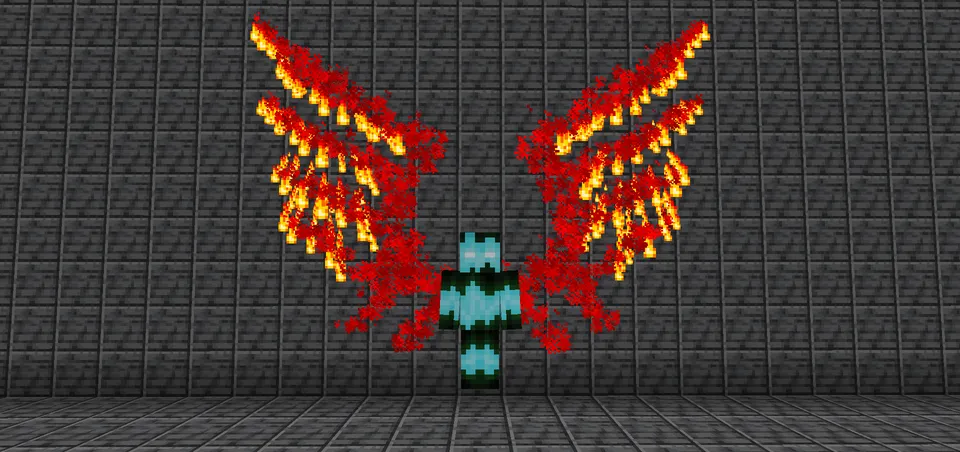
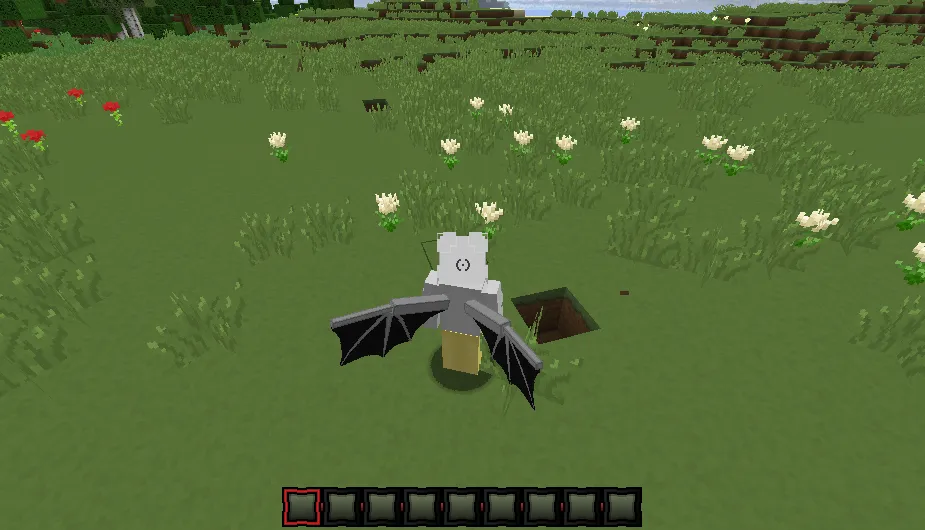
| Wing kind | Angel, Demon & bat, Fairy & butterfly, Bird & feather |
- Java 8 is required for Minecraft 1.7.10 through 1.12.2.
- FoxLib is a required library and must be installed alongside this mod.
- The mod is incompatible with Obfuscate and Mo' Bends because those mods alter the player model and prevent parts from rendering properly.

How to install
- Install a compatible mod loader for your chosen Minecraft version (supported versions are 1.7.10, 1.8, 1.8.9, 1.9, 1.9.4, 1.10, 1.10.2, 1.11.2, 1.12, 1.12.1, and 1.12.2).
- Download the Tails .jar file and the required FoxLib library .jar file matching your Minecraft version.
- Place both .jar files into your client's mods folder (installing on the server is optional for syncing parts across clients).
- Launch the game once, join a world, and press Esc to verify the Tails Editor button appears in the pause menu.
Step-by-step help: How to install Java mods · How to fix mods not loading.
How to get the wings
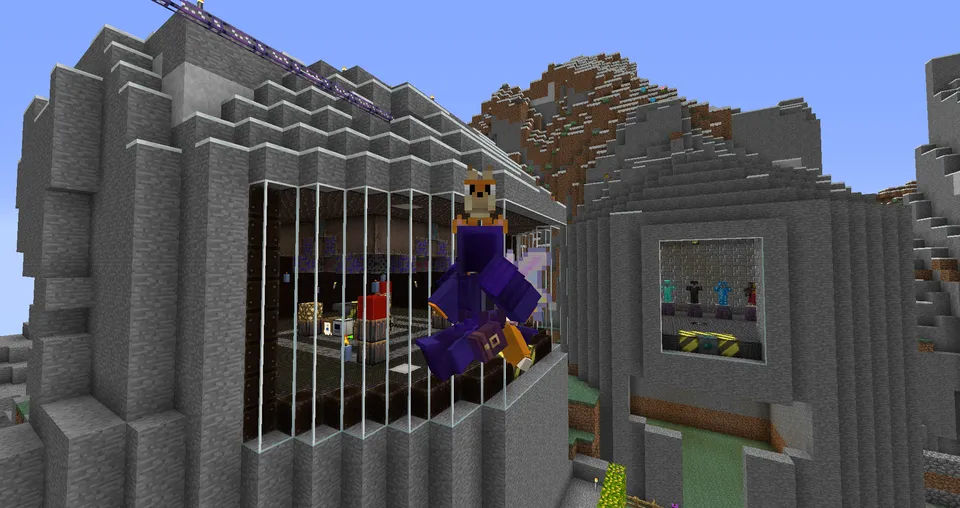
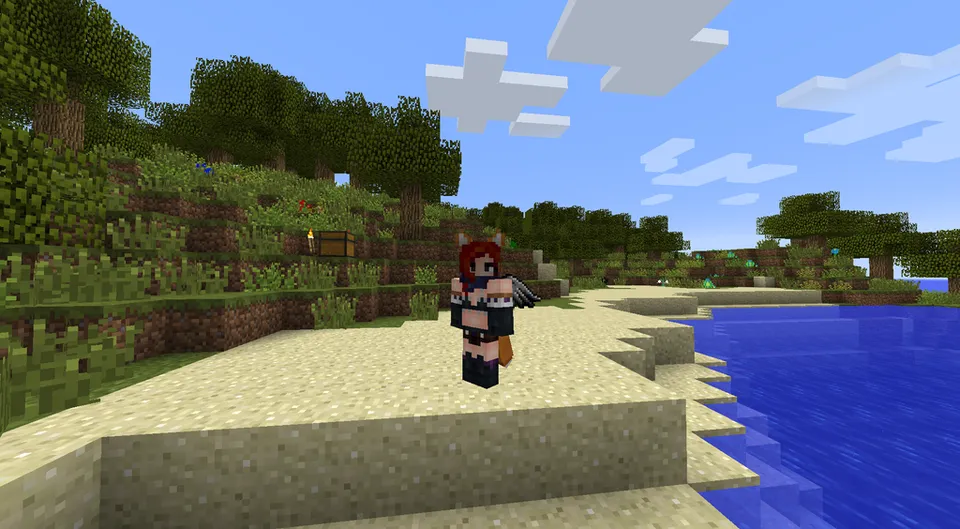
- Wings are cosmetic and are equipped through the in-game menu rather than obtained as items.
- Press Esc while in a world to open the pause menu.
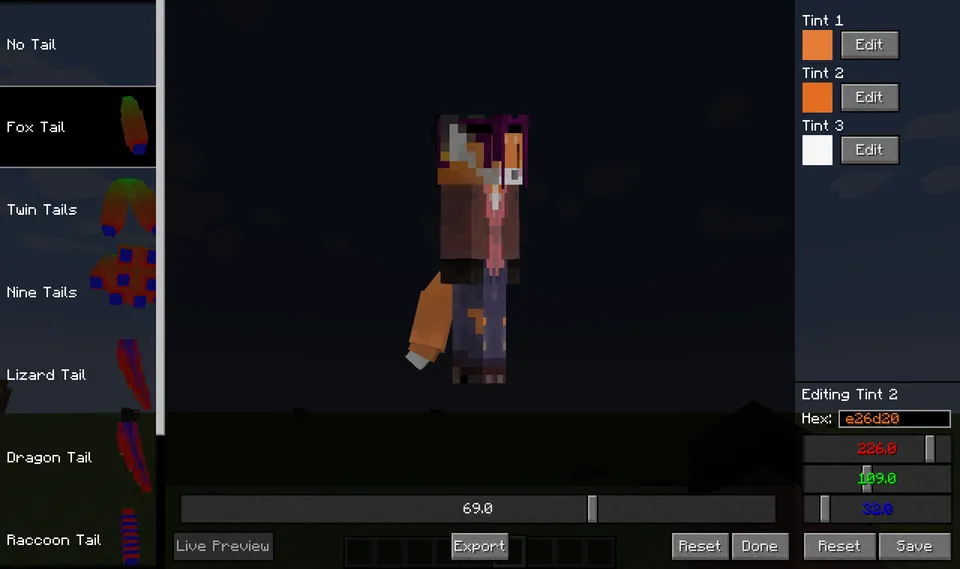
- Click the Tails Editor button located in the lower middle of the screen.
- Select your desired wings, subtypes, and up to three RGB color tints inside the editor.
Controls
- Press Esc to open the in-game menu, then click the Tails Editor button in the lower middle to access character customization.
Tips
- Hover your mouse over the buttons inside the editor to read tooltips explaining what each control does.
- To let other mod users see your wings on servers without the mod installed, export your modified skin from the in-game editor and upload it as your Minecraft skin.
- Exporting your skin stores part data in unused pixels, so your normal skin appearance will not be visibly altered.
Compatibility
- Incompatible with Obfuscate due to player model alterations.
- Incompatible with Mo' Bends due to player model alterations.
- Works in multiplayer even if the server does not have the mod installed, provided you export and apply the modified skin file.
Questions and answers
How do I put on wings in the Tails mod?
Load into a game world, press Esc to open the pause menu, and click the Tails Editor button in the lower middle to select and color your wings.
Which Minecraft versions are supported?
The mod supports Minecraft 1.7.10, 1.8, 1.8.9, 1.9, 1.9.4, 1.10, 1.10.2, 1.11.2, 1.12, 1.12.1, and 1.12.2.
Do I need any other mods for Tails to work?
Yes, you must install FoxLib as a required library.
Does the server need to install this mod for multiplayer?
No. While there is an optional server component for automatic syncing, you can also export a modified skin from the in-game editor and upload it as your normal Minecraft skin so other players with the mod can see your parts.
Why are my wings not rendering properly?
Check if you have Obfuscate or Mo' Bends installed. Those mods change the player model and are incompatible with Tails.