What you need
| Loader | 26.3.x | 26.2.x | 1.21.x | 1.20.x |
|---|---|---|---|---|
| Fabric | 26.3 | 26.2 | 1.21.1 | 1.20.1 |
| Forge | – | 26.2 | – | 1.20.1 |
| NeoForge | 26.3 | 26.2 | 1.21.1 | – |
| Project kind | Mod |
|---|---|
| Minecraft versions | See the version table above |
| Loaders | Fabric, Forge, NeoForge |
| Required libraries | None listed |
| Install on | Client and server (install it on both in multiplayer) |
| Difficulty | Beginner |
| How you get the wings | Set in config |
| Wing kind | Magic |
- Java 17 is required for Minecraft 1.20.1.
- Java 21 is required for Minecraft 1.21.1.
- Java 25 is required for Minecraft 26.2 and 26.3.
- Fabric builds require Fabric API for your matching Minecraft version.
- For multiplayer wing synchronization, the mod must be installed on the server and on all clients that want to view the wings.


How to install
- Choose a supported mod loader and Minecraft version: Fabric (1.20.1, 1.21.1, 26.2, 26.3), Forge (1.20.1, 26.2), or NeoForge (1.21.1, 26.2, 26.3).
- Install the chosen mod loader for your Minecraft version.
- Download the SkyChains .jar file that matches your exact game version and loader.
- Place the mod .jar file into your client mods folder (and into the server mods folder if you want multiplayer wing synchronization).
- If you are using Fabric, download the matching Fabric API .jar and place it in the mods folder as well.
- Launch Minecraft once and press K in-game to verify that the SkyChains settings menu opens.
Step-by-step help: How to install Fabric · How to install Forge · How to install NeoForge · How to install Java mods · How to fix mods not loading.
How to get the wings
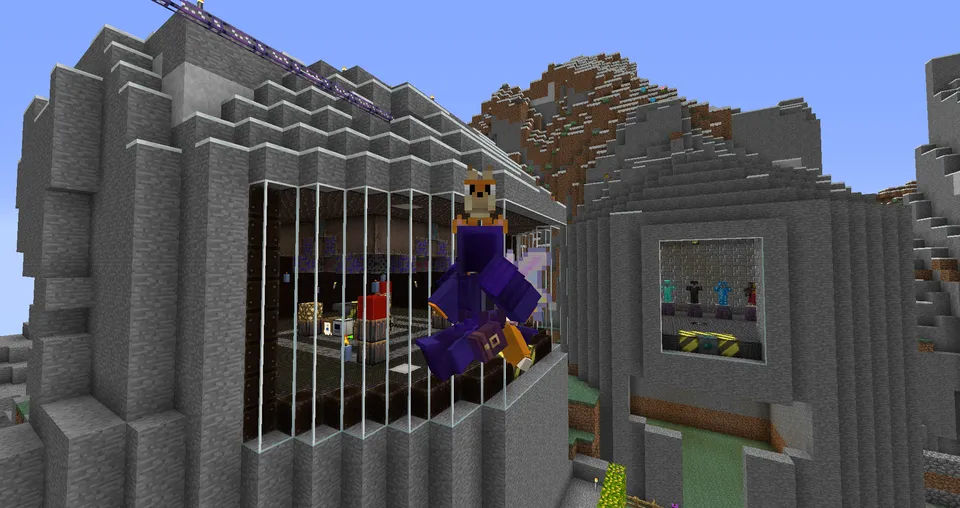
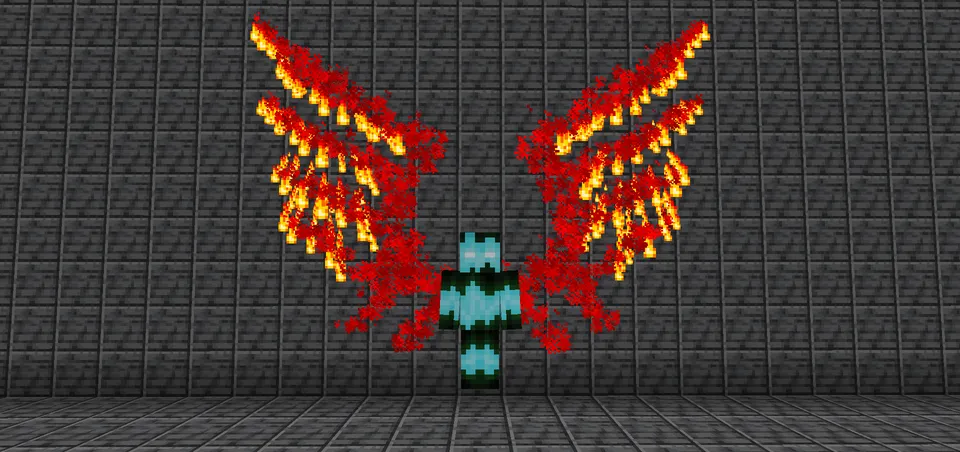
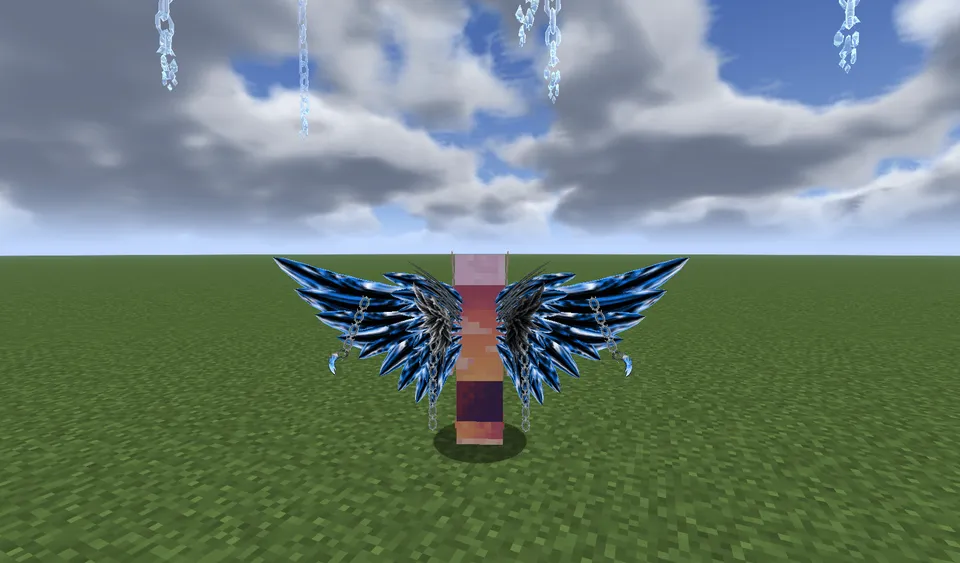
- The wings in SkyChains are cosmetic and managed directly through the mod settings rather than crafted as an item.
- Press K while in-game to open the settings menu (or open it via the Forge/NeoForge mod list or Fabric Mod Menu) to enable and customize your cosmetic wings.
Controls
- Press K to open the SkyChains settings menu.
Config
- You can access configuration by pressing K, through the Forge or NeoForge mod list, or through the optional Mod Menu on Fabric.
- The scrollable settings menu lets you adjust wing colors, hanging chains, sky colors via a color wheel, sky chain materials, and sky rift size, color, and glow.
- You can switch between adjustable performance profiles in the settings.
- Enable wing sharing in the settings to synchronize your cosmetic wings with other players on a server.
Tips
- Sky effects render locally on your own client, while wings can be shared across multiplayer.
- Look at the sky during clear Overworld nights to spot occasional aurora effects.
Compatibility
- To view other players' wings in multiplayer, SkyChains must be present on both the server and the receiving clients with wing sharing turned on.
Questions and answers
Which Minecraft versions and loaders does SkyChains support?
SkyChains supports Fabric on 1.20.1, 1.21.1, 26.2, and 26.3; Forge on 1.20.1 and 26.2; and NeoForge on 1.21.1, 26.2, and 26.3.
Does SkyChains need any additional libraries?
If you use the Fabric loader, you must also install Fabric API. You can optionally install Mod Menu on Fabric to access the configuration screen from the menu.
How do I equip and customize the wings?
There is no crafting recipe. Press K in-game to open the settings menu, where you can toggle the cosmetic wings and customize their animated colors and hanging chains.
Does this mod need to be installed on the server?
Sky visuals work locally on the client, but if you want other players to see your wings in multiplayer, the mod must be installed on the server and on each player's client with wing sharing enabled.