What you need
| Loader | 26.3.x | 26.2.x | 1.21.x |
|---|---|---|---|
| Fabric | 26.3 | 26.2 | 1.21.1, 1.21.11 |
| NeoForge | 26.3 | 26.2 | 1.21.1, 1.21.11 |
| Project kind | Mod |
|---|---|
| Minecraft versions | See the version table above |
| Loaders | Fabric, NeoForge |
| Required libraries |
|
| Install on | Client only (your game; servers do not need it) |
| Difficulty | Beginner |
| How you get the wings | Not an item |
| Wing kind | Angel, Demon & bat, Dragon, Fairy & butterfly, Bird & feather, Mechanical & tech, Magic |
- Java 21 is required for Minecraft 1.21.1 and 1.21.11.
- Java 25 is required for Minecraft 26.2 and 26.3.
- Fabric API is required if you run the mod on the Fabric loader.
- No extra libraries are needed if you use NeoForge.
How to install
- Install either the Fabric or NeoForge mod loader for a supported Minecraft version (1.21.1, 1.21.11, 26.2, or 26.3).
- Download the NotEars .jar file that matches your chosen mod loader and game version.
- If you use Fabric, also download the Fabric API .jar file.
- Place the mod .jar file (and Fabric API if on Fabric) into your client's mods folder. If you want other players on a multiplayer server to see your cosmetics, place the mod into the server's mods folder as well.
- Launch Minecraft once and press K in-game to verify that the wardrobe menu opens.
Step-by-step help: How to install Fabric · How to install NeoForge · How to install Fabric API · How to install Java mods · How to fix mods not loading.
How to get the wings
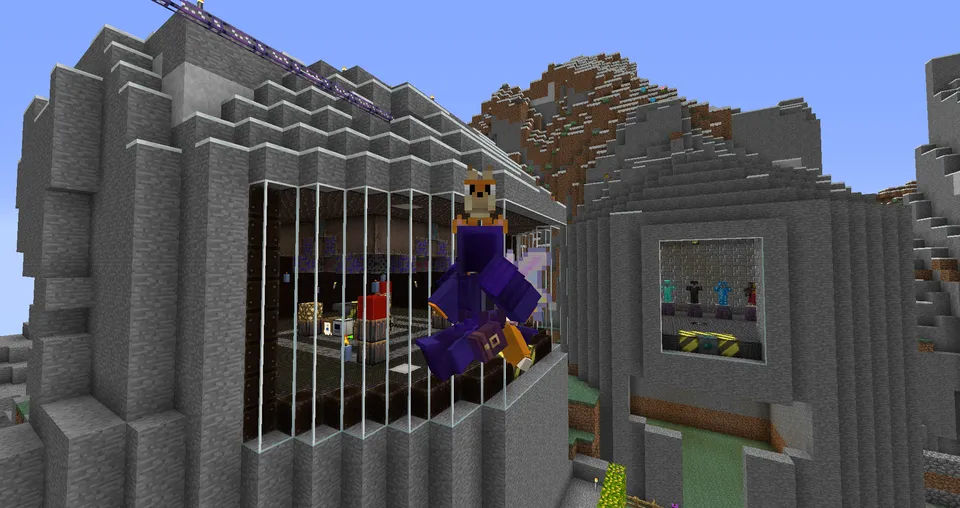
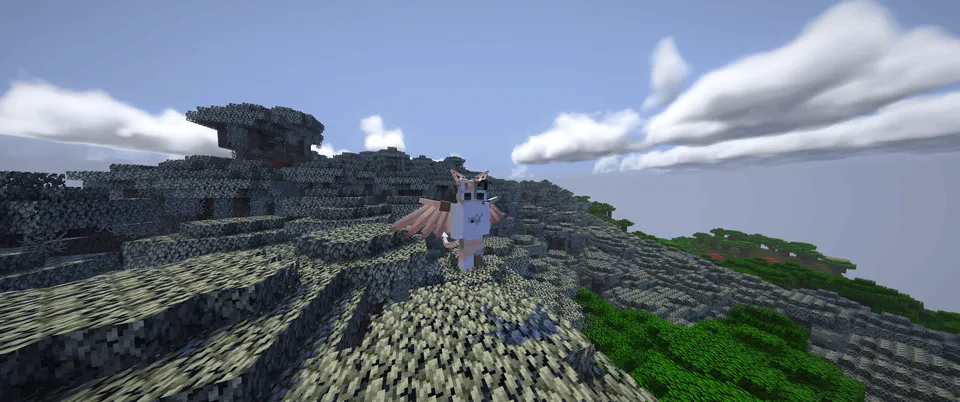
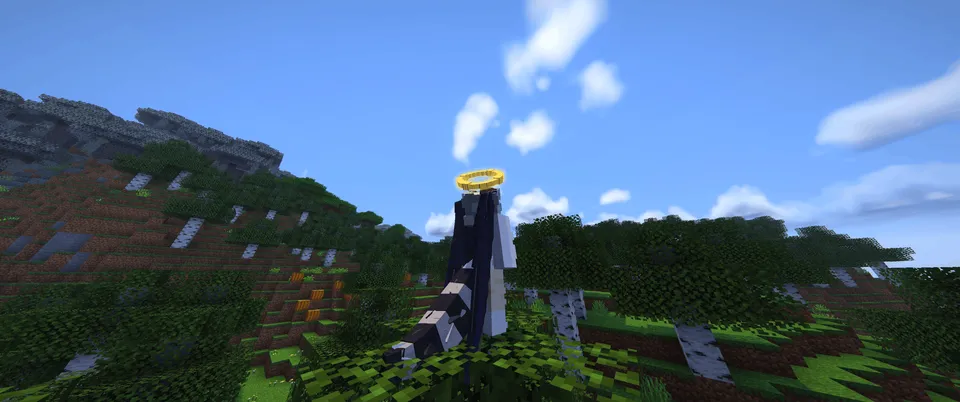
- These wings are cosmetics rather than craftable items.
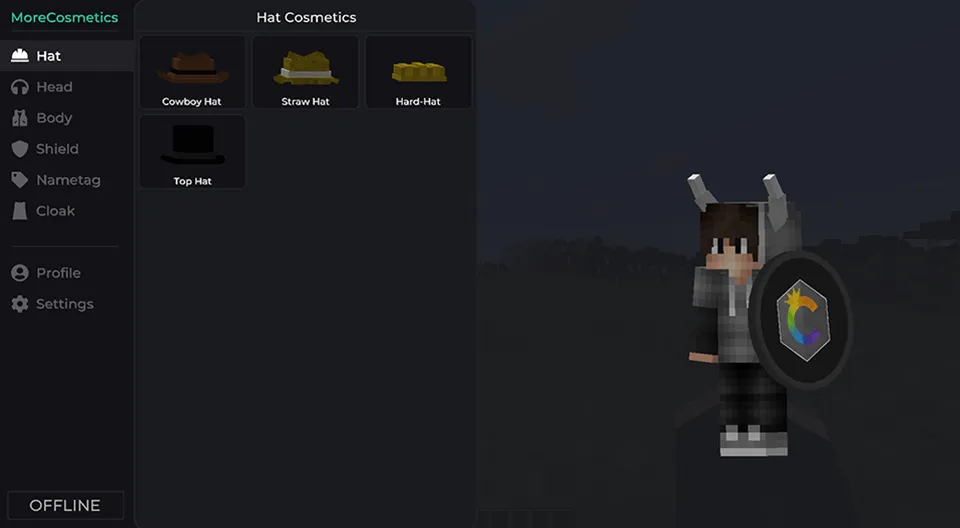
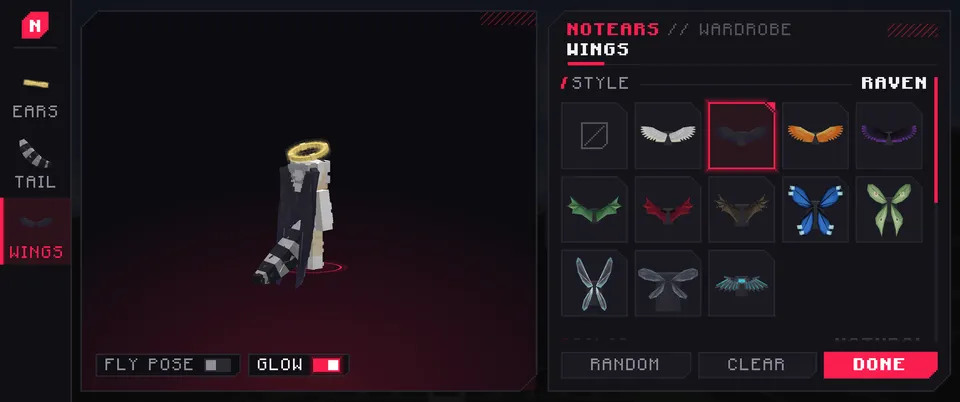
- Press K while in-game to open the wardrobe menu.
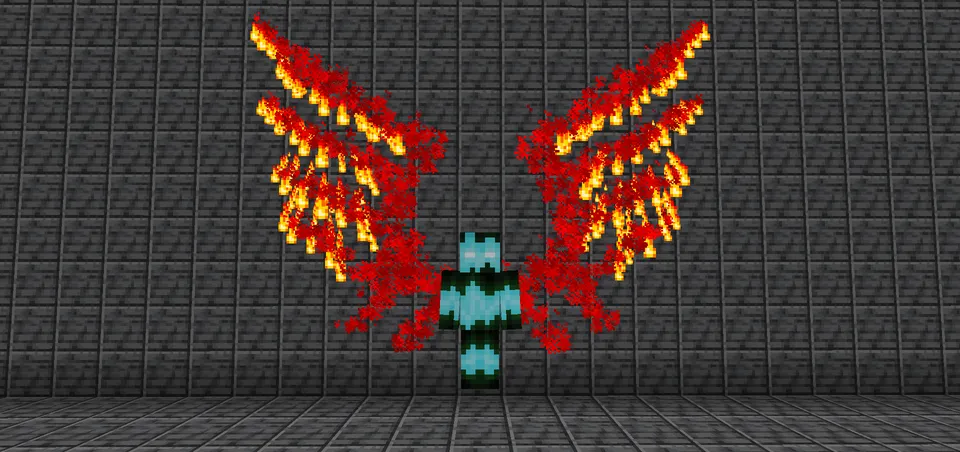
- Choose from nine wing styles: angel, phoenix, void, dragon, demon, bat, butterfly, fairy, or mech.
- Equip a standard elytra on your character if you want to glide; the mod hides the vanilla elytra model and displays your chosen wings while flying.
- Close the wardrobe menu to automatically save your selection.
Controls
- Press K to open the cosmetic wardrobe (you can rebind this key in the standard Minecraft Controls menu).
- Inside the wardrobe preview, drag with your mouse to rotate your character and scroll to zoom in or out.
Config
- All customization happens inside the in-game wardrobe menu and saves automatically when you close the screen.
- Each cosmetic slot supports natural style colors, 14 solid colors, or 12 animated presets (Rainbow, Pastel, Neon, Candy, Sunset, Fire, Toxic, Aurora, Ocean, Frost, Galaxy, and Ender).
- You can create a custom color scheme by mixing up to 4 colors via a color picker or hex codes, then selecting an animation pattern (Static, Wave, Cycle, Pulse, or Sparkle) and animation speed.
- Glowing details (such as phoenix feathers, horn tips, and kitsune tail tips) can be toggled on or off.
- Size and position sliders let you adjust how the cosmetics sit on your skin.
Tips
- Use the Random button in the wardrobe if you want the mod to pick a look for you.
- Sneaking causes the 3D ears to flatten and twitch, while turning your character causes tails to swing.
Compatibility
- Wearing armor is supported: ears shift slightly higher when you equip a helmet, and wings and tails shift outward to prevent clipping.
- On multiplayer servers without the mod installed, you will still see your own wings and cosmetics client-side.
- For other players to see your wings on a server, the server and those players need to have the mod installed.
- Players who do not have the mod installed can still join a server that runs it, though they will not see any cosmetics.
Questions and answers
Which Minecraft versions and loaders are supported?
File data shows builds for Minecraft 1.21.1, 1.21.11, 26.2, and 26.3 on both Fabric and NeoForge.
How do I open the menu to equip wings?
Press the K key in-game to open the wardrobe. You can change this keybind in the Minecraft Controls settings.
Do these wings let me fly without an elytra?
No. The wings are visual cosmetics that unfold when you fall or fly. When you wear an elytra, the mod hides the elytra model so it looks like you are flying with your chosen wings.
Do I need to install this on a server?
It works client-only if you only care about seeing your own cosmetics. However, if you want other players on a multiplayer server to see your wings, both the server and the other players need the mod installed.
Will my wings clip through my chestplate?
No. The mod automatically shifts wings and tails outward and raises ears when you put on armor so they do not clip.