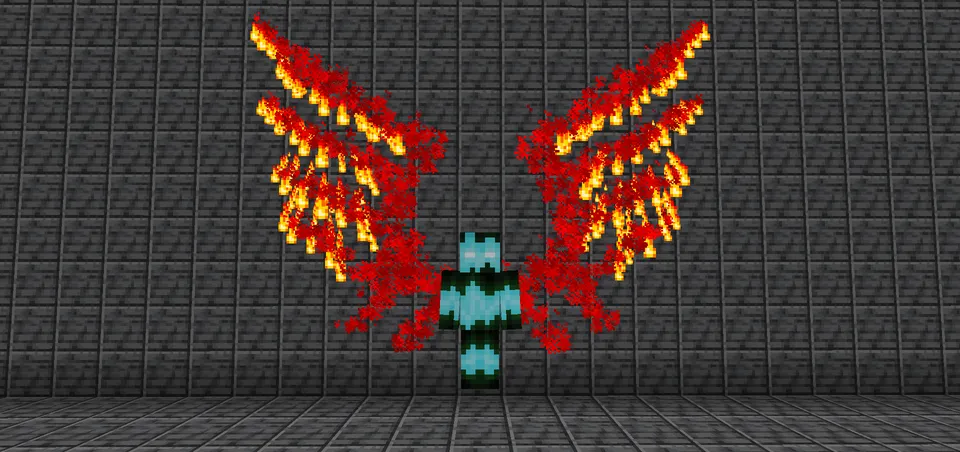
What you need
| Loader | 1.21.x | 1.20.x | 1.19.x | 1.18.x | 1.16.x | 1.12.x |
|---|---|---|---|---|---|---|
| Forge | – | 1.20.1 | 1.19.2 | 1.18.2 | 1.16.5 | 1.12.2 |
| NeoForge | 1.21 - 1.21.10 | – | – | – | – | – |
| Project kind | Mod |
|---|---|
| Minecraft versions | See the version table above |
| Loaders | Forge, NeoForge |
| Required libraries | None listed |
| Install on | Client only (your game; servers do not need it) |
| Difficulty | Beginner |
| How you get the wings | Not an item |
| Wing kind | Dragon |
- Requires Forge (for Minecraft 1.12.2, 1.16.5, 1.18.2, 1.19.2, or 1.20.1) or NeoForge (for Minecraft 1.21 through 1.21.10).
- No external library mods are required.
- Java 8 is required for Minecraft 1.12.2 and 1.16.5.
- Java 17 is required for Minecraft 1.18.2, 1.19.2, and 1.20.1.
- Java 21 is required for Minecraft 1.21 through 1.21.10.
- This is a client-only mod; do not install it on a dedicated server.
How to install
- Choose your target Minecraft version and install the matching mod loader: Forge for 1.12.2 to 1.20.1, or NeoForge for 1.21 to 1.21.10.
- Download the Dragon Wings .jar file that matches your exact Minecraft version and loader.
- Place the .jar file into the mods folder of your local Minecraft client directory (do not put it in a server mods folder).
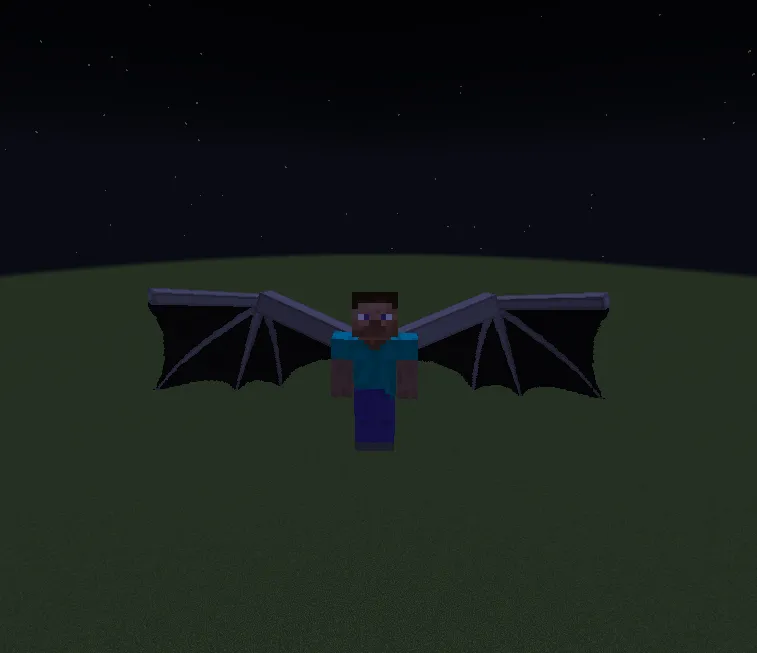
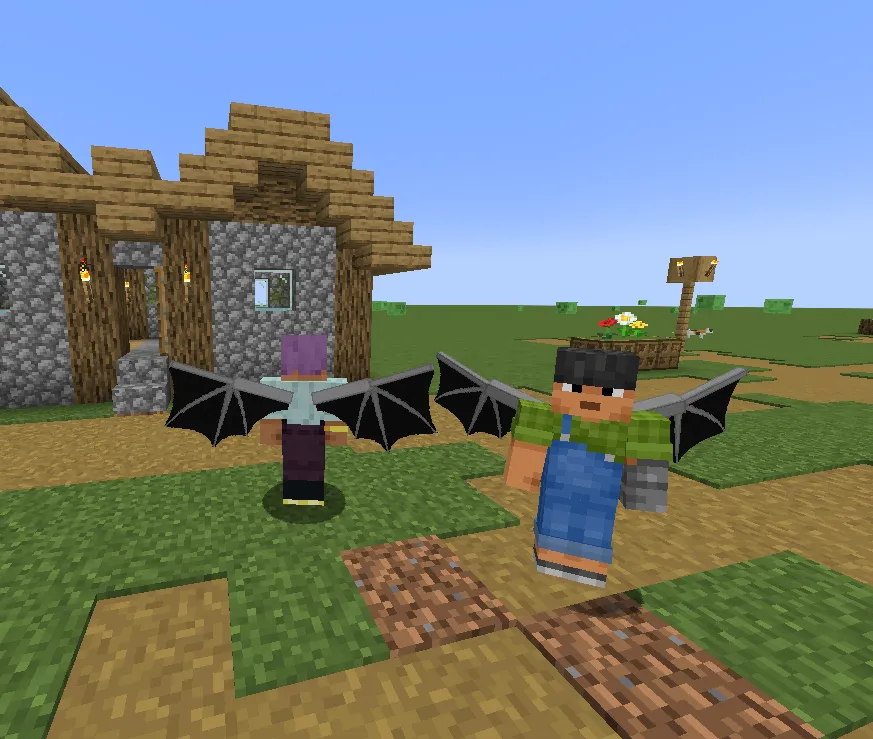
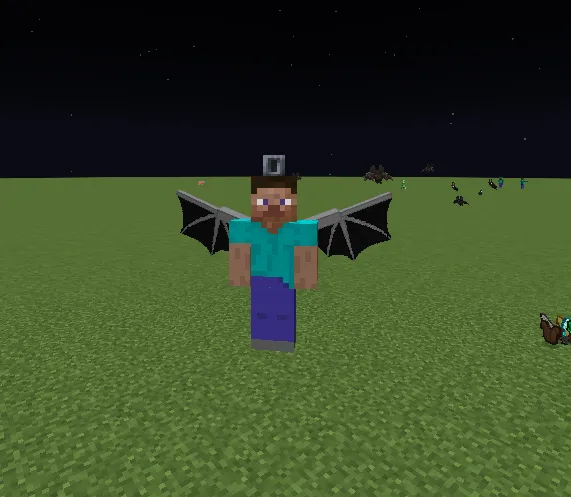
- Launch Minecraft using your Forge or NeoForge profile and load a world to verify the dragon wings appear on your character's back.
Step-by-step help: How to install Forge · How to install NeoForge · How to install Java mods · How to fix mods not loading.
How to get the wings
- These wings are purely visual models rendered on the player's back rather than a survival item.
- There is no crafting recipe or item to obtain; the default Ender Dragon wings are applied automatically by the client mod.
Tips
- The color adjustment menu and user interface from the original base mod have been intentionally removed.
- If you modify the mod's source code, extension points are available to add custom wings by drawing a texture using the original template and registering its path and ID.
Questions and answers
Do I need to install Dragon Wings on my server?
No. Dragon Wings is strictly a client-side cosmetic mod and is unsupported on the server side. Only install it in your own client mods folder.
Which mod loaders and Minecraft versions are supported?
You can use Forge on Minecraft 1.12.2, 1.16.5, 1.18.2, 1.19.2, and 1.20.1, or NeoForge on Minecraft 1.21 through 1.21.10.
How do I open the wing customization menu or change wing colors?
You cannot. This version removes the user interface and color adjustment options, rendering only the default Ender Dragon wing texture.
Does this mod require any extra library mods?
No additional libraries or APIs are needed besides Forge or NeoForge.