What you need
| Loader | 1.21.x |
|---|---|
| Fabric | 1.21.1 |
| Project kind | Mod |
|---|---|
| Minecraft versions | See the version table above |
| Loaders | Fabric |
| Required libraries |
|
| Optional libraries | Cobblemon, LuckPerms |
| Install on | Server only (players do not need it) |
| Difficulty | Advanced |
| How you get the wings | Commands |
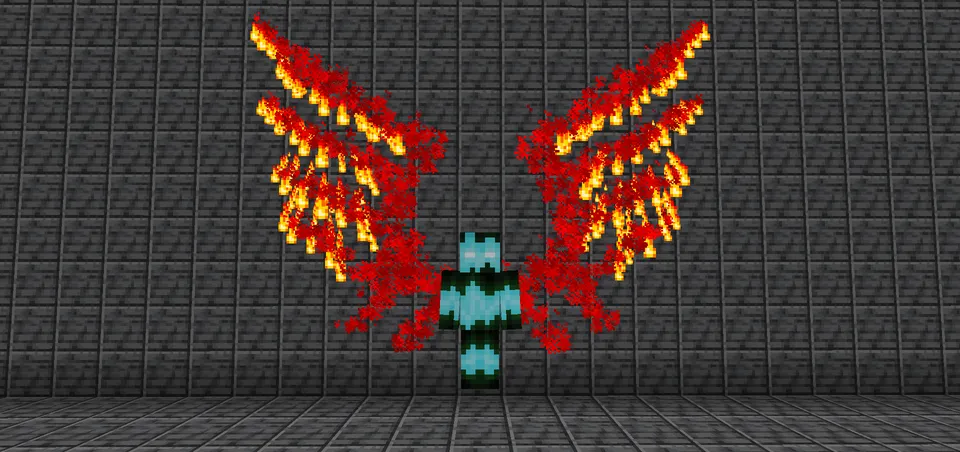
| Wing kind | Angel, Demon & bat, Fairy & butterfly |
- Minecraft 1.21.1 requires Java 21.
- Requires Fabric Loader 0.19.2 or newer on the server.
- Server-side only: do not install this mod on client instances. Connecting players only need to accept the server resource pack.
- Required dependencies: Fabric API (0.116.12+1.21.1), Fabric Language Kotlin (1.13.11 / Kotlin 2.3.21), Polymer (0.9.19+1.21.1, all four modules), and Text Placeholder API (2.4.2+1.21). The setup notes also mention sgui alongside the server mods.
- Optional dependencies: LuckPerms (5.4 API) for permission-node checks instead of op level 4, and Cobblemon (1.7.3+1.21.1) if you want snowstorm-particle effects to render.
How to install
- Install Fabric Loader (0.19.2 or newer) on your Minecraft 1.21.1 server.
- Download the Dex Cosmetics .jar file and place it into the server's mods/ folder.
- Add the required libraries to the server's mods/ folder: Fabric API, Fabric Language Kotlin, Polymer (all four modules), Text Placeholder API (and sgui as noted in the installation instructions).
- Optionally add LuckPerms for permission management or Cobblemon for snowstorm particle support to the server's mods/ folder.
- Start the server once to generate the config/dex_cosmetics/ directory, default configuration file, and bundled example cosmetics.
- Connect with a vanilla 1.21.1 client and accept the automatically hosted resource pack to verify the setup.
Step-by-step help: How to install Fabric · How to install Fabric API · How to install Java mods · How to fix mods not loading.
How to get the wings
- Wings are cosmetic back items (type: BACK) defined by the server in config/dex_cosmetics/cosmetics/back/<id>.json; there are no crafting recipes.
- An administrator or console/shop plugin must grant you ownership of a wing cosmetic using the command: /cosmetics give <player> <cosmetic_id>.
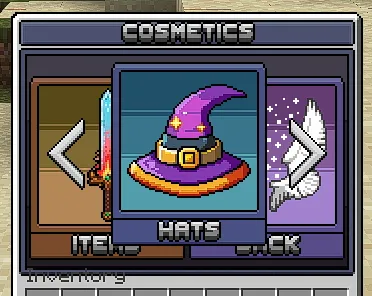
- Once a cosmetic is granted to your account, run /cosmetics in-game to open the cosmetics GUI and equip the wings you own.
Controls
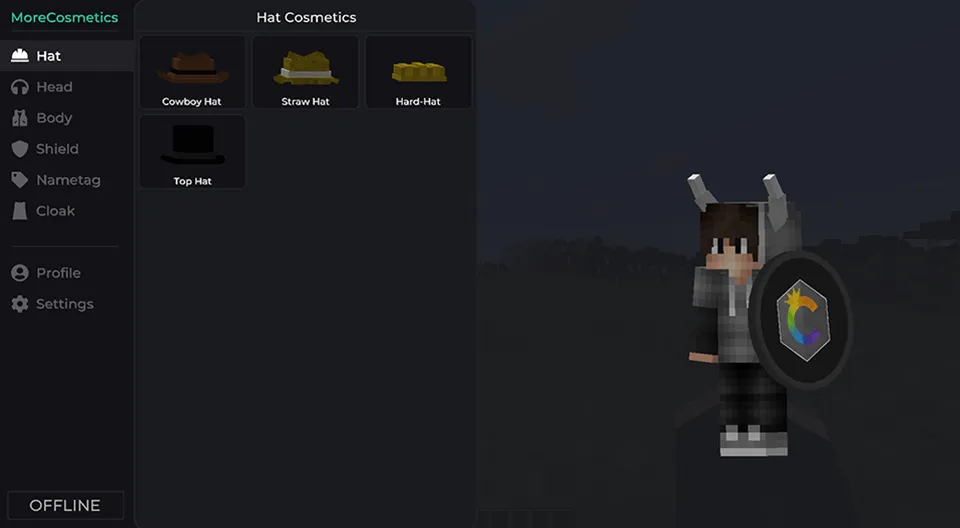
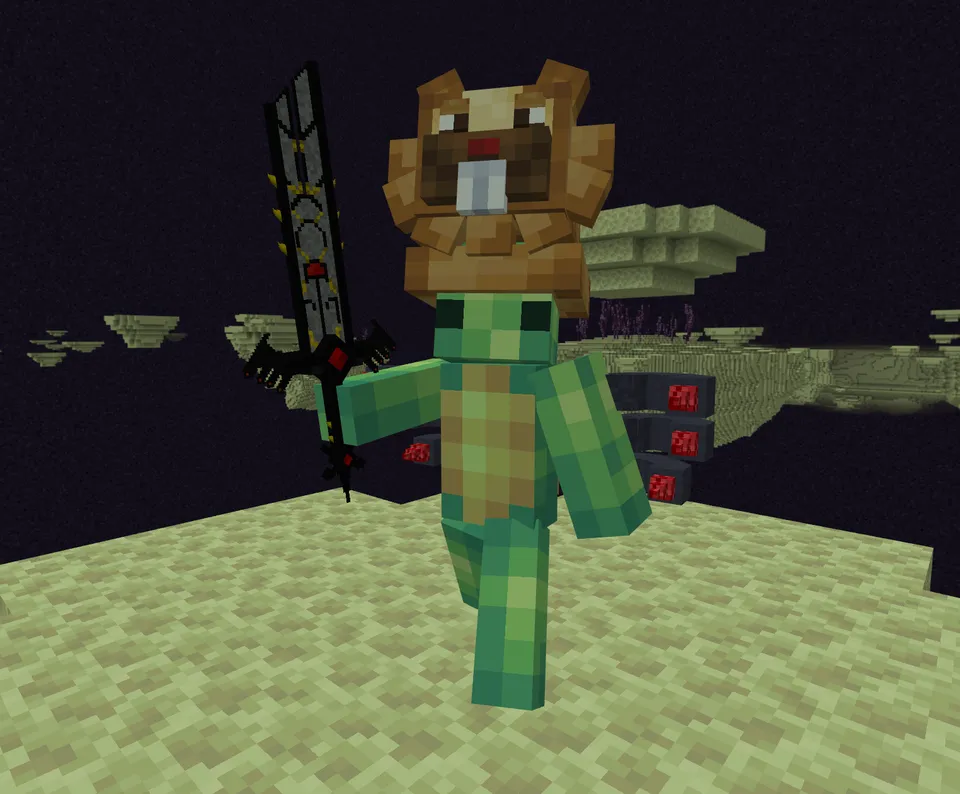
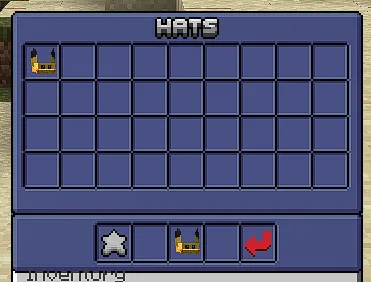
- Run /cosmetics to open the cosmetics menu and equip owned hats, wings/back items, item skins, or effects.
- Hold a compatible item and click a skin icon in the /cosmetics GUI to apply an item skin, or run /cosmetics remove while holding the item to strip the skin.
- Admins with the dexcosmetics.admin permission (or op level 4) can run /cosmetics give <player> <id>, /cosmetics take <player> <id>, /cosmetics list <player>, /cosmetics reload, and /cosmetics generatepack.
Config
- Global settings live in config/dex_cosmetics/config.json.
- require_resource_pack (default true) kicks players who decline the auto-served resource pack using the message in resource_pack_kick_message; set to false to let them join with vanilla visuals.
- admin_permission (default “dexcosmetics.admin”) sets the LuckPerms node checked for admin commands.
- allow_item_skin_sharing (default true) controls whether dropped or traded items keep their custom skin when picked up by a non-owner.
- rename_item_to_skin_name (default false) overrides a skinned item's display name on the client copy without permanently renaming the item stack.
- Custom cosmetics are added by placing JSON definitions in config/dex_cosmetics/cosmetics/<type>/<id>.json (under hats/, back/, items/, or effects/), Blockbench models in config/dex_cosmetics/model/<type>/<id>.json, and PNG textures (plus optional .mcmeta files) in config/dex_cosmetics/textures/<type>/<id>/.
Tips
- Back cosmetics (such as wings, capes, and backpacks) automatically hide while you are swimming, elytra gliding (fall flying), sleeping, or performing a spin attack, and reappear when you exit those poses.
- Hats render using fake equipment packets, leaving your actual helmet slot untouched in your inventory.
- Per-player ownership and equipped cosmetics are stored automatically in a SQLite database at <world>/dex_cosmetics/cosmetics.db.
- You can integrate cosmetic rewards into existing crate, shop, or loot plugins by having them run /cosmetics give <player> <cosmetic_id> from the console.
Compatibility
- Vanilla clients are supported out of the box on Minecraft 1.21.1 via Polymer's auto-hosted resource pack.
- Works with LuckPerms (5.4 API) for admin command permissions; falls back to vanilla op level 4 if LuckPerms is absent.
- Integrates optionally with Cobblemon (1.7.3+1.21.1) to render Bedrock-format snowstorm particles placed in config/dex_cosmetics/snowstorm_particles/.
Questions and answers
Do players need to install Dex Cosmetics on their client?
No. The mod is 100% server-side. Players join with a vanilla 1.21.1 client and receive the models and textures through Polymer's automatically served resource pack.
Which Minecraft version and mod loader are supported?
Dex Cosmetics is built for Minecraft 1.21.1 running on Fabric Loader 0.19.2 or newer.
What required libraries must be installed on the server?
You must install Fabric API, Fabric Language Kotlin, Polymer, and Text Placeholder API (the author's install steps also note sgui).
How do players get and equip wings?
Wings are back-slot cosmetics defined in config/dex_cosmetics/cosmetics/back/. An admin or shop plugin grants them with /cosmetics give , and the player equips them inside the /cosmetics menu.
What happens to wings when I glide with an elytra or swim?
Back items automatically hide during fall-flying (elytra gliding), swimming, sleeping, and spin-attack poses, then respawn once you leave that pose.
Is Cobblemon required to use this mod?
No. Cobblemon is optional and only needed if you want Bedrock-format snowstorm particle effects to render. Without it, other cosmetics work normally and snowstorm effects simply render nothing.