What you need
| Loader | 1.21.x |
|---|---|
| Fabric | 1.21.11 |
| Project kind | Mod |
|---|---|
| Minecraft versions | See the version table above |
| Loaders | Fabric |
| Required libraries |
|
| Install on | Client only (your game; servers do not need it) |
| Difficulty | Beginner |
| How you get the wings | Set in config |
- Minecraft 1.21.11 requires Java 21.
- Fabric Loader and Fabric API are required.
- This is a client-only mod; do not install it on a server.
How to install
- Install Fabric Loader for Minecraft 1.21.11 on your client.
- Download the Clary HUD mod .jar file and the Fabric API .jar file for Minecraft 1.21.11.
- Place both .jar files into your client's mods folder (do not put them on a server, as server-side is unsupported).
- Launch Minecraft 1.21.11 using the Fabric profile.
- Open Options -> Controls -> Key Binds and look for the Clary category to verify the mod loaded.
Step-by-step help: How to install Fabric · How to install Fabric API · How to install Java mods · How to fix mods not loading.
How to get the wings
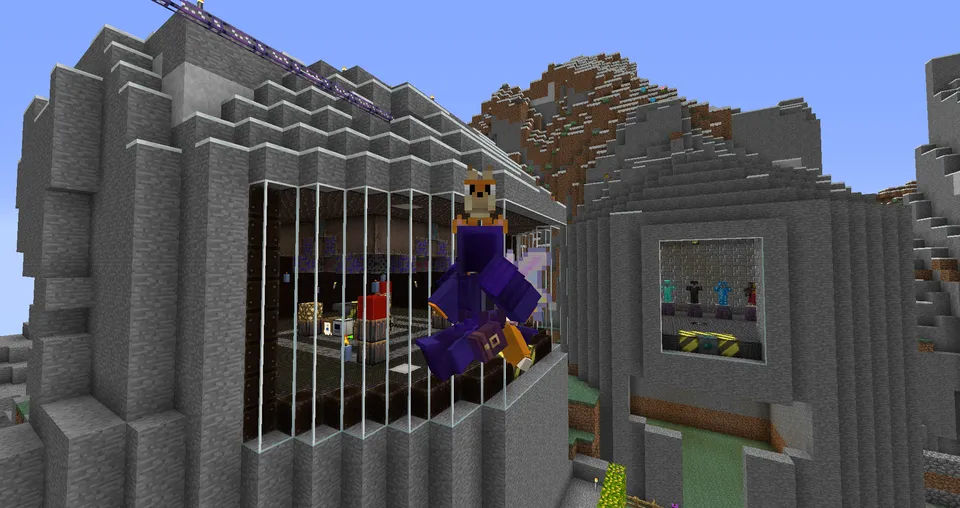
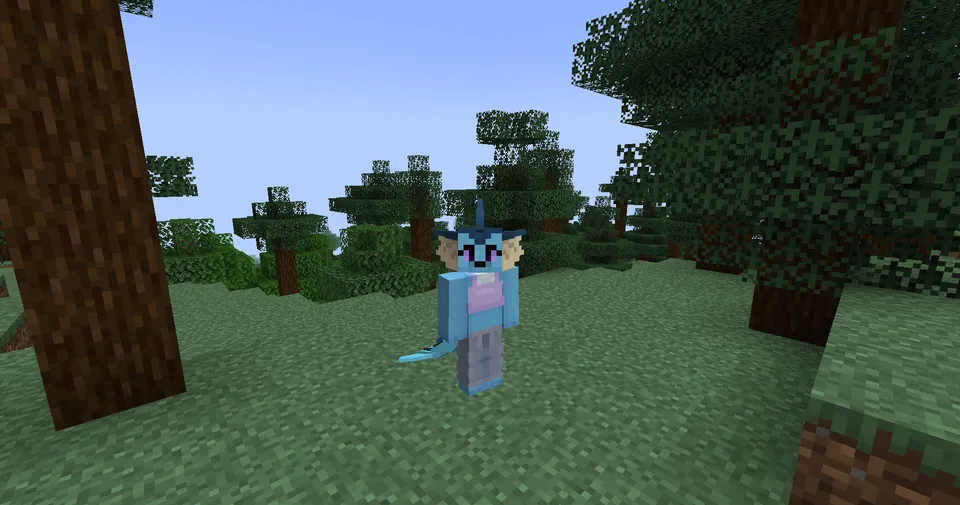
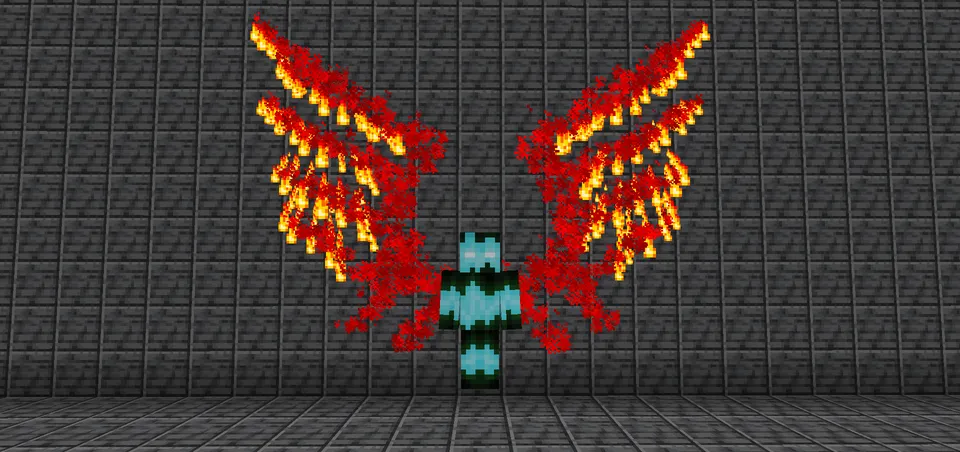
- The wings in this mod are visual cosmetics only and are not obtained through crafting or items.
- Bind a key to the Clary menu in your Minecraft controls.
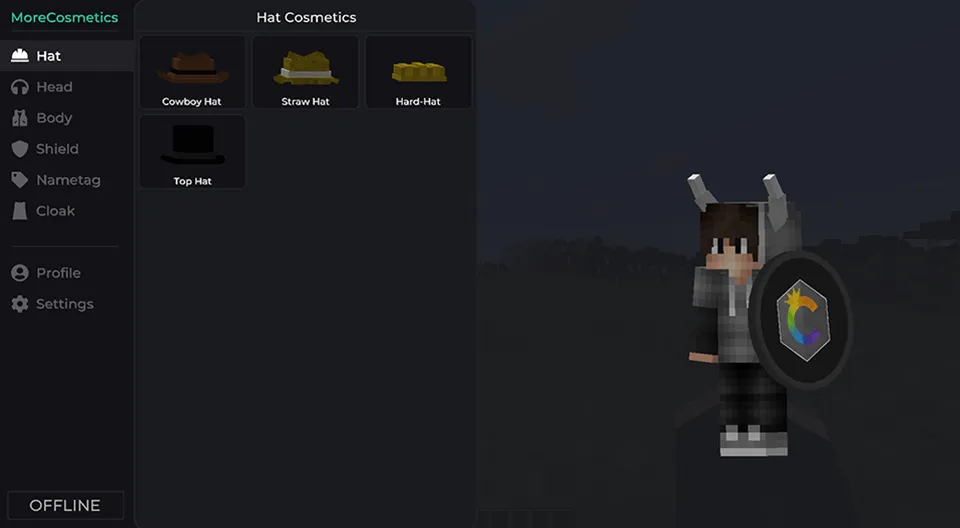
- Press your chosen key in-game to open the cosmetics menu, then browse the categories or use the search bar to select your wings.
Controls
- No default key is mentioned in the description; you must assign your own keybind.
- Go to Options -> Controls -> Key Binds.
- Locate 'Clary menu' under the 'Clary' category, click it, and press the key you want to use.
- Press that bound key while in-game to open the cosmetics menu.
Config
- All cosmetic selections (wings, capes, and name tags) are configured in-game through the Clary menu.
Tips
- You can change your menu keybind at any time, and Minecraft will alert you if the key conflicts with another action.
- Use the search bar and categories inside the purple menu to quickly filter through wings, capes, and tags.
Questions and answers
Do the wings from Clary HUD let me fly?
No. The wings, capes, and tags are visual cosmetics only and give no gameplay advantage.
Which Minecraft version and loader do I need?
You need Minecraft 1.21.11 running on the Fabric Loader, along with Fabric API.
Should I install Clary HUD on my server?
No. Clary HUD is a client-only mod and is unsupported on the server side.
How do I open the cosmetics menu?
Go to Options -> Controls -> Key Binds, find 'Clary menu' under the Clary category, assign a key to it, and press that key in-game.