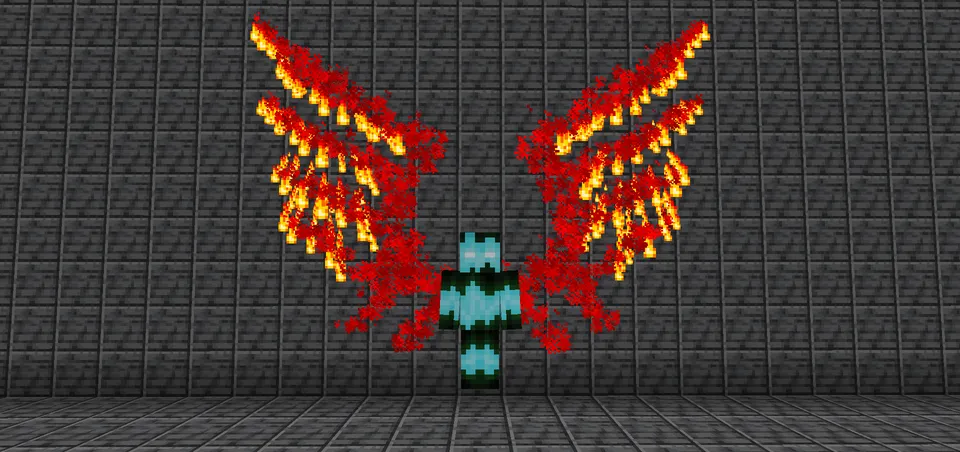
What you need
| Project kind | Server plugin |
|---|---|
| Minecraft versions | 1.8.1 |
| Required libraries | None listed |
| Install on | Server only (players do not need it) |
| Difficulty | Advanced |
| How you get the wings | Commands |
- Requires Java 8 (for Minecraft 1.8.1).
- This is a server-only plugin; players do not need to install anything on their clients.
- No external required libraries are listed.
- You need a separate plugin or method to enable flight on your server, as BannerWings only provides the visual wings.
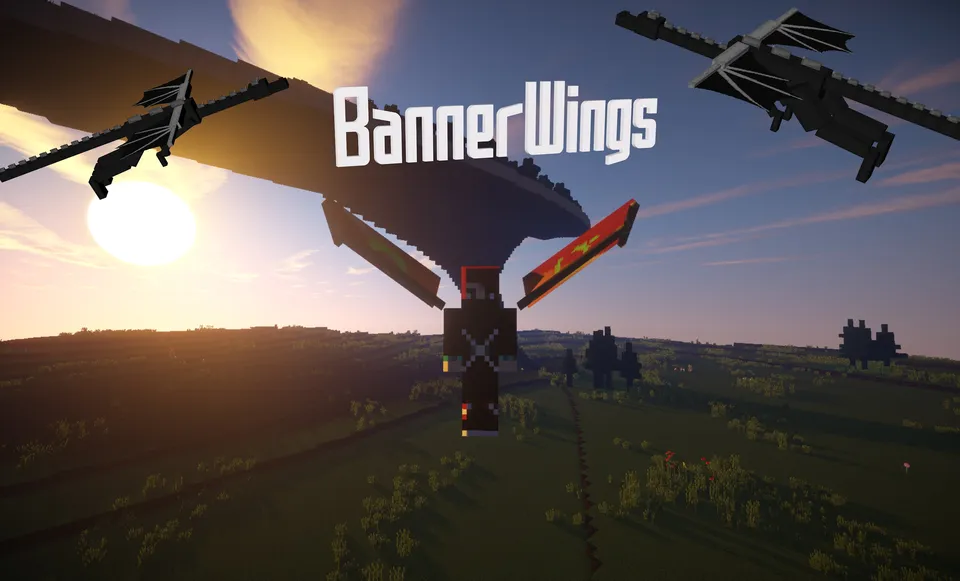
How to install
- Set up a Minecraft 1.8.1 server capable of running plugins.
- Place the BannerWings .jar file into your server's plugins folder.
- Start or restart your server once to load the plugin and generate its configuration files.
- Run /bwings in-game or from the console to verify that the plugin is active.
Step-by-step help: How to install server plugins · How to fix mods not loading.
How to get the wings
- Grant yourself the permission node bannerwings.commands to access the creation commands.
- Run /bwings create <name> <displayname> to register a new set of banner wings.
- Run /bwings give <name> to receive the wing item, which appears as a feather.
- Ensure you have the permission bannerwings.useall or bannerwings.use.<wingName> to use the item.
- Click the received feather item to toggle the wings on or off.
Controls
- Click the wing feather item to enable or disable your wings.
- Hit an entity with the wing feather to attach wings to that entity (requires the bannerwings.entitywings permission).
- Start flying (via another flight plugin) to make the wings move, and land on the ground to stop the animation.
Config
- play-wing-sound: true - Toggles wing sound effects when your wings are enabled.
- play-wing-particle: true - Toggles wing particle effects when your wings are enabled.
- metrics: true - Enables or disables anonymous statistics collection.
Tips
- To customize the look of a wing, hold a custom banner item and run /bwings leftwing <name> to update the left wing design.
- Use /bwings to view the full list of available plugin commands.
- Note that any wings applied to entities by hitting them with the wing feather are temporary and will disappear when the server reloads.
Compatibility
- Works alongside other server plugins that grant flight mode.
- Includes a developer API via BannerWingsApi.class and the BannerWingsApiListener interface.
Questions and answers
Which Minecraft versions does BannerWings support?
The data lists support for Minecraft Java Edition 1.8.1.
Do players need to install this on their client?
No. BannerWings is a server-only plugin and goes strictly into the server's plugins folder.
Does this plugin allow players to fly?
No. BannerWings only adds the animated banner visuals. You must enable flying on your server using another plugin.
How do I change the banner pattern on the wings?
Get a custom banner item in-game and run /bwings leftwing to change the design of the left wing.
Why did the wings on mobs disappear?
Entities lose their wings whenever the server reloads. You must hit them with a wing feather again to reapply the wings.