What you need
| Project kind | Server plugin |
|---|---|
| Required libraries | None listed |
| Install on | Client and server (install it on both in multiplayer) |
| Difficulty | Intermediate |
| How you get the wings | Crafting |
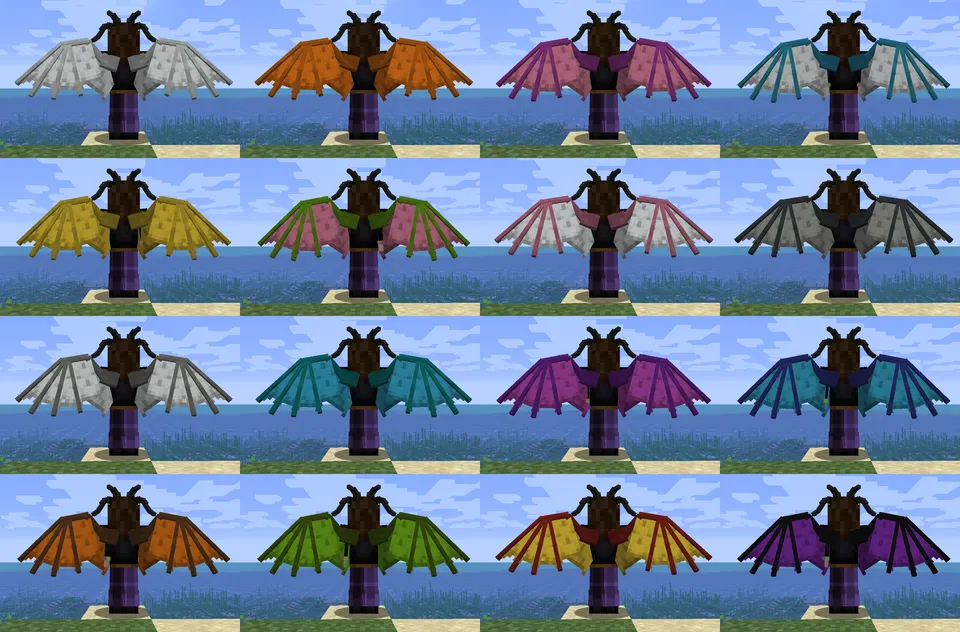
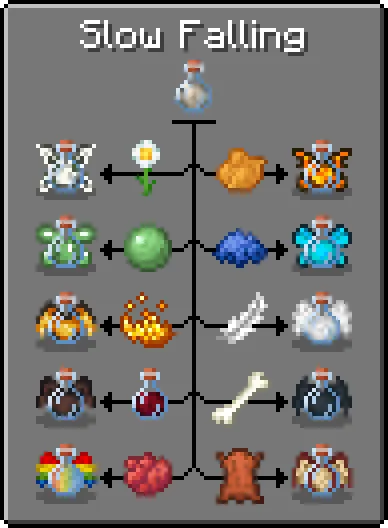
| Wing kind | Angel, Demon & bat, Dragon, Fairy & butterfly, Bird & feather, Magic |
- The provided project data does not specify exact supported Minecraft versions or server software platforms.
- No external dependency libraries are required.
- You need the permission node 'wings.use' to use the feather flight mechanic (granted to server operators by default).

How to install
- Set up a Minecraft Java server capable of running plugins (the project data does not specify exact supported loaders or Minecraft versions).
- Place the Wings v1.0 plugin .jar file into your server's 'plugins' folder.
- No required library files are listed in the data, so you do not need to install extra dependencies.
- Start your server once so the plugin can load and generate its configuration file.
- Join the server, grant yourself the 'wings.use' permission or OP status, and right-click with a feather in your hand to verify that it works.
Step-by-step help: How to install server plugins · How to fix mods not loading.
How to get the wings
- You do not need a custom item; the plugin uses regular Minecraft feathers.
- Hold one or more feathers in your hand to act as your wings.
- Ensure your player account has the 'wings.use' permission node (server operators have this by default).
- Grant the 'wings.infinite' permission node if you want to fly without consuming a feather on every click.
Controls
- Hold a feather (or a stack of feathers) in your hand and right-click to launch yourself slightly upward and forward.
Config
- You can change the launch velocity in the plugin's configuration file using the 'speed: 3' setting.
- It is recommended to keep the 'speed' value between 1 and 10, as setting it higher than 10 may cause server lag.
- Permission node 'wings.use': Allows the player to fly by right-clicking with a feather, consuming one feather per use (OPs have this by default).
- Permission node 'wings.infinite': Allows the player to use a feather to fly an infinite number of times without consuming it.
- This plugin does not have any commands.
Tips
- Be aware that this plugin disables fall damage across the entire server whenever a player holds a feather or has an empty hand.
Compatibility
- This plugin globally alters fall damage behavior on the server whenever players have nothing or a feather in their hand.
Questions and answers
How do I fly with the Wings plugin?
Hold at least one feather in your hand and right-click. If you have the 'wings.use' permission, you will be propelled upward and forward.
Why do my feathers disappear when I use them?
By default, having only the 'wings.use' permission consumes one feather per right-click. To prevent feathers from being consumed, give the player the 'wings.infinite' permission node.
Does a server operator get infinite flight by default?
No. By default, OP status only grants the 'wings.use' permission, which still consumes one feather per click. You must manually add 'wings.infinite' for unlimited uses.
Are there any commands to toggle or configure the wings in-game?
No, the plugin does not include any commands. Velocity changes must be made in the configuration file.
How do I change how fast the feather launches players?
Open the plugin's configuration file and edit the 'speed: 3' line. Keep the number between 1 and 10 to avoid causing lag.
Does this plugin affect fall damage?
Yes. It disables fall damage across the entire server whenever a player is holding a feather or holding nothing at all.