What you need
| Loader | 1.20.x | 1.19.x | 1.18.x | 1.17.x | 1.16.x | 1.15.x |
|---|---|---|---|---|---|---|
| Fabric | 1.20 - 1.20.1 | 1.19 | 1.18 - 1.18.2 | 1.17 - 1.17.1 | 1.16 - 1.16.5 | 1.15.2 |
| Project kind | Mod |
|---|---|
| Minecraft versions | See the version table above |
| Loaders | Fabric |
| Required libraries |
|
| Optional libraries |
|
| Install on | Client and server (install it on both in multiplayer) |
| Difficulty | Intermediate |
| How you get the wings | Crafting, Loot chests, Mob drops |
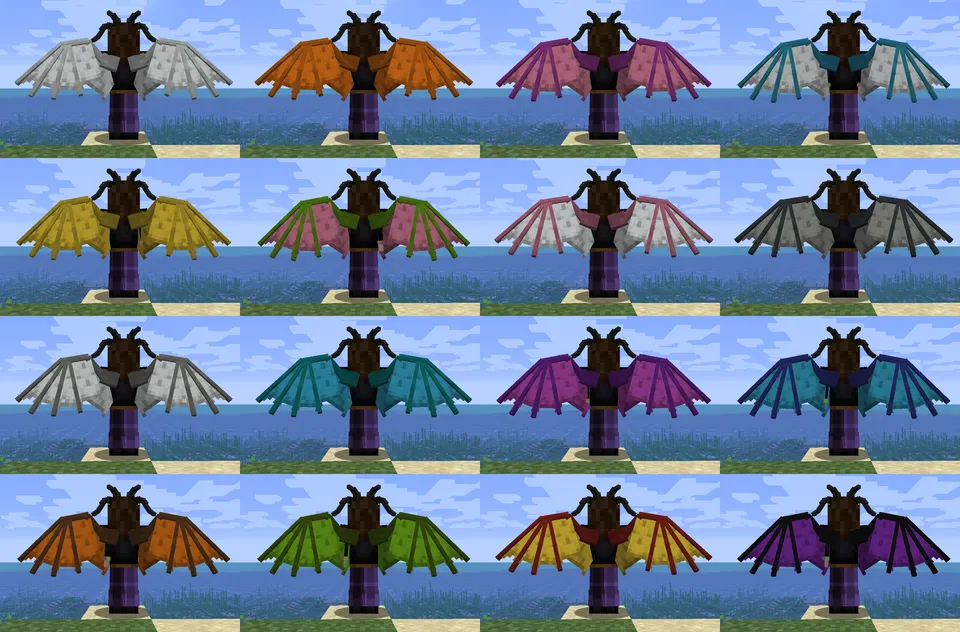
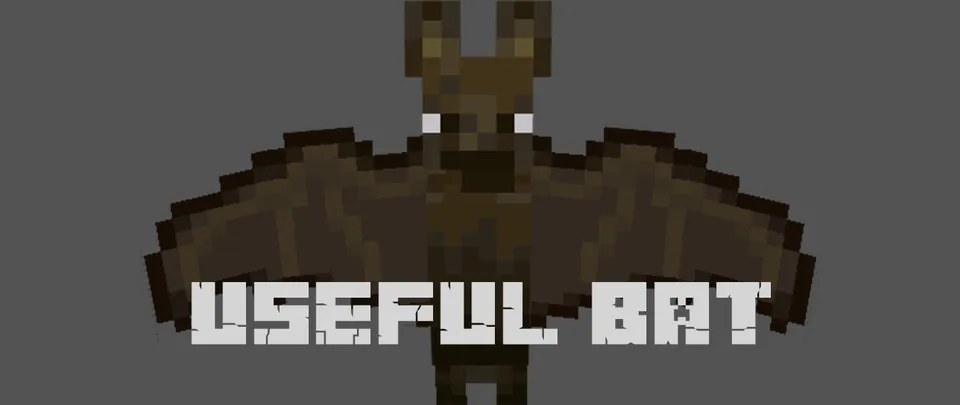
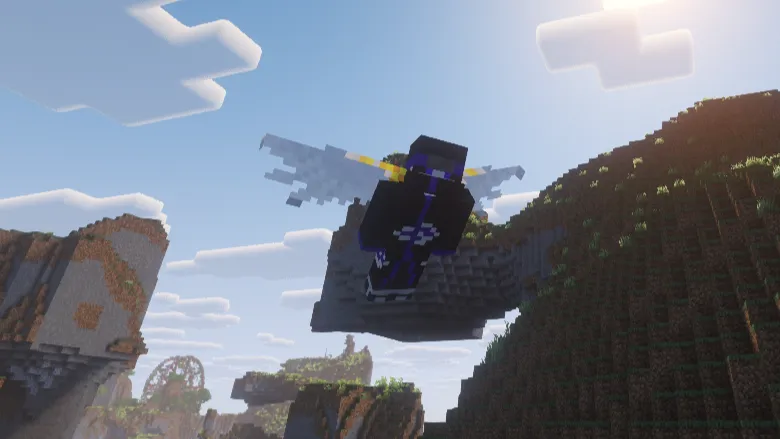
| Wing kind | Angel, Demon & bat, Dragon, Fairy & butterfly, Bird & feather, Magic |
- Requires the Fabric loader.
- Requires Fabric API and Fabric Language Kotlin installed alongside the mod.
- Mod Menu is supported as an optional library.
- Required on both the client and the server for multiplayer.
- Java 8 is required for Minecraft 1.15.2 to 1.16.5.
- Java 16 is required for Minecraft 1.17 and 1.17.1.
- Java 17 is required for Minecraft 1.18 to 1.20.1.
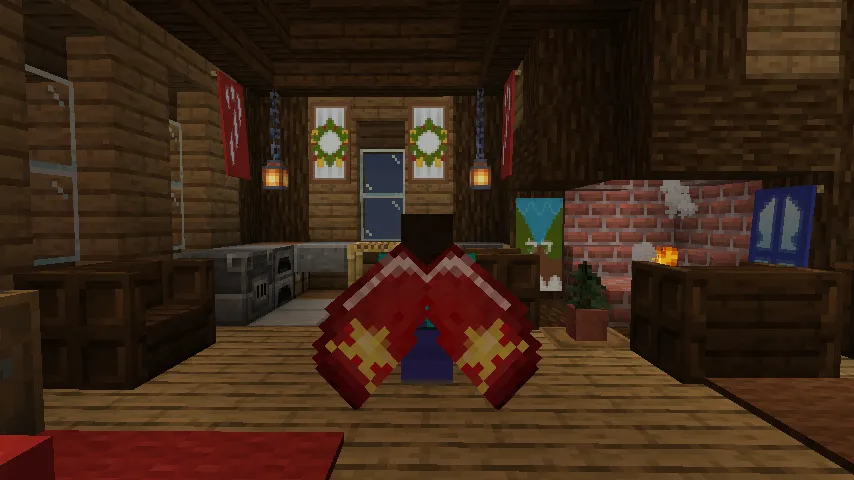
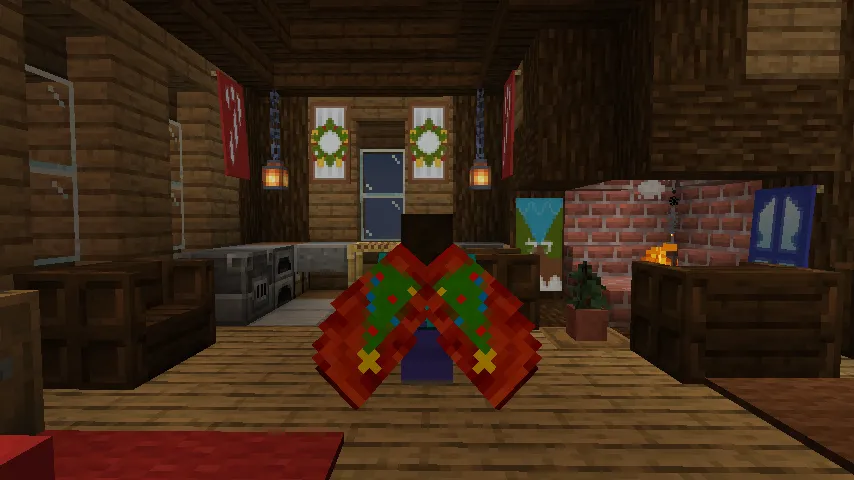
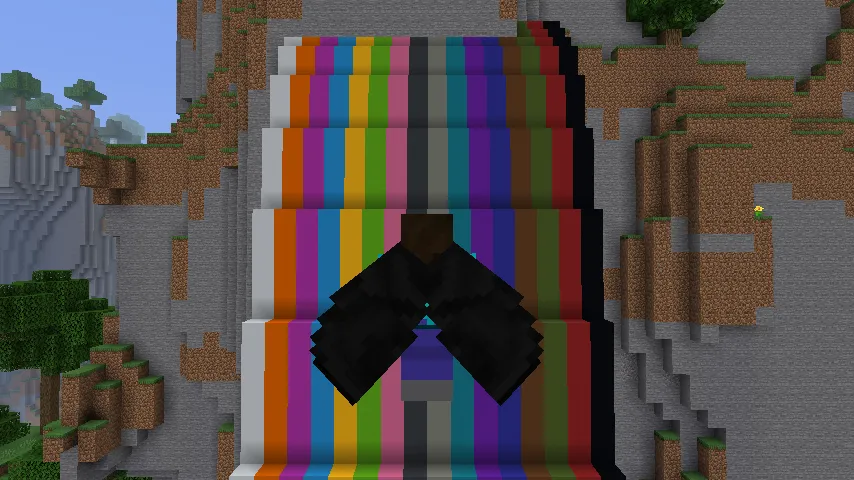
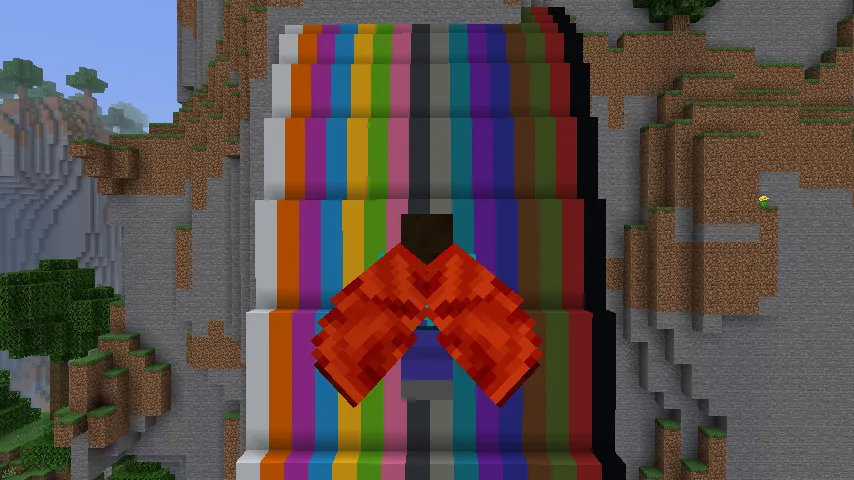
How to install
- Install the Fabric loader for your chosen supported Minecraft version (1.15.2 through 1.20.1).
- Download the Winged .jar file matching your Minecraft version.
- Download the required dependency jars: Fabric API and Fabric Language Kotlin.
- Place the Winged jar, Fabric API jar, and Fabric Language Kotlin jar into your mods folder. Because both sides are required, install these files on both the client and the server.
- Optionally, place Mod Menu in your client mods folder.
- Launch Minecraft once with the Fabric profile and check in-game that the Winged items appear.
Step-by-step help: How to install Fabric · How to install Fabric API · How to install Java mods · How to fix mods not loading.
How to get the wings
- Search End Cities to find intact Cores of Flight in loot chests.
- Alternatively, search Buried Treasures, Simple Dungeons, Woodland Mansions, or Abandoned Mineshafts for a Broken Core of Flight, then repair it using a slimeball and a diamond.
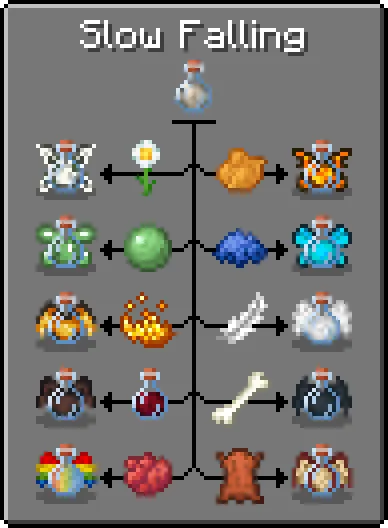
- Gather the crafting materials needed for your chosen wing design, which may include custom mob drops added by the mod.
- The description does not list exact crafting grids for each wing type; check the items in JEI/EMI/REI (press R on the item for recipes, U for uses).
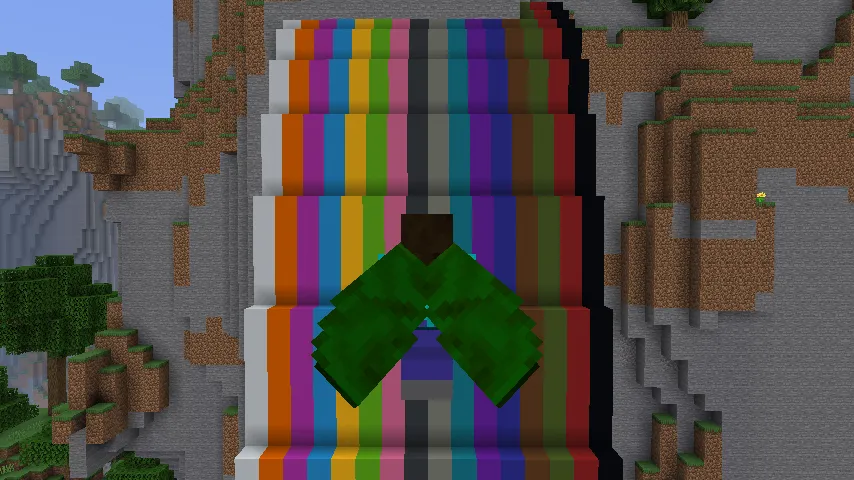
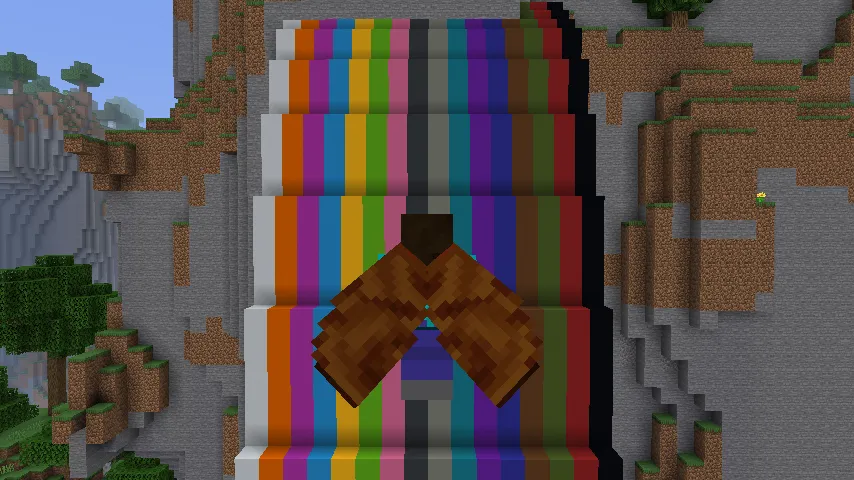
- Once equipped, your wings stay on your character permanently, even through death.
- To remove equipped wings, craft a ceremonial knife and dip it into a flask of Dragon Breath. Using this item to remove your wings will inflict damage.
Tips
- Your equipped wings persist after death even when the keepInventory game rule is turned off.
- Removing wings with a Dragon Breath-dipped ceremonial knife hurts your character, so restore your health before doing so.
Questions and answers
Which Minecraft versions and loaders does Winged support?
Winged supports the Fabric loader on Minecraft versions 1.15.2, 1.16 to 1.16.5, 1.17 to 1.17.1, 1.18 to 1.18.2, 1.19, 1.20, and 1.20.1.
What libraries are needed to run Winged?
You need to install both Fabric API and Fabric Language Kotlin. Mod Menu is also listed as an optional library.
Do I need Winged on both the client and the server?
Yes. The mod is required on both the client and the server to play in multiplayer.
Where do I find a Core of Flight?
Intact Cores of Flight generate in End Cities. You can also find Broken Cores of Flight inside Buried Treasures, Simple Dungeons, Woodland Mansions, and Abandoned Mineshafts, and repair them with a diamond and a slimeball.
Do I lose my wings when I die?
No. Once you equip a pair of wings, they stay on your player after death even if keepInventory is off.
How can I unequip or change my wings?
You have to craft a ceremonial knife, dip it in a flask of Dragon Breath, and use it to cut the wings off. Note that this process damages your character.