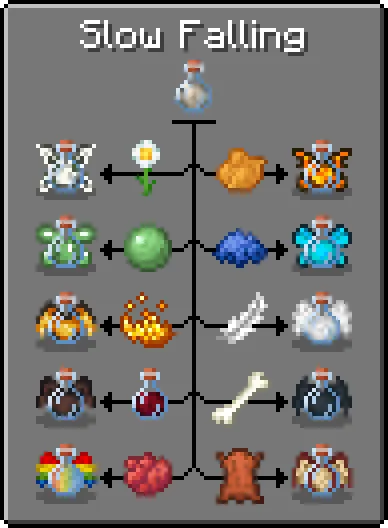
What you need
| Project kind | Mod |
|---|---|
| Minecraft versions | 1.7.2, 1.7.10 |
| Required libraries | None listed |
| Install on | Client and server (install it on both in multiplayer) |
| Difficulty | Beginner |
| How you get the wings | Crafting |
| Wing kind | Bird & feather, Mechanical & tech, Glider |
- Requires Minecraft Forge for Minecraft 1.7.2 or 1.7.10.
- Requires Java 8 for Minecraft 1.7.x.
- No extra library mods or custom world generation are needed.
- Dedicated servers require flight enabled in the server.properties file so players are not kicked for floating.
- Mod versions older than 0.6.1 will crash dedicated servers.
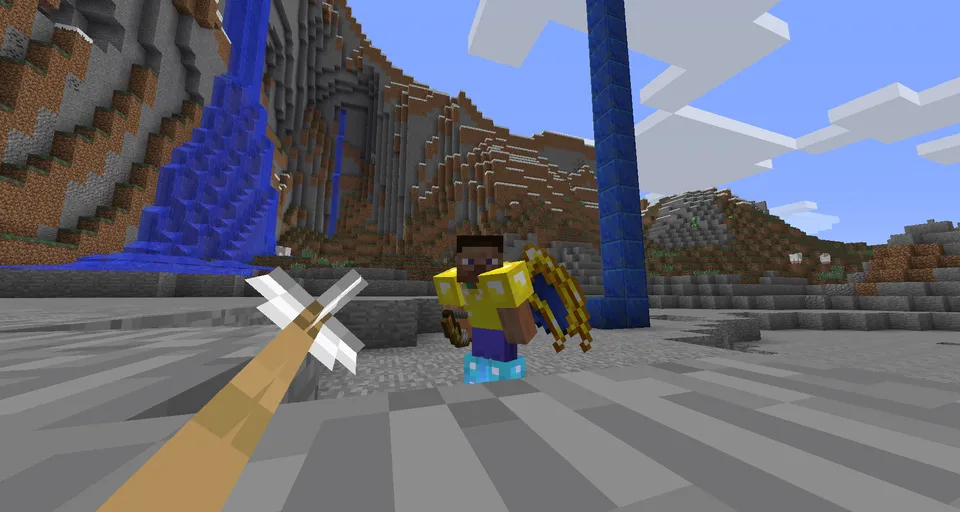
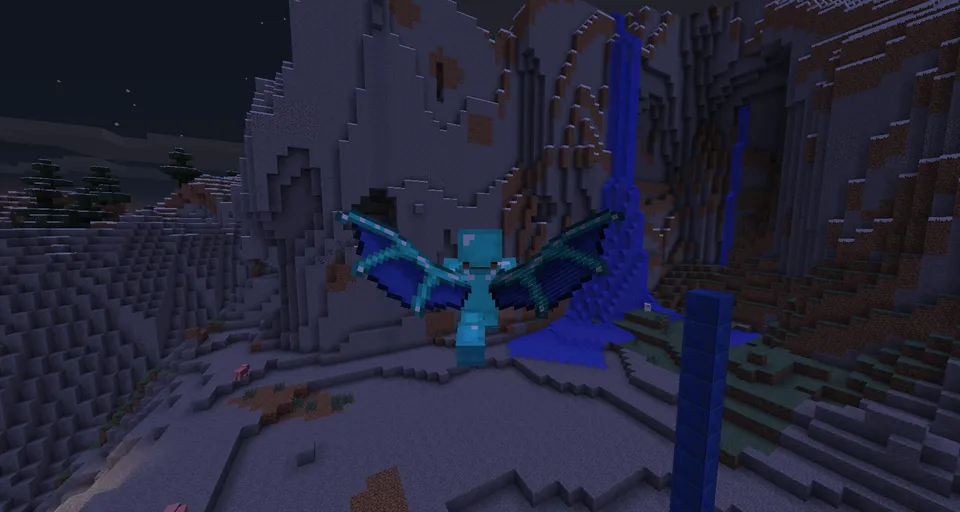
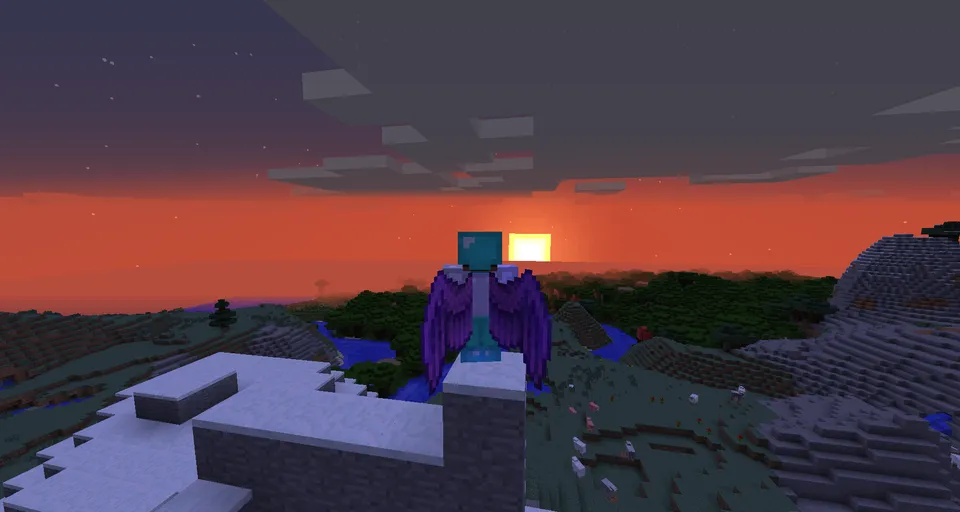
How to install
- Install Minecraft Forge for Minecraft 1.7.2 or 1.7.10.
- Place the Simple Flight .jar file into your mods folder on both the client and the server (if playing multiplayer).
- If you are running a dedicated server, open your server.properties file and enable flight.
- Launch Minecraft with the Forge profile once and check the mods menu or creative inventory to verify the mod loaded.
Step-by-step help: How to install Java mods · How to fix mods not loading.
How to get the wings
- Wings, gliders, and jetpacks are obtained through crafting using standard materials, as the mod does not add new ores.
- The description does not list specific crafting recipes; check the items in a recipe viewer like NEI or JEI (press R on the item for recipes, U for uses).
Controls
- The description does not state the specific keybinds for flapping wings or activating jetpacks; check your in-game Controls menu after installing.
Config
- Dedicated server administrators need to enable flight in the vanilla server.properties file to prevent players from being kicked while airborne.
Tips
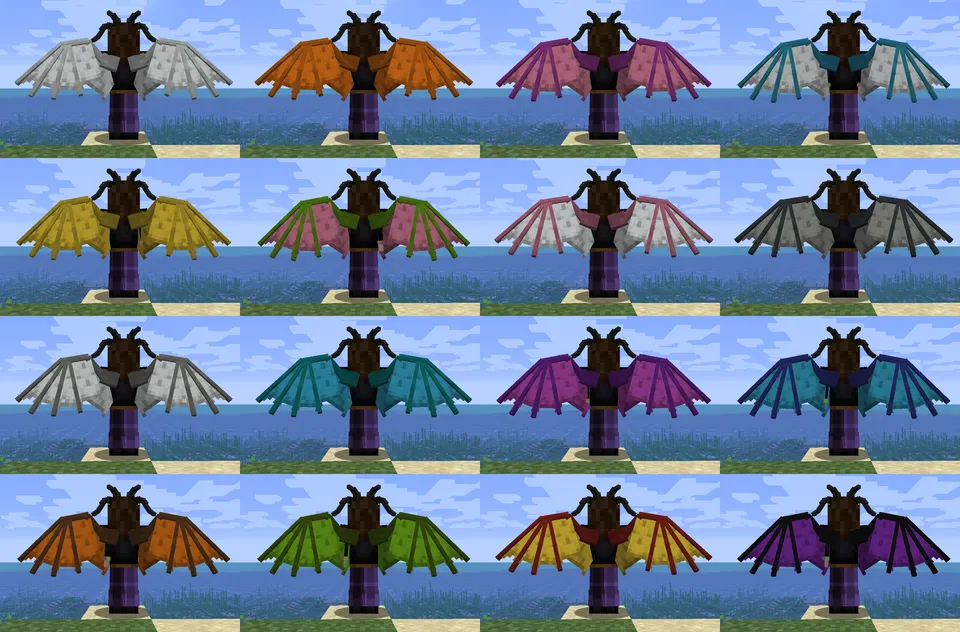
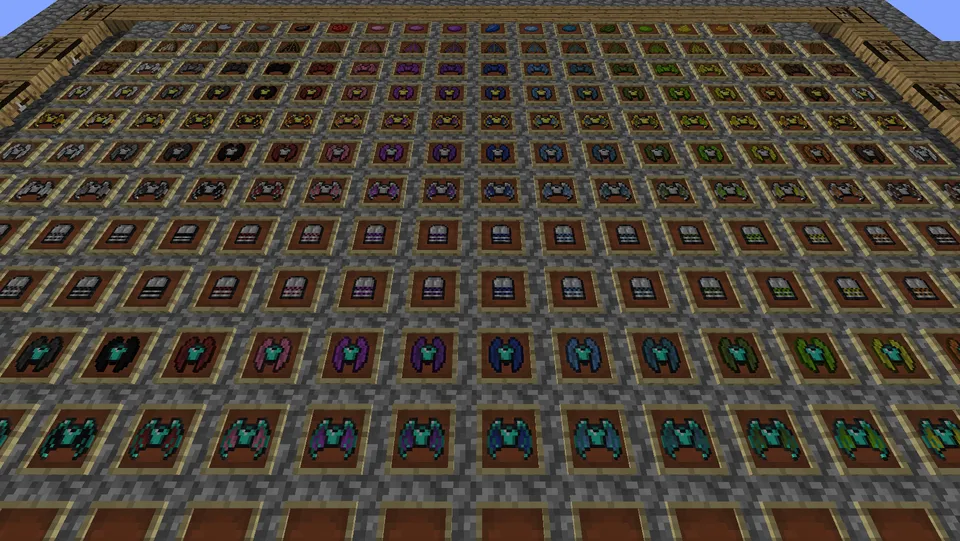
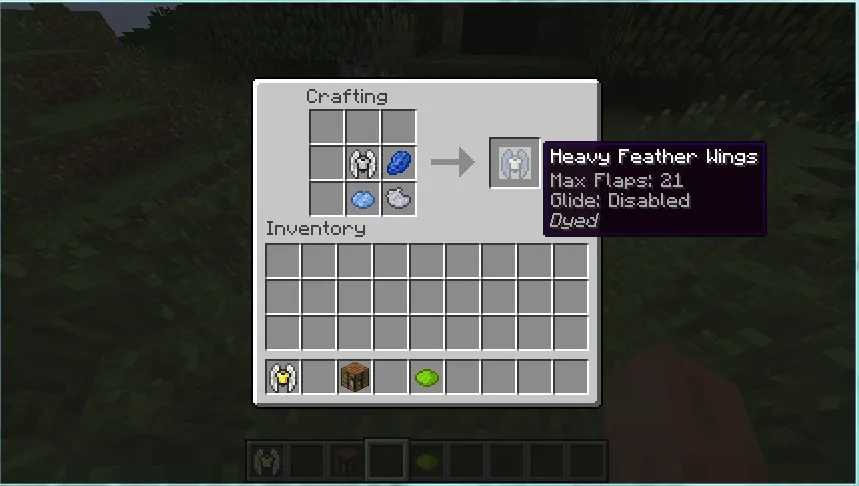
- You can dye and enchant your wings, gliders, and jetpacks.
- Watch your flap count during flight, because wings can only flap a limited number of times per flight.
- Be careful when landing, as not all wings, gliders, or jetpacks completely prevent fall damage.
Compatibility
- Runs on Minecraft 1.7.2 and 1.7.10 with Minecraft Forge.
- Does not modify world generation or add new ores, making it safe to add to existing 1.7.x worlds.
- Server builds require Simple Flight version 0.6.1 or newer (such as the 0.9 Pre-Release) to avoid server crashes.
Questions and answers
Which Minecraft versions and mod loaders does Simple Flight support?
Simple Flight runs on Minecraft 1.7.2 and 1.7.10 and requires Minecraft Forge.
Does Simple Flight require any library mods or add new ores to my world?
No. The mod has no external mod dependencies and does not add any new ores or world generation changes.
How do I find the crafting recipes for the wings, gliders, and jetpacks?
The description does not include the exact crafting grids. Install a recipe viewer mod for 1.7.x (such as NEI or JEI) and press R on the wing or glider items to view their recipes.
Why am I getting kicked from my server when flying with Simple Flight?
Dedicated servers kick players for floating unless you open the server.properties file and set flight to enabled. Also make sure your server runs Simple Flight version 0.6.1 or newer.