What you need
| Loader | 1.21.x |
|---|---|
| Fabric | 1.21 - 1.21.1 |
| Project kind | Mod |
|---|---|
| Minecraft versions | See the version table above |
| Loaders | Fabric |
| Required libraries | AzureLib, playerAnimator |
| Install on | Client and server (install it on both in multiplayer) |
| Difficulty | Intermediate |
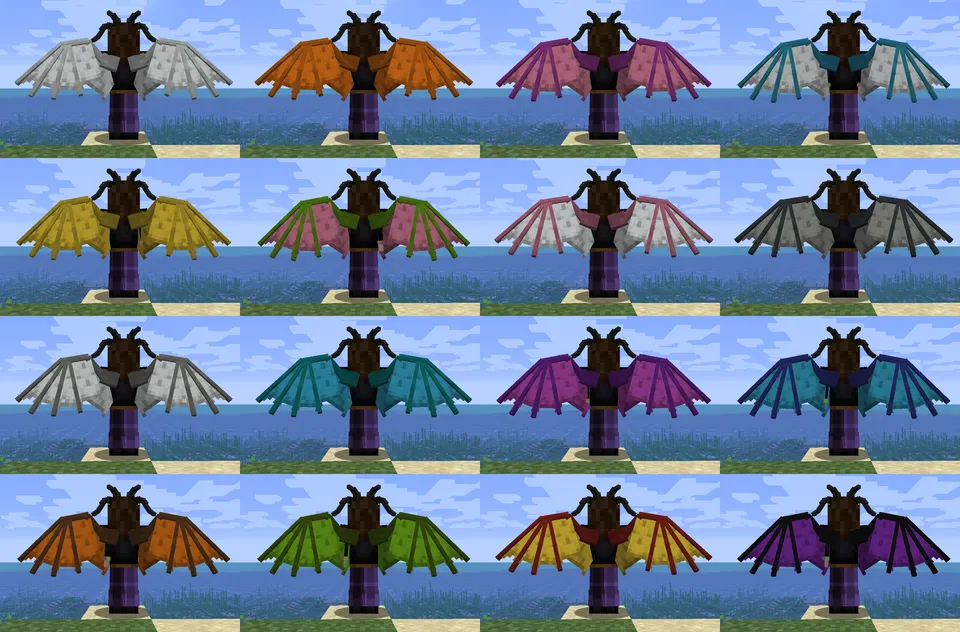
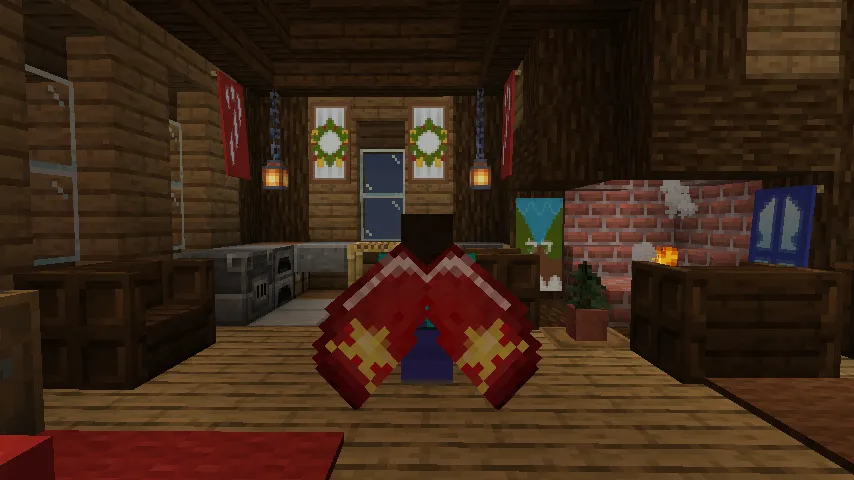
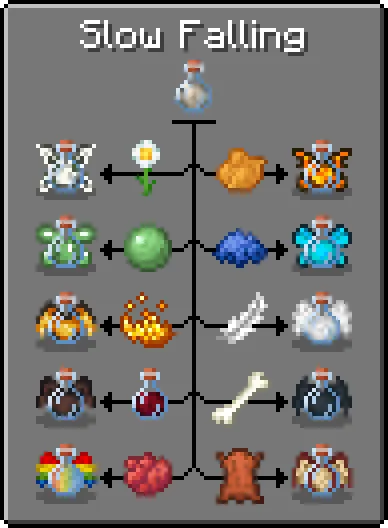
| How you get the wings | Crafting |
| Wing kind | Bird & feather, Magic |
- Requires Java 21 for Minecraft 1.21 and 1.21.1.
- Requires the Fabric mod loader.
- You must install AzureLib and playerAnimator for the wing animations and functions to work.
- Must be installed on both the client and the server for multiplayer.
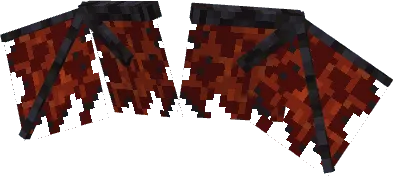
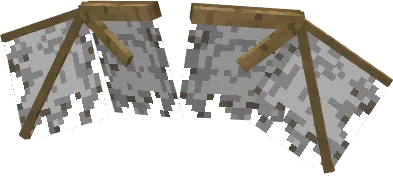
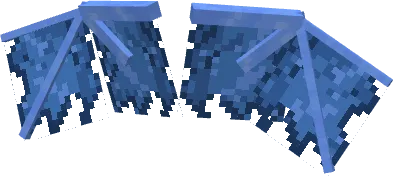
How to install
- Install the Fabric loader for Minecraft 1.21 or 1.21.1.
- Locate the mods folder inside your Minecraft directory (and your server directory if playing multiplayer).
- Place the Ride The Wind mod .jar file (such as ride-the-wind-1.0.6.jar) into the mods folder.
- Add the required library .jar files for AzureLib and playerAnimator into the same mods folder.
- Launch the game once with your Fabric profile and check your mod list or inventory to verify the installation.
Step-by-step help: How to install Fabric · How to install Java mods · How to fix mods not loading.
How to get the wings
- The wings in this mod are obtained through crafting.
- The description does not list the specific crafting recipes; check the items in a recipe viewer like JEI, EMI, or REI (press R on an item to view its recipe, or U to see its uses).
Controls
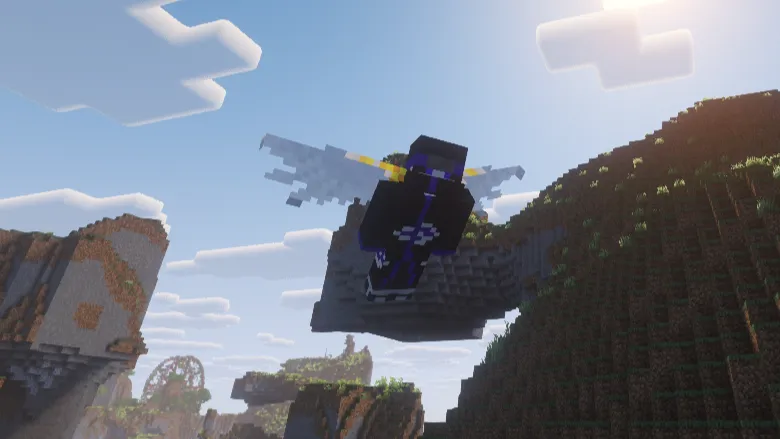
- While flying like an elytra, look in the direction you want to go to automatically propel yourself forward.
- You can also use standard creative flight movement while wearing the wings.
Tips
- Check the item tooltip on your wings to see their specific height limit before taking off.
- Stay below the designated maximum height above the ground, or you will drop out of the sky quickly.
Compatibility
- Designed to complement and function properly alongside Better Combat and Spell Engine.
Questions and answers
Which Minecraft versions and loaders are supported?
Ride The Wind supports Minecraft 1.21 and 1.21.1 on the Fabric loader.
What library mods do I need to install?
You need to install both AzureLib and playerAnimator alongside this mod.
How do I get the wings in survival mode?
All wings added by the mod are craftable. Since exact ingredients are not listed in the description, use a recipe viewer mod like JEI, EMI, or REI to look up the patterns.
Why do I suddenly fall out of the sky while flying?
Each wing item has a designated maximum height from the ground. If you fly above that limit, the wings force you to drop quickly.
Does this mod need to be on the server, the client, or both?
It is required on both the client and the server.