What you need
| Loader | 26.2.x |
|---|---|
| Fabric | 26.2 |
| NeoForge | 26.2 |
| Project kind | Mod |
|---|---|
| Minecraft versions | See the version table above |
| Loaders | Fabric, NeoForge |
| Required libraries |
|
| Optional libraries | Elytra Physics |
| Install on | Client and server (install it on both in multiplayer) |
| Difficulty | Intermediate |
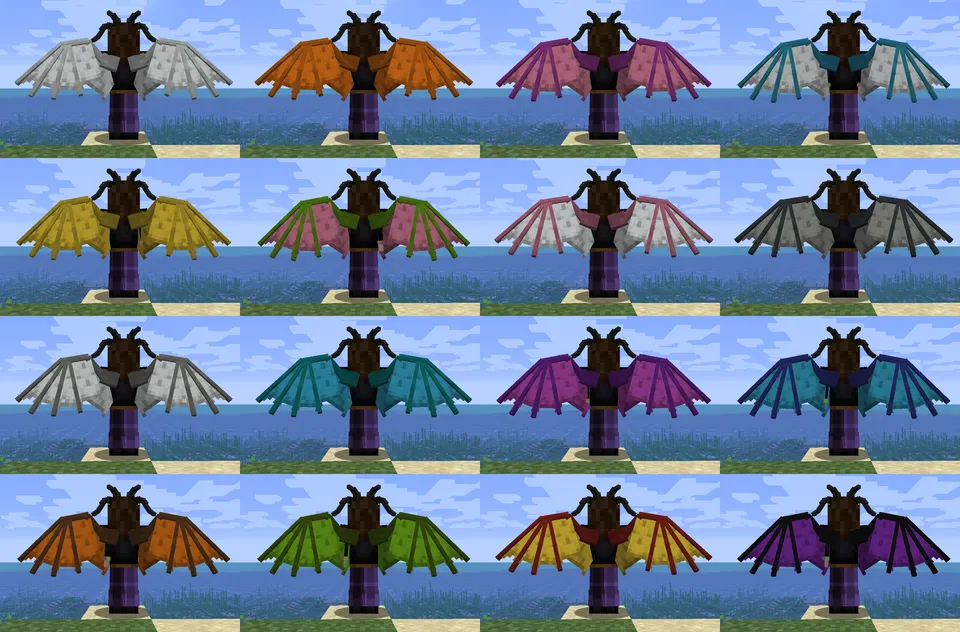
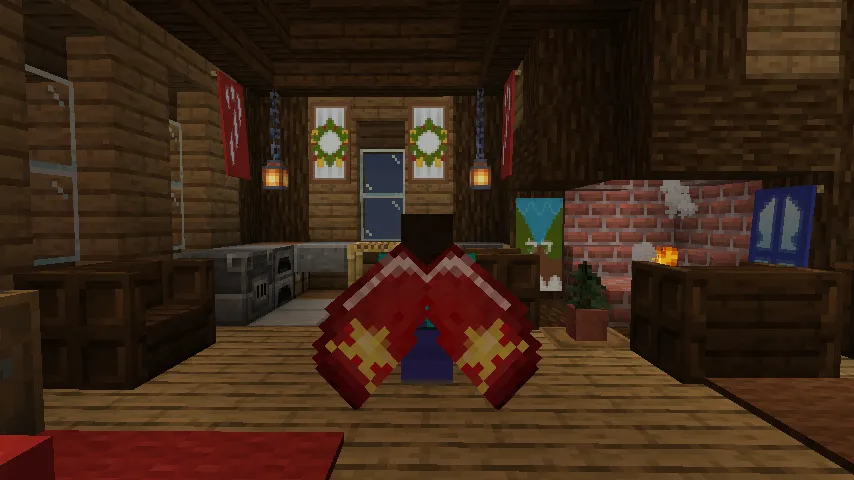
| How you get the wings | Crafting, Commands |
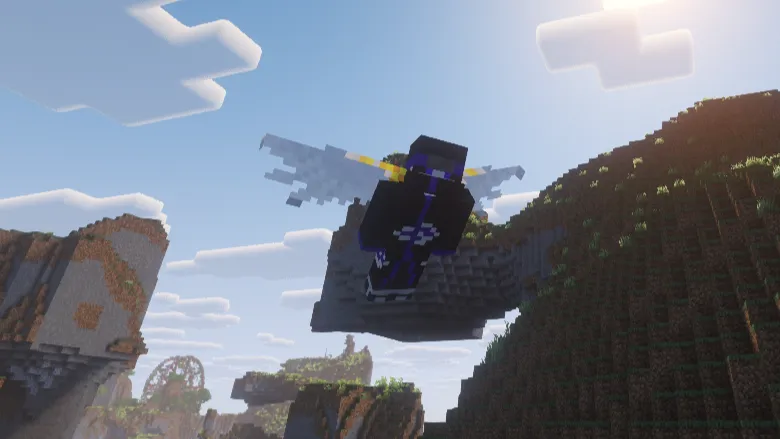
| Wing kind | Demon & bat, Glider |
- Requires Java 25 for Minecraft 26.2.
- GeckoLib is required on both Fabric and NeoForge.
- Fabric API is required when running on Fabric.
- Must be installed on both the client and the server for multiplayer.
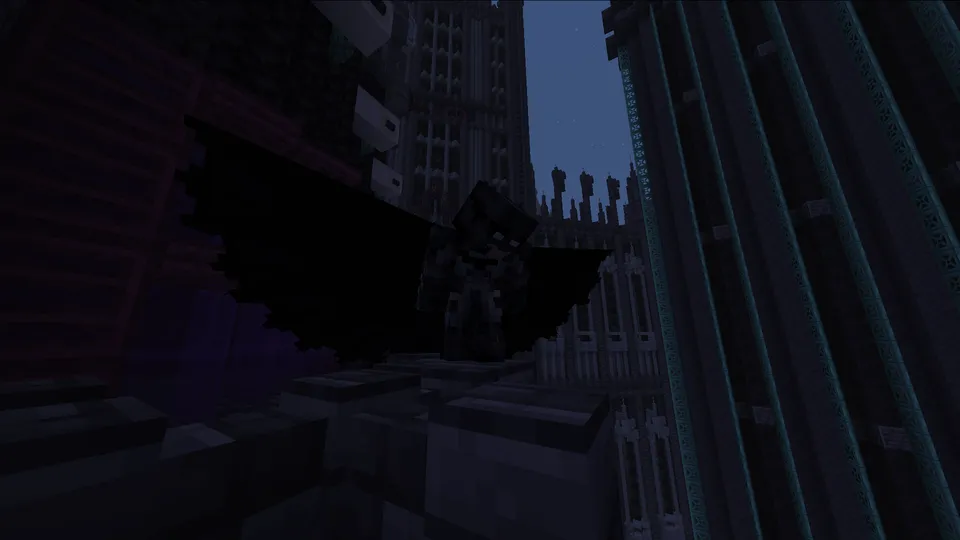
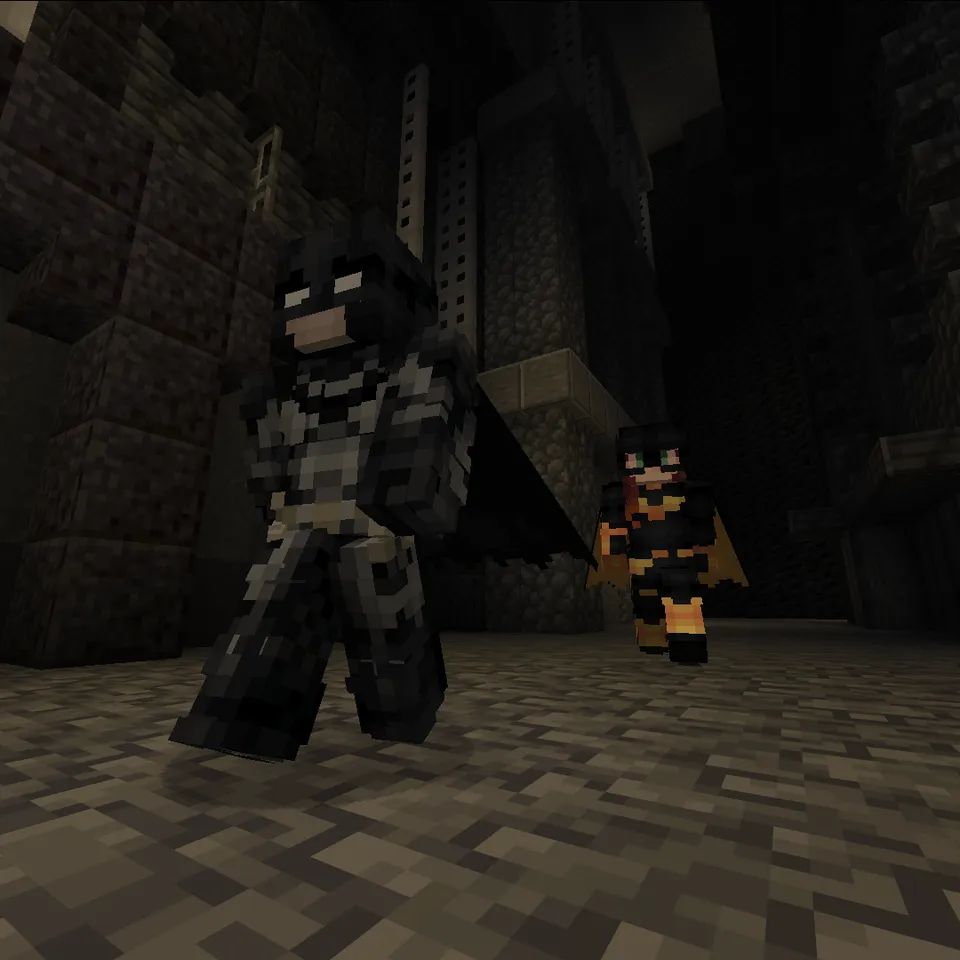
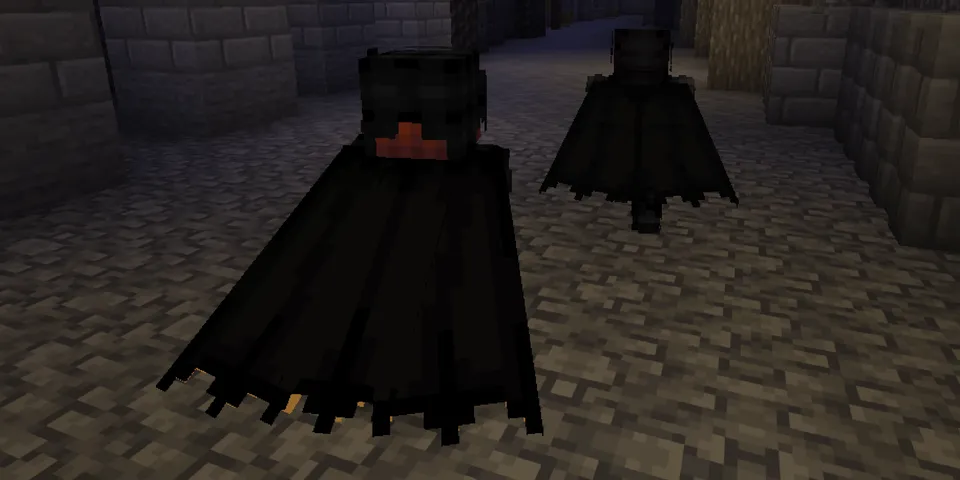
How to install
- Install either the Fabric or NeoForge mod loader for Minecraft 26.2.
- Place the Batman Capes .jar file into your mods folder (on both client and server if playing multiplayer).
- Download and place the required GeckoLib .jar into the mods folder.
- If you are using Fabric, also add the Fabric API .jar to your mods folder.
- Optionally, install the Elytra Physics mod if you want physics integration.
- Launch Minecraft 26.2 once and verify the cape items load properly.
Step-by-step help: How to install Fabric · How to install NeoForge · How to install Fabric API · How to install Java mods · How to fix mods not loading.
How to get the wings
- The mod includes survival crafting recipes, though the exact ingredients are not listed in the description; check the items in a recipe viewer like JEI, EMI, or REI (press R on an item for recipes, U for uses).
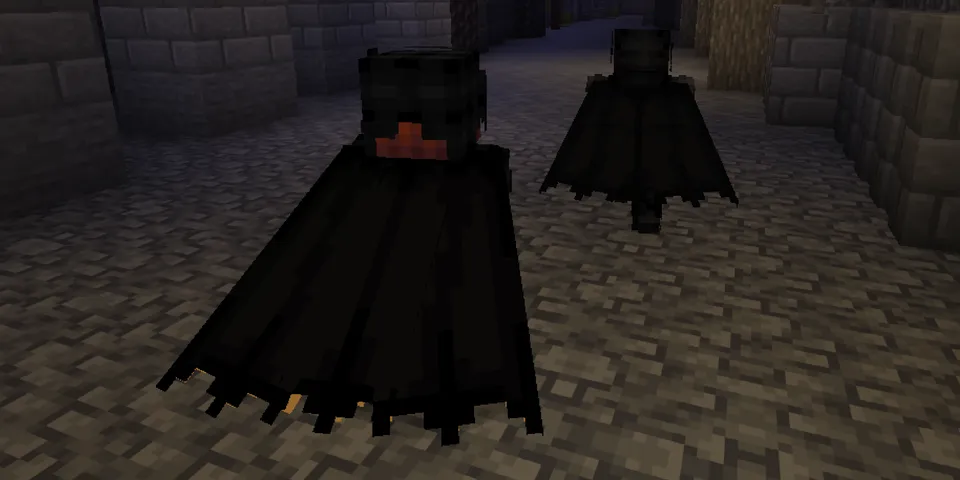
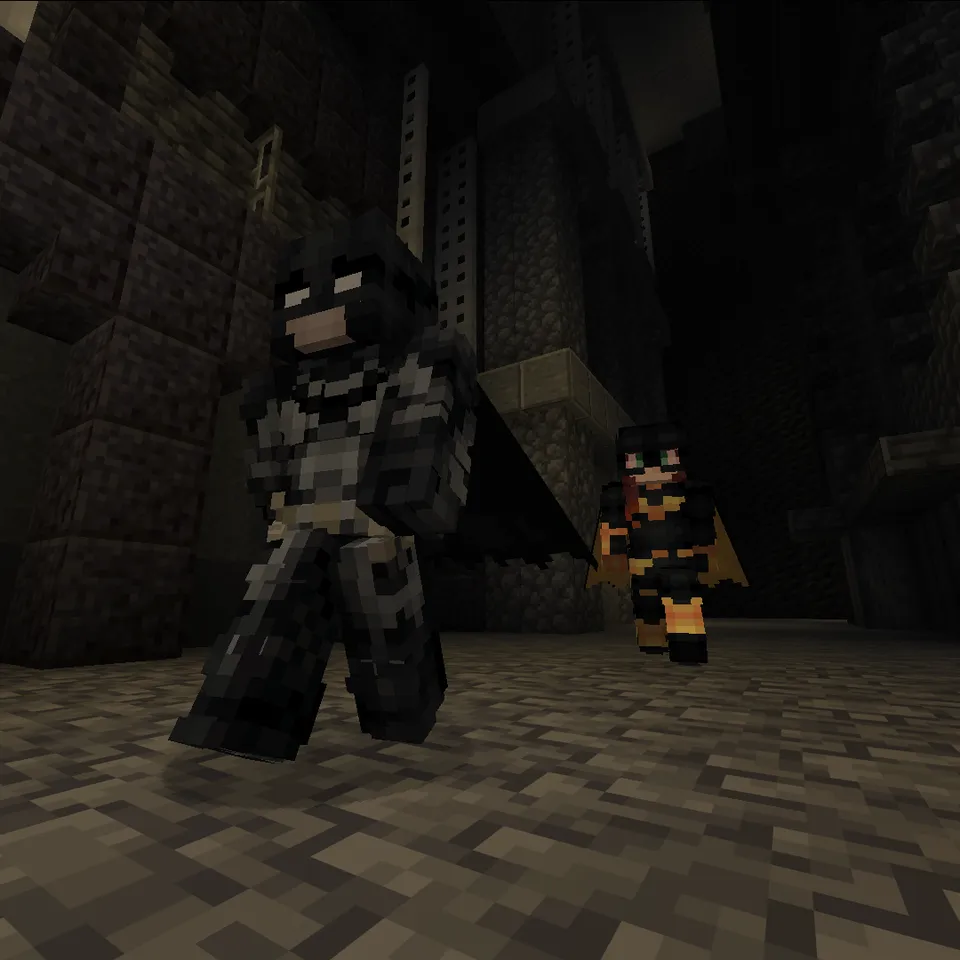
- You can also obtain each cape via vanilla commands (note that item IDs are named after the matching Batman suit rather than the cape color):
- /give @s batmancapes:batman_cape
- /give @s batmancapes:black_and_gray_cape
- /give @s batmancapes:blue_and_gray_cape
- /give @s batmancapes:btas_cape
- /give @s batmancapes:city_cape
- /give @s batmancapes:first_appearance_cape
- /give @s batmancapes:flashpoint_cape
- /give @s batmancapes:knight_cape
- /give @s batmancapes:pattinson_cape
Config
- To enable support for the optional Elytra Physics mod, open .minecraft/config/elytra-physics-config.json.
- Add "com.allium.batmancapes.client.renderer.layer.BatmanCapeElytraLayer“ to the ”inject_layers" array in that configuration file.
Tips
- Item IDs for the capes correspond to the specific Batman costume they are meant to match, such as btas_cape, city_cape, knight_cape, or pattinson_cape.
Compatibility
- Compatible with the Elytra Physics mod once you add the render layer class to the Elytra Physics config file.
Questions and answers
Which Minecraft versions and mod loaders are supported?
Batman Capes supports Minecraft 26.2 on both Fabric and NeoForge.
What library mods do I need to install?
You need GeckoLib on both loaders, plus Fabric API if you are playing on Fabric.
Is Batman Capes needed on the server as well as the client?
Yes, it adds custom items and crafting recipes, so it is required on both client and server.
How do I find the crafting recipes for the capes?
The description states that crafting recipes are included but does not show the grids. Use a recipe viewer mod such as JEI, EMI, or REI in-game and press R on any cape item to view its recipe.
How do I make the capes work with Elytra Physics?
Edit .minecraft/config/elytra-physics-config.json and add "com.allium.batmancapes.client.renderer.layer.BatmanCapeElytraLayer“ inside the ”inject_layers" list.