What you need
| Loader | 26.3.x |
|---|---|
| Fabric | 26.3 |
| Project kind | Mod |
|---|---|
| Minecraft versions | See the version table above |
| Loaders | Fabric |
| Required libraries |
|
| Install on | Client and server (install it on both in multiplayer) |
| Difficulty | Beginner |
| How you get the wings | Crafting |
| Wing kind | Mechanical & tech, Glider |
- Requires Minecraft 26.3.
- Requires Fabric Loader 0.20.1 or newer.
- Requires Java 25.
- Requires Fabric API.
- Must be installed on both the client and the server.
How to install
- Ensure you have Java 25 installed on your system.
- Install Fabric Loader 0.20.1 or newer for Minecraft 26.3.
- Download the Arcade Jetpack .jar file and the required Fabric API .jar file.
- Place both .jar files into the mods folder on your client and your server.
- Launch the game once and check your inventory or recipe viewer to verify the jetpack is loaded.
Step-by-step help: How to install Fabric · How to install Fabric API · How to install Java mods · How to fix mods not loading.
How to get the wings
- Craft the jetpack at a crafting table using a 3x3 pattern: Iron Ingot, Emerald, Iron Ingot on the top row; Iron Ingot, Redstone, Iron Ingot on the middle row; Fire Charge, empty space, Fire Charge on the bottom row (IEI / IRI / F F).
- To fuel it, pick up any furnace fuel (such as coal, wood, or a lava bucket) in your inventory and click it directly onto the jetpack item.
- Sneak + right-click with the jetpack in your hand to equip it onto your back without taking up your chestplate slot, or place it directly into your chest armor slot.
Controls
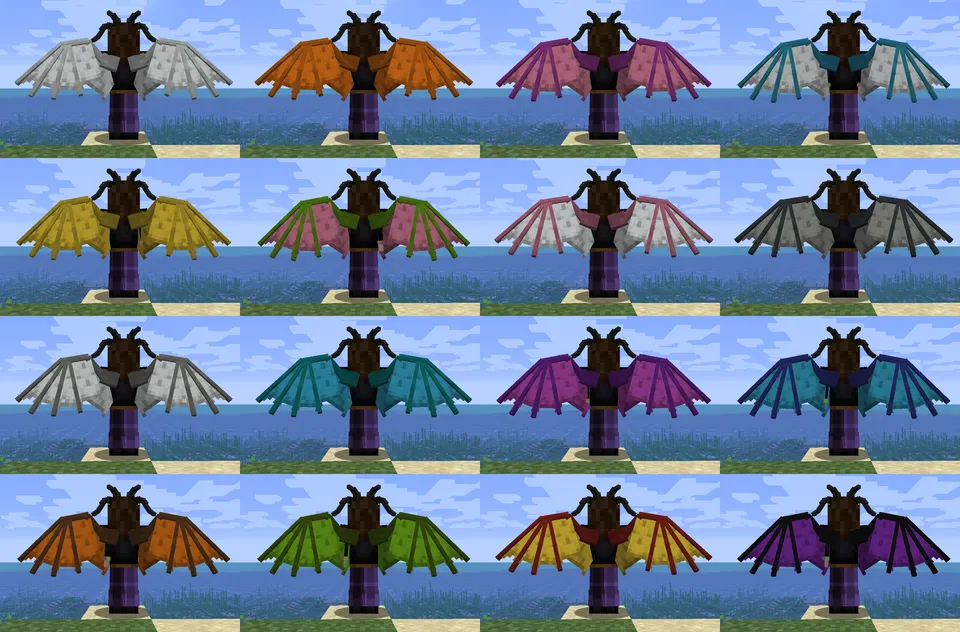
- Right-click while holding the jetpack in your hand to choose between four styles (Twin Tank, Rocket, Turbine, or Steam Boiler) and sixteen dye colors.
- Sneak + right-click while holding the jetpack to equip it on your back.
- Press J while wearing the jetpack on your back to change its appearance or unequip it.
- Double-tap Jump to start the engine and begin arcade flight.
- While flying, hold Jump to climb, release Jump to sink slowly, hold Sneak to drop faster, and use movement keys to drift horizontally.
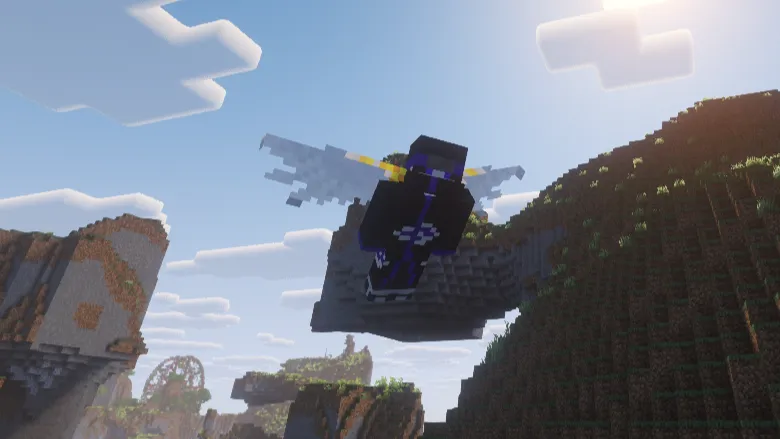
- Double-tap Jump again while flying (or tap Jump in midair when the engine is off) to enter an elytra-style glide.
- Hold Forward while gliding to activate a jet boost.
Tips
- Furnace burn time converts directly into flight time: one piece of coal gives 80 seconds, while one lava bucket gives over 16 minutes and returns the empty bucket.
- The fuel tank holds up to two lava buckets worth of fuel, and an orange bar on the item icon shows your remaining level.
- You take no fall damage while the engine is running.
- If you run out of fuel in midair, the pack automatically switches to glide mode instead of dropping you.
- The back-mounted jetpack drops on death just like normal armor.
Compatibility
- Works on multiplayer servers that have vanilla flight disabled without kicking players.
- Can be worn on your back at the same time as a chestplate and a Critter Pack.
- Includes translations for English, Thai, Simplified and Traditional Chinese, Japanese, Korean, Russian, Spanish, Brazilian Portuguese, German, and French.
Questions and answers
Which Minecraft version and loader does Arcade Jetpack use?
It is built for Minecraft 26.3 using Fabric Loader 0.20.1 or newer, and it requires Java 25 and Fabric API.
Do I need to install this mod on both client and server?
Yes, the mod must be installed on both the client and the server to work.
Can I wear a chestplate while using the jetpack?
Yes. If you Sneak + right-click the jetpack in your hand, it attaches to your back without using an armor slot, leaving your chest slot free. You can also place it in the chest armor slot if you prefer.
How do I refuel the jetpack?
Open your inventory, pick up any valid furnace fuel like coal, wood, or a lava bucket, and click it onto the jetpack item.
What happens if my fuel runs out while I am high in the air?
Instead of dropping you straight down, the jetpack automatically puts you into an elytra-like glide so you can land safely.