What you need
| Game versions (tagged) | 1.19.60, 1.19.70 (tagged by the uploader) |
|---|---|
| Experimental toggles | Not stated |
| Edits player.json | Yes (conflicts with other add-ons that edit the player) |
| Files | Wing_and_accessories_2_.zip |
| Platforms | Android, iOS, Windows (consoles: through a Realm or a world that already has it) |
| Difficulty | Beginner |
| How you get the wings | Crafting |
| Wing kind | Angel, Dragon, Fairy & butterfly, Magic |
- Tagged for Minecraft Bedrock versions 1.19.60 and 1.19.70 (these are the versions the uploader listed, not a strict guarantee for all builds).
- The source description does not mention whether experimental toggles are required. If the items do not show up at the crafting table or stonecutter, test a copy of your world with experimental toggles enabled in Settings -> Game -> Experiments.
- This add-on modifies player.json, which means it will conflict with other add-ons that also edit player behavior or player models.
- Delivered as a .zip archive; you may need to extract or rename it to .mcaddon or .mcpack if it contains pack folders directly.
How to install
Android
- Locate the downloaded Wing_and_accessories_2_.zip file using a file manager app.
- If the .zip contains .mcpack or .mcaddon files inside, extract them and tap them to open with Minecraft. If the .zip contains the pack manifest directly, rename the .zip extension to .mcaddon and open it with Minecraft.
- Open your world settings in Minecraft and activate both the resource pack and behavior pack if both are included.
- If you need experimental toggles, enable them under Settings -> Game -> Experiments before entering the world for the first time (note that experimental toggles disable achievements and cannot be turned off later).
iPhone and iPad
- Open the Files app and find Wing_and_accessories_2_.zip.
- Extract the archive if it holds .mcpack/.mcaddon files inside, or rename the .zip extension to .mcaddon, then tap the file so Minecraft imports it.
- In Minecraft, edit your world settings and activate both the behavior and resource packs.
- If experimental features are required, turn them on in Settings -> Game -> Experiments prior to loading the world.
Windows
- Find the downloaded .zip file in File Explorer.
- Extract any .mcaddon or .mcpack files inside and double-click them to import into Minecraft for Windows (or rename the .zip to .mcaddon if the pack folders are at the root).
- Edit your world in Minecraft and enable both the resource pack and behavior pack under their respective tabs.
- Check Settings -> Game -> Experiments before starting the world if the items require experimental toggles.
Xbox, PlayStation and Switch
- Xbox, PlayStation, and Nintendo Switch do not support importing downloaded .zip or .mcaddon files directly.
- To use this pack on a console, join a Realm, server, or multiplayer world hosted on a PC or mobile device where the host has already installed and activated the add-on.
Step-by-step help: How to install Bedrock add-ons.
How to get the wings
- The install notes state that the wings and accessories are obtained via crafting recipes using a Crafting Table or a Stonecutter.
- The description does not list the exact recipe ingredients. Check the Crafting Table recipe book, place materials into a Stonecutter to check available outputs, or search the Creative mode inventory for 'wings', 'ears', or 'earrings'.
Controls
- The description does not mention any special flight controls or abilities; these items function as wearable cosmetics.
- Equip the wings or accessories from your inventory into your character's equipment slots as allowed by the pack.
Tips
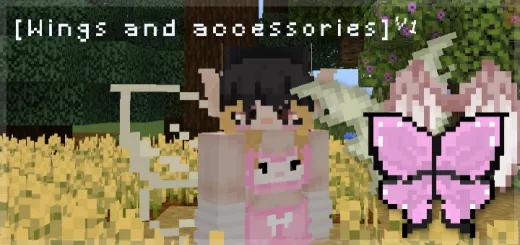
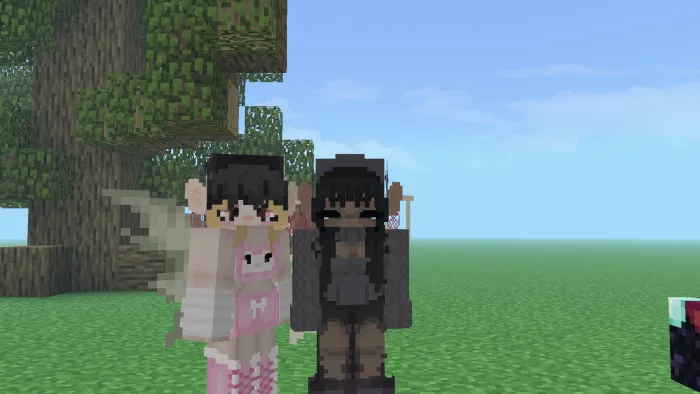
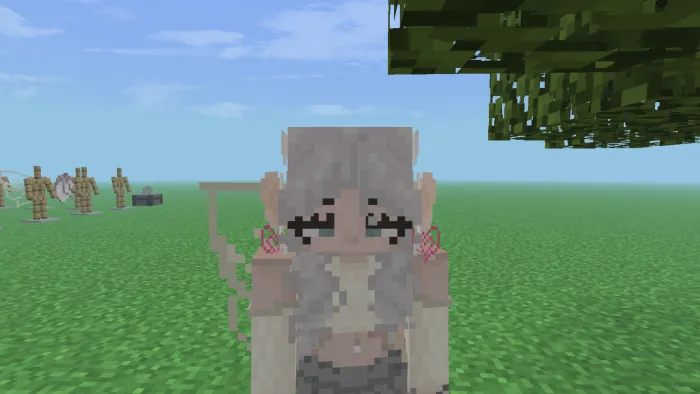
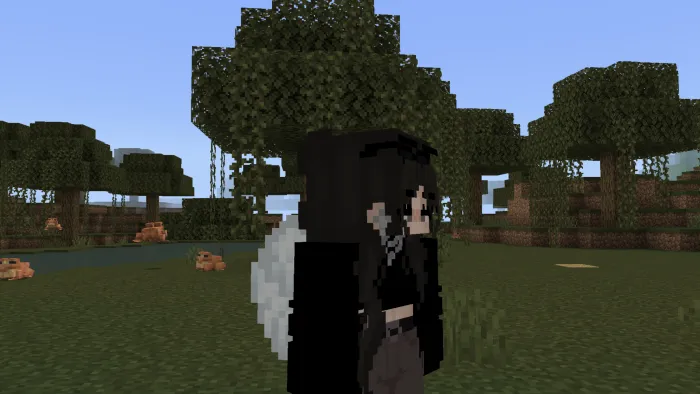
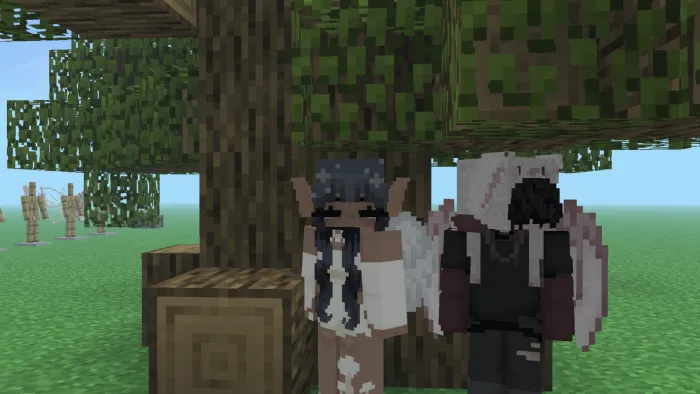
- You can mix and match certain items according to the description, such as pairing earrings with clear fairy wings, or elf ears with angel or dragon wings.
- Make sure this add-on is placed at the top of your load order if wing or ear geometry does not display properly.
Compatibility
- Because this pack uses player.json, it is not compatible with other add-ons that modify player.json (such as custom player animations, other cosmetic body packs, or certain combat overhauls).
- To avoid visual or behavioral bugs, use this as the only player-modifying add-on in your world.
Questions and answers
What types of wings are included in this add-on?
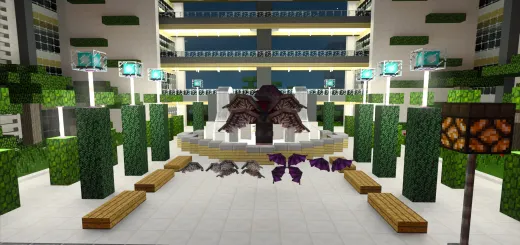
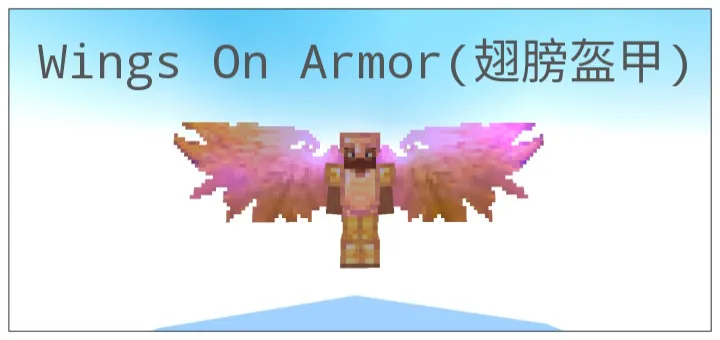
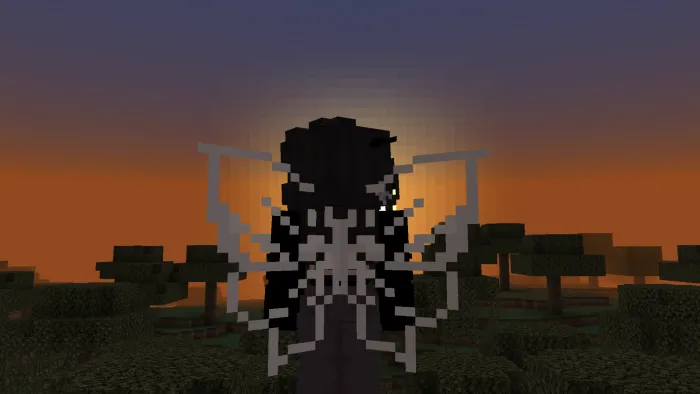
The pack includes angel wings, dragon wings, earth wings, fairy wings, clear fairy wings, pink butterfly wings, and blue butterfly wings.
Are there non-wing items included?
Yes, the add-on also includes elf ears and heart earrings.
How do I craft the wings in survival mode?
The notes specify using either a Crafting Table or a Stonecutter, though exact ingredient patterns are not listed in the text. Check your recipe book in-game or preview the items in Creative mode.
Why does this pack stop my other add-ons from working?
This pack modifies the player.json file. Minecraft Bedrock only applies one modified player.json at a time, so it will clash with any other add-on that edits player files.